Loading
Topic
InkOverlay
5 posts about InkOverlay by 1 contributor.
Know InkOverlay? Share what you know with developers who are learning it.
+ Follow InkOverlayBe the first to follow this
- Articles
- 5
- Contributors
- 1
Everything about InkOverlay
- Article · UWP
Setting Ink Overlay Properties in Tablet PC
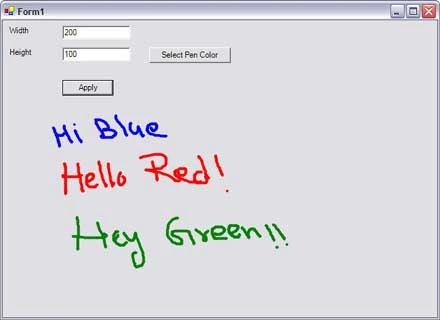
In this article, I will write an application that allows us to set the Ink Overlay properties dynamically based on the values selected by the user.
- Article · UWP
Using Tablet PC Ink on Windows Controls
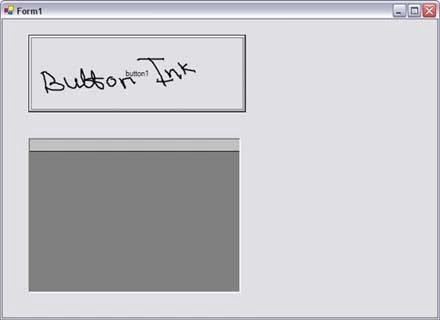
You can use any control as a surface for the ink and can write on these controls using a Tablet PC pen. To make a control ink enabled, you must have to assign the handle of the control to InkOverlay handle.
- Article · Tablet PC
Tablet PC Ink Editing Modes - Select and Delete Ink
In my previous articles, I discussed how to use to use Ink and set its properties to draw on a Windows Form and Windows controls. In this article, I will discuss some more features of Tablet PC ink including selecting and deleting ink, Ink collection, and Ink object.
- Article · Windows Controls
Using Tablet PC Ink on Windows Controls
Any Windows Forms control including a Form itself can be used as a surface to draw using the Tablet PC pen and ink. In this article, I will discuss how to use the Ink functionality to write on various Windows Forms controls.
- Article · Visual Basic 2010
Setting Ink Overlay Properties in Tablet PC
In this article, I will write an application that allows us to set the Ink Overlay properties such as height, width, and color of the ink dynamically based on the values selected by the user.