LightSwitch tutorials
37 posts3 contributors
Articles about LightSwitch tutorials
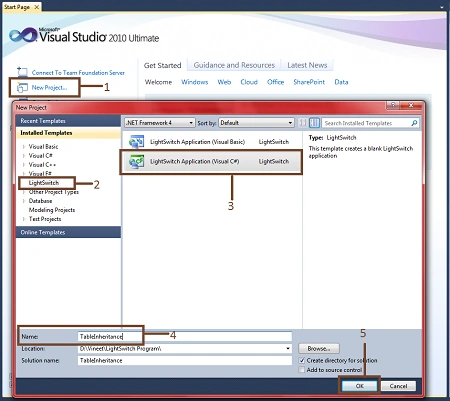
Inheritance in Visual Studio LightSwitch 2011
In this article you will see how to inherit child tables from a parent table in Visual Studio LightSwitch 2011.

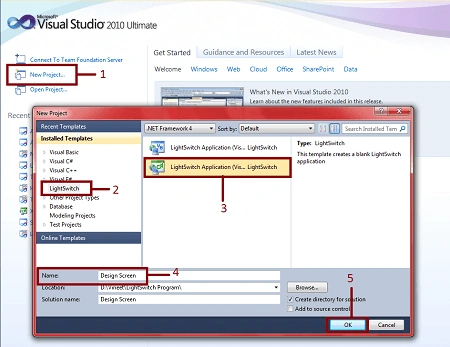
Enable and Disable Design Screen in Visual Studio LightSwitch 2011
Learn how Debug and Release build configurations affect the availability of the Design Screen in a Visual Studio LightSwitch 2011 application.
Minimal Shell Extension in Visual Studio LightSwitch 2011
In this article you will see, how to use a minimal shell extension and how to attach a logo in your LightSwitch application.
TreeView Control in Visual Studio LightSwtch 2011
In this article you will see, how to use the Treeview control in a Visual Studio LightSwitch application.
Modal Window Picker in Visual Studio LightSwitch 2011
In this article you will see how to use a Modal Window Picker in a Visual Studio LightSwitch application.
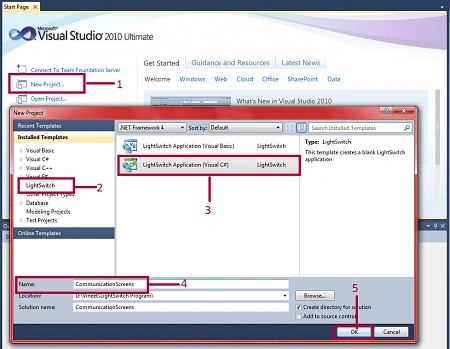
Communication Across Screens in Visual Studio LightSWitch 2011
In this article you will see how to communicate between screens in Visual Studio 2011 LightSwitch application.
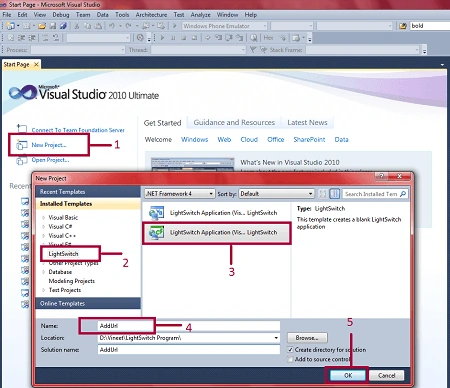
Add URL in Navigation Menu in Visual Studio LightSwitch 2011
In this article you will see how to add an URL to the navigation menu of a LightSwitch application.
Cascading DropDownList in LightSwitch 2011
This article explains how to create and use a cascading DropDownList in a LightSwitch application.
Modal Window of Editable Grid Screen in LightSwitch 2011
In this article you will see how to work with a modal window in an Editable Grid Screen.
User Control in Visual Studio LightSwitch 2011
In this article you wiil see, how to create and use a User Control in a Visual Studio LightSwitch application.
Data Screens in LightSwitch 2011: Part 4
In this article you will see how to use and create List and Details Screens in LightSwitch applications.
Data Screens in LightSwitch 2011: Part 3
In this article you will see how to use and create Editable Grid Screens in LightSwitch applications.
Slider Control in LightSwitch 2011
In this article you will see how to use of a Slider control in a LightSwitch application.
Paging in Visual Studio LightSwitch 2011
In this article you will see how to enable and disable paging in a LightSwitch application.
Data Screen in LightSwitch: Part 2
In this article you will see how to use and create a search data screen in LightSwitch applications.
Data Screen in LightSwitch : Part 1
Learn how to create and configure a New Data Screen in a Visual Studio LightSwitch application, including built-in validation and adding a delete command.
Custom Validation in Lightswitch
In this article, you will see how to create custom validations in a LightSwitch application.
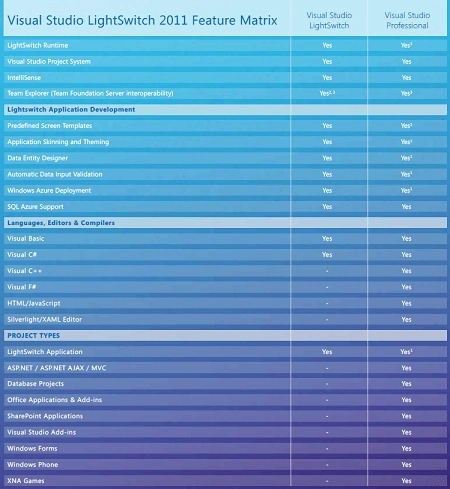
Features and Benefits of Visual Studio LightSwitch
In this article you will see the features and benefits of Visual Studio LightSWitch.
Deploy LightSwitch Application as DotNetNuke Module
In this article you will see how to deploy your LightSwitch application in a DotNetNuke module.
Data Relationship in LightSwitch
In this article you will see how to create a relationship in a LightSwitch application.
Rich Text Box in LightSwitch
In this article you will say how to enter unlimited text into a textbox.
Import and Save file in Visual Studio LightSwitch
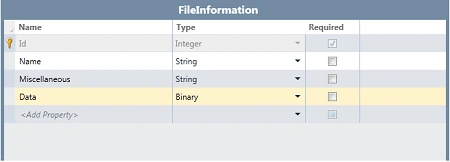
In this article you will see how to browse a file and save it in a Visual Studio LightSwitch application.
Add username and password in LightSwitch modal window Application
In this article you will see how to create username and password in modal window in LightSwitch Application.
Call the calculator in LightSwitch
Learn how to add a command in a Visual Studio LightSwitch application that launches the Windows Calculator using AutomationFactory.
Add Static Image on the Home Screen in Visual Studio LightSwitch
In this article you will see how to set a static image on the home screen in a Visual Studio LightSwitch application.