Microsoft Dynamics 365
8 posts6 contributors
Articles about Microsoft Dynamics 365

What is Microsoft Dynamics 365 CRM?
Microsoft Dynamics 365 CRM is a comprehensive cloud-based software solution designed to streamline and optimize customer relationship management processes. It offers modules for sales, marketing, and service, integrating seamlessly with other Microsoft products.

How to Integrate Instant Plugins in the Power Automate Flow?
Integrating instant plugins in Power Automate Flow enables seamless automation. Utilize connectors and triggers to link diverse apps and processes, enhancing efficiency with real-time actions and custom workflows tailored to your needs.

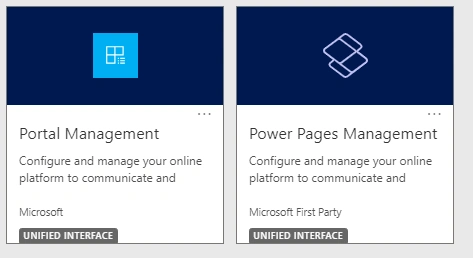
Create Web Roles and Assign Them to Contact in Power Pages
Creating and assigning web roles in Power Pages is a process that plays a fundamental role in securing your site and managing user access efficiently. By carefully planning your web roles and permissions, you can ensure that users have a seamless experience while protecting sensitive information and functionality

Top 11 Capabilities of Microsoft Dynamics 365 to Boost Marketing Strategies
In this article, you will learn to Unlock the potential of your marketing strategies with Microsoft Dynamics 365. From streamlined lead management to personalized campaigns, leverage its top 11 capabilities for enhanced customer segmentation, analytics, and seamless integration.
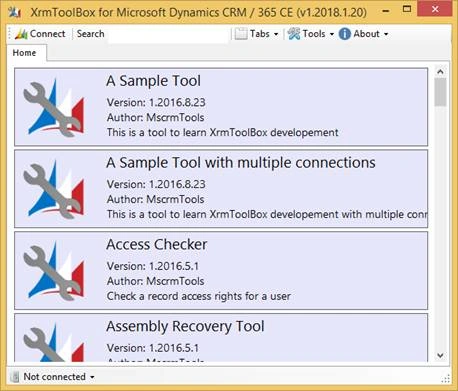
Entity Relationship Diagrams in Microsoft Dynamics with XrmToolBox
Delve into the realm of data architecture within Microsoft Dynamics 365 as I guide you through the process of crafting detailed Entity Relationship Diagrams (ERDs) using the versatile XrmToolBox. This comprehensive article demystifies the complexities of visualizing and understanding data relationships.
How to Install Power Platform Tools in Visual Studio Code?
Step by step details to install Power Platform Tools in the Visual Studio Code. Effortlessly manage and deploy Power Platform solutions with the Power Platform extension for Visual Studio Code. Follow our step-by-step guide to install Power Platform Tools seamlessly.
FetchXML Query In Microsoft Dynamics 365
In this article, you will learn about the FetchXML queries in Microsoft Dynamics 365.

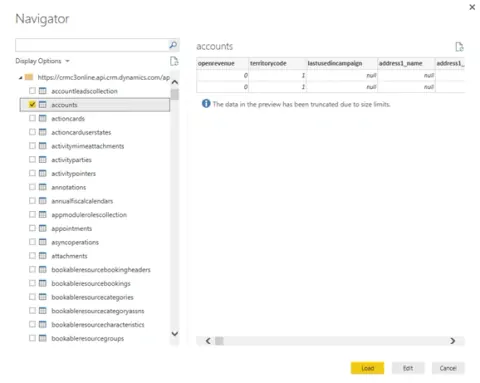
Microsoft Dynamics 365 And Power BI
Learn how to connect Microsoft Dynamics 365 Online to Power BI, use content packs, create dashboards, and embed Power BI visualizations in Dynamics 365.