Network drive in Windows 8
1 post1 contributor
+ FollowBe the first to follow this
Write about itEverything about Network drive in Windows 8

How to Map Network Drive in Windows 8
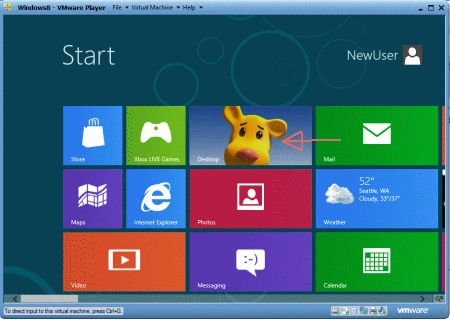
To map a network drive in Windows 8, open File Explorer, go to "This PC", then click "Computer" and "Map network drive". Choose a drive letter and enter the network location (UNC path) of the shared folder.