Loading
Topic
Network settings
4 posts about Network settings by 3 contributors.
Know Network settings? Share what you know with developers who are learning it.
+ Follow Network settingsBe the first to follow this
- Articles
- 4
- Contributors
- 3
Everything about Network settings
- Article · Windows
Enable Remote Desktop Connection in Windows 8
To enable Remote Desktop Connection in Windows 8, navigate to System Settings or Control Panel, locate Remote Desktop settings, enable Remote Desktop, configure network settings, adjust firewall settings, and grant user permissions for remote access.
- Article · Windows
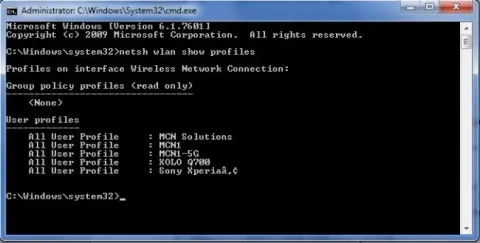
How to Delete WiFi Profiles in Windows 8.1 Using Command Prompt
Learn to swiftly delete WiFi profiles in Windows 8.1 via Command Prompt. Utilize the 'netsh' command to manage network settings, ensuring seamless connectivity and troubleshooting for your wireless networks.
- Article · Windows
How to Enable or Disable Network Adapters in Windows 10
In this tutorial, I have described how to Enable or disable network adapters in Windows 10 through Device Manager or Control Panel. Manage connectivity settings efficiently to troubleshoot issues or optimize network performance, ensuring seamless internet access and smooth operations.
- Article · Windows
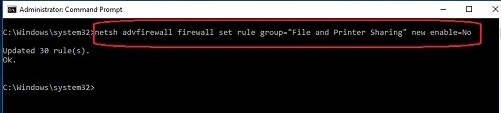
How to Enable or Disable File and Printer Sharing in Windows 10
To enable or disable file and printer sharing in Windows 10, navigate to "Settings" > "Network & Internet" > "Network and Sharing Center." From there, select "Change advanced sharing settings" and customize sharing options based on network profiles (private or public).