New Feature
7 posts5 contributors
Articles about New Feature

Whats's New in .NET Core 10 and C# 14
The latest .NET Core 10 and C# 14 releases significantly improve the .NET ecosystem. This article provides an in-depth exploration of these new features, their benefits, and practical implementation with examples.

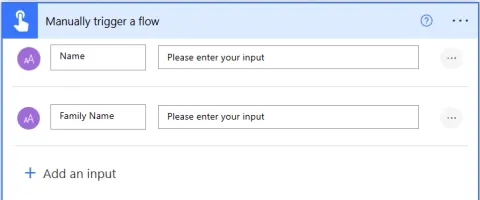
Mark Input Parameters in Triggers as Optional
In this article, we’ll walk through how to mark input parameters as optional in Power Automate triggers and explore how this can improve flow flexibility.

SharePoint: Integrating Playlists into Your Stream Web Part
Microsoft SharePoint and Stream enhance team productivity and knowledge sharing by allowing users to create, manage, and share playlists. Embed playlists on SharePoint pages using the Stream web part, manage access and permissions, and share content with your organization.

Code View in Power Apps Studio: A Game-Changer for Developers
In this article, we will learn about the new feature of Power App Studio: Code View, which helps the developer view the control code in the YAML + PowerFx language.

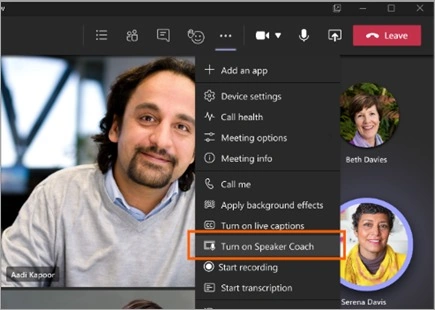
Speaker Coach in Microsoft Teams Meeting
Speaker Coach provides personalized, real-time feedback during meetings and presentations. It offers insights on speaking performance privately, not recorded in transcripts. Users can enable it via Microsoft Teams settings and receive detailed reports post-session to enhance their delivery skills effectively.

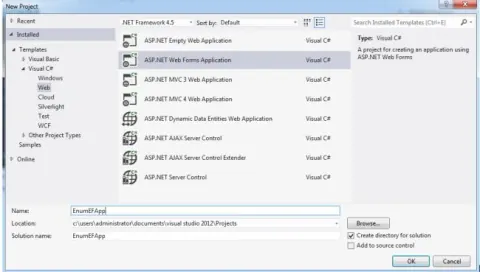
Select Data With Enums Via EDF Framework 5.0
Utilize Entity Framework 5.0 to select data with enums. Employ LINQ queries for efficient data retrieval, leveraging strong-typed enums for enhanced code readability and database querying.
C# 2.0 Yield Return Iterator
One interesting new feature of the C# 2.0 is the “yield” keyword. Basically it is used to iterate through objects returned by a method. It creates a state engine in IL so you can create methods that retain their state and don’t have to go through the pain of maintaining state in your code.