Loading
Topic
PAD
9 posts about PAD by 2 contributors.
Know PAD? Share what you know with developers who are learning it.
+ Follow PADBe the first to follow this
- Articles
- 9
- Contributors
- 2
Articles about PAD
- Article · RPA
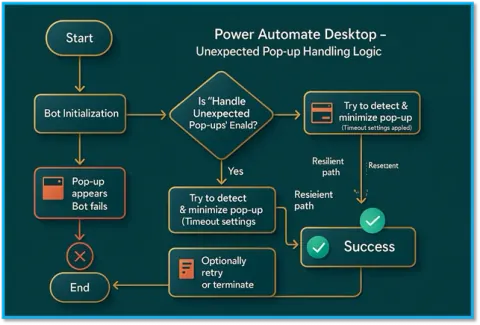
Handle Unexpected Pop-Ups in Power Automate Desktop Flow Like a Pro -PAD
Handle Unexpected Pop-Ups in Power Automate Desktop Flow Like a Pro -PAD
- Article · Power Automate
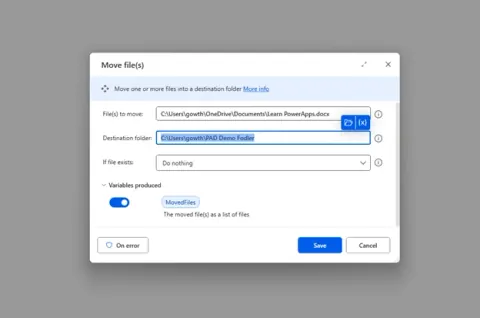
Move and Delete Files Like a Pro using Power Automate Desktop
How to move and Delete Files Like a Pro using Power Automate Desktop
- Article · Power Automate
🔄 Power Automate Desktop: How to Copy the File to another location (PAD)
Learn how to automate file copying in Power Automate Desktop using the “Copy file” action. This article covers single and bulk file transfers, error handling, and practical workflow tips.
- Article · Power Automate
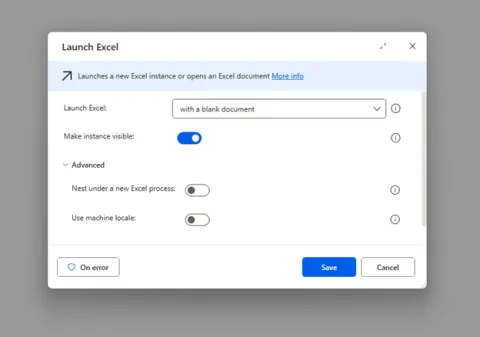
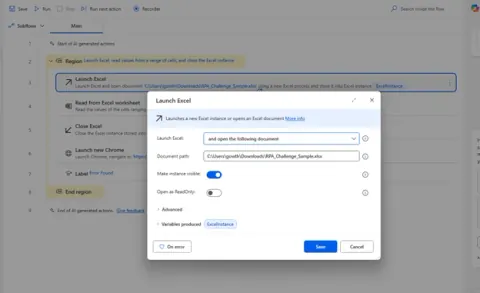
Power Automate Desktop - How to Use For Each Loop and Best Practices (PAD)
Learn how to use the For Each loop in Power Automate Desktop with real-world Excel examples, best practices, and error handling tips to build clean, efficient, and scalable automations.
- Article · Power Automate
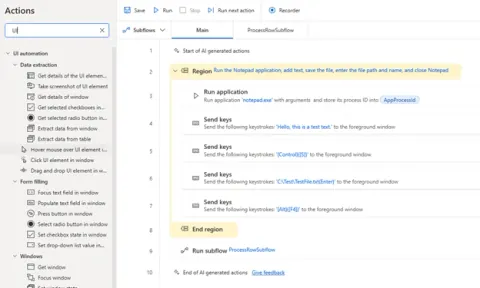
How to Capture UI Elements in Power Automate Desktop Flow (PAD)
Learn how to capture UI elements in Power Automate Desktop (PAD) to automate desktop applications easily. Perfect for beginners and those exploring UI automation with Microsoft PAD tools.
- Article · Power Automate
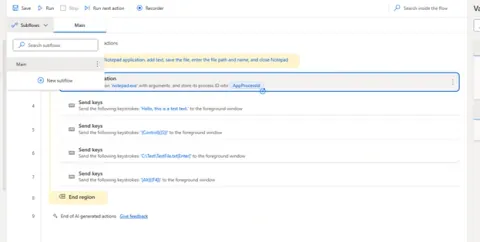
How to Create and Use Subflows in Power Automate Desktop Like a Pro (PAD)
Learn how to create and use subflows in Power Automate Desktop (PAD) to organize your automation workflows efficiently, improve reusability, and simplify complex tasks like a pro.
- Article · Power Automate
How to Do Error Handling in Power Automate Desktop Flow (PAD)
Learn how to implement error handling in Power Automate Desktop (PAD) flows using Try-Catch blocks and best practices to manage exceptions and ensure smooth execution in RPA workflows.
- Article · Power Automate
Installing Power Automate Desktop
This article tells how to install power automate desktop.
- Article · Power Automate
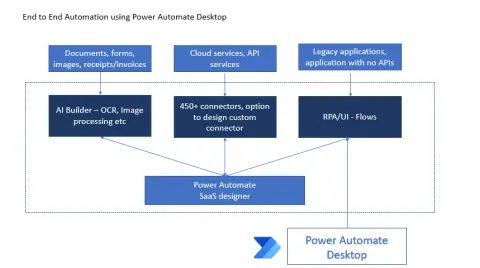
An Overview Of Power Automate Desktop
This article explains basic understanding Power Automate Desktop