Loading
Topic
Pan
3 posts about Pan by 2 contributors.
Know Pan? Share what you know with developers who are learning it.
+ Follow PanBe the first to follow this
- Articles
- 3
- Contributors
- 2
Everything about Pan
- Article · Android
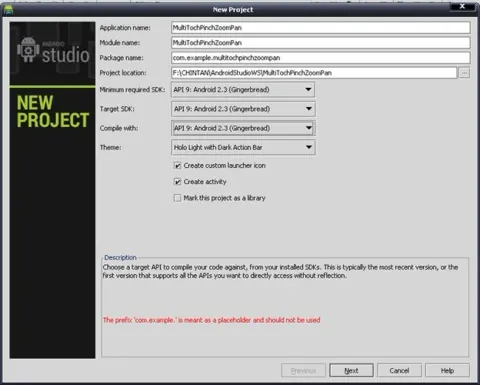
Multi-Touch Panning & Pinch Zoom Image View in Android Using Android Studio
Learn how to create a custom Android ImageView that supports multi-touch pinch zooming and panning, similar to the Gallery app.
- Article · Expression Studio
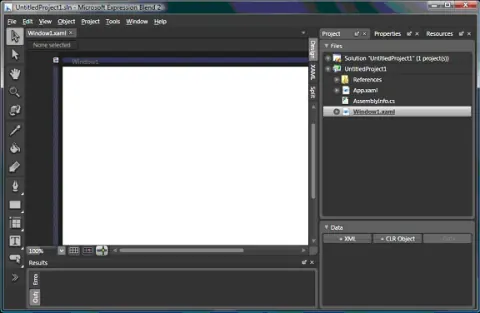
Using Tools and Windows in Expression Blend 2.0
This article is a basic introduction of Expression Blend 2 and how to use various tools in Expression Blend. I am using Expression Blend version 2.0.
- Article · .NET 3.0/3.5 SDK
Using Tools and Windows in Expression Blend 2.0
This article is a basic introduction of Expression Blend 2 and how to use various tools in Expression Blend. I am using Expression Blend version 2.0. The Toolbox contains all the objects and shapes available you to use. To add drawing objects to the Artboard, you simply select an object, for example, a rectangle, and drop that on the Artboard to add that object to your Artboard. You can also change the objects on the Artboard by using handles, or you can modify their properties in the Properties panel.