Power Automate Desktop
7 posts3 contributors
Everything about Power Automate Desktop

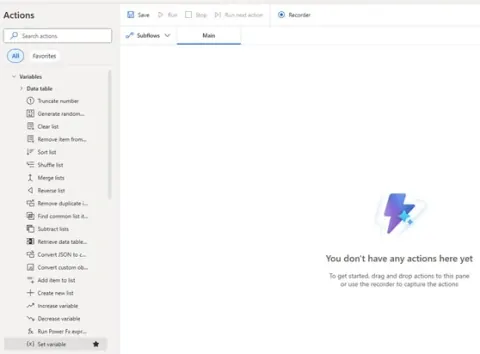
How to Use Variables in Power Automate Desktop
Learn how to use variables in Power Automate Desktop (PAD) to store, pass, and manipulate data. From text to tables, master types, creation methods, and real-world examples to build smarter flows.
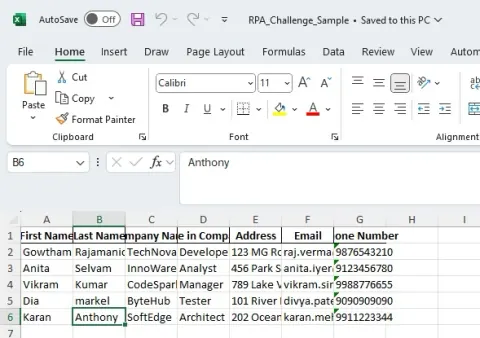
Power Automate Desktop: Read Excel and Use as Data Table (PAD)
Learn how to read a local Excel file and convert it into a Data Table using Power Automate Desktop. Easily loop through rows, display data in message boxes, and enhance your automation workflows.
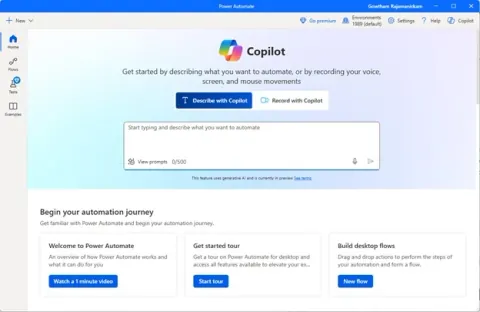
Create Your First Desktop Flow in Power Automate Desktop (PAD)
Power Automate Desktop is Microsoft’s free tool that lets you automate tasks on your Windows PC without coding. Easily create flows to handle repetitive work like data entry, app control, web scraping, and more.
Getting Started with Power Automate Desktop for Developers
Learn how to automate tasks, create desktop flows, and boost productivity using Microsoft’s powerful automation tool perfect for those new to RPA and desktop automation.
Installing Power Automate Desktop
This article tells how to install power automate desktop.
An Overview Of Power Automate Desktop
This article explains basic understanding Power Automate Desktop
No Code Automation with Microsoft Power Automate
In this session we will explore Microsoft Power Automate to accelerate your time with no code solution and learn to leverage its advance features.