11 posts about Power BI Service by 6 contributors.
Know Power BI Service? Share what you know with developers who are learning it.
A plain-English walkthrough of the Power BI service's core vocabulary: semantic models, reports, dashboards, workspaces, apps, licensing, capacity, Copilot, workbooks, and dataflows — explained through the lens of the two types of people who use the platform: the creators who build content and the business users who consume it. Ideal for anyone new to Power BI who wants the terminology to finally click.
Learn how to use Lock Objects in Power BI Service to prevent visuals, buttons, images, shapes, and other report elements from accidental movement or resizing.
Uncover the hidden Power BI publishing process: from PBIX upload to cloud asset separation, semantic models, and secure data.
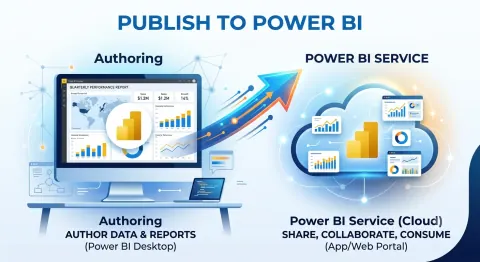
Unlock the power of Power BI! Learn the key differences between Power BI Desktop for report creation and Power BI Service for sharing and collaboration. Master the data workflow!
Keep your Power BI dashboards current with scheduled refresh! Learn how to automate data updates, configure refresh schedules, troubleshoot errors, and ensure reliable reporting.
This article simplifies publishing reports from Power BI Desktop to the Power BI Service. Learn how to share insights, schedule refreshes, and embed reports for wider accessibility. Discover best practices for data connections, model optimization, and workspace management to transform your reports into actionable assets, driving smarter decisions across your organization.
Learn how to securely publish and share Power BI reports by uploading them to the Power BI Service, setting access permissions, applying row-level security, and scheduling data refreshes—ensuring the right people see the right data at the right time.
This article explores the difference between Power BI Reports and Dashboards and how to pin a report to a dashboard in the Power BI Service.
Power BI components, differences between Power BI Desktop and Service, query optimization techniques, DAX functions, report creation steps, data model optimization, design best practices, security measures, dashboard tips, and embedding solutions.
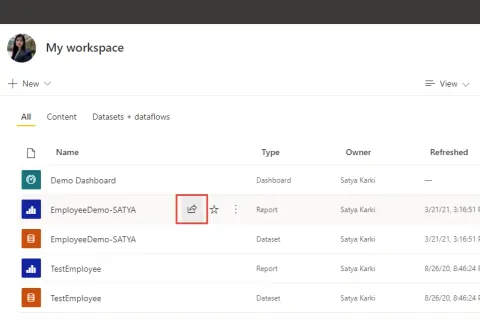
In this article, you will learn about the new experience in Sharing Power BI Reports via links.
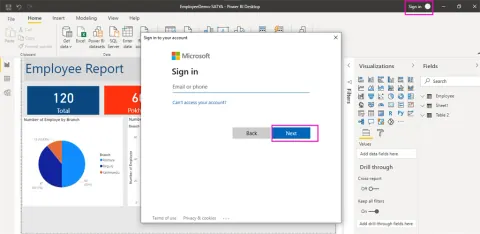
This article describes how to publish Power BI Reports from Power BI Desktop to Power BI Service.
DevSocialUpcoming · 3rd editionAI Agents ConferenceNov 23–27, 2026Live onlineMembers only16days leftRegisterPublish an article in this category and earn +1,000 SHARP when it is approved.
Write an article