RotateAt
9 posts4 contributors
Articles about RotateAt
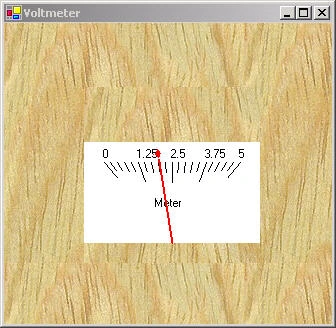
A Simple Virtual Voltmeter Using GDI+ and the GP-3 Board
This is a less complex, nevertheless interesting example of how to use the same board to create a simple voltmeter.
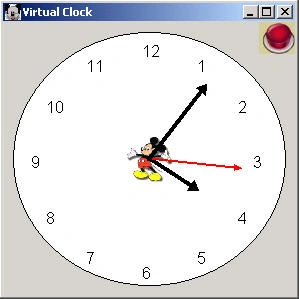
A Virtual Clock in C# and GDI+
This article describes how to create a virtual clock in C#. The hands of the clock are drawn using GraphicPaths.
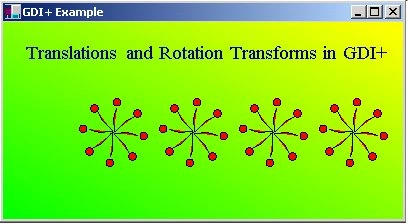
Using Transformations in GDI+ and VB.NET
The documentation on transforms in GDI+ is a little sparse in MSDN right now, so I decided to right an article on an sample program on how to use them. Transforms are matrices that allow you to rotate and translate your graphics shapes. In this example we are going to rotate a very powerful element in VB.NET called the GraphicsPath.
ShapedForms in C#
Today Windows always appear with a rectangular shape. What if you could have a window that was shaped like a circle, a square or a triangle or any shape you want.
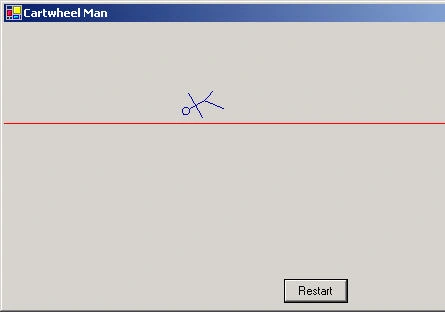
CartWheel Man - Animating GraphicPaths
This simple application illustrates how GraphicsPaths can be animated to look like something is moving across the screen.
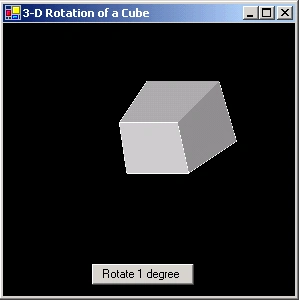
Playing with 3-D Coordinate Space in C#, GDI+ and .NET
This article show to dealing with a 3-D Coordinate System.
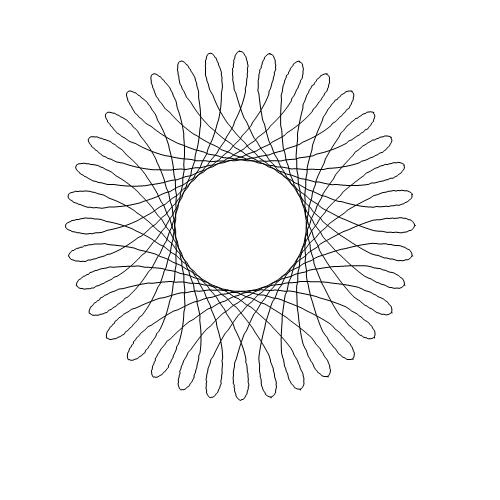
Spiro Designer
Spiro designer is a partial implementation of Spirograph. Spiro Designer uses the Matrix and GraphicsPath classes with their Transform and Rotate methods to build a spiro.
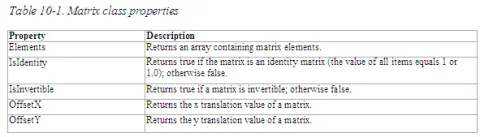
The Matrix Class and Transformations
Matrices play a vital role in the transformation process. In GDI+, the Matrix class represents a 3×2 matrix that contains x, y, and w values in the first, second, and third columns, respectively.
Using Transforms with GDI+ in C#
Transforms are matrices that allow you to rotate and translate your graphics shapes. In this example we are going to rotate a very powerful element in C# called the GraphicsPath.