Loading
Topic
Safe Mode
3 posts about Safe Mode by 3 contributors.
Know Safe Mode? Share what you know with developers who are learning it.
+ Follow Safe ModeBe the first to follow this
- Articles
- 3
- Contributors
- 3
Articles about Safe Mode
- Article · Windows
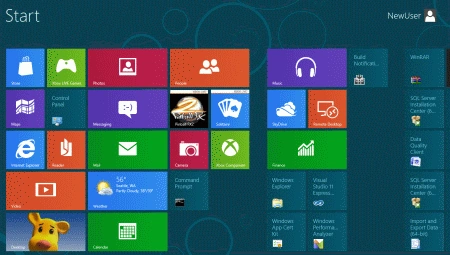
Start Windows 8 in Safe Mode
Learn how to boot Windows 8 into Safe Mode for troubleshooting and resolving issues. Access advanced startup options and utilize the F8 key during system restart to enter Diagnostic Mode, providing a secure environment for troubleshooting and resolving system errors effectively.
- Article · Windows
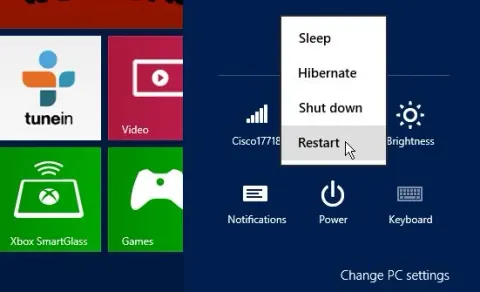
How To Boot Windows 8 Into Safe Mode
To boot Windows 8 into Safe Mode, restart your computer and repeatedly press the F8 key. This will bring up the Advanced Startup Options menu. Alternatively, you can use the "Shift + Restart" method. From there, navigate to Troubleshoot > Advanced Options > Startup Settings > Restart.
- Article · Windows
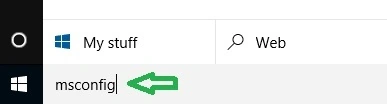
How to Start Or Boot Windows 10 in Safe Mode
In this article you will learn how to start or boot Windows 10 in Safe Mode.