Loading
Topic
Secure Management
1 post about Secure Management by 1 contributor.
Know Secure Management? Share what you know with developers who are learning it.
+ Follow Secure ManagementBe the first to follow this
- Articles
- 1
- Contributors
- 1
Everything about Secure Management
- Article · Azure
How to Create a Key Vault Using the Microsoft Azure portal
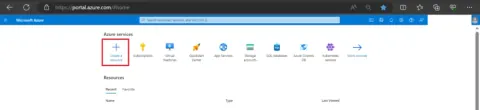
To create a Key Vault in the Microsoft Azure portal, first, log in to the Azure Portal at portal.azure.com. Then, click "Create a resource" and search for "Key Vault." Select Key Vault, configure settings including subscription, resource group, and vault name. Define access policies and permissions. Review your configuration and click "Create." Azure will then provision your Key Vault, which provides secure management of keys, secrets, and certificates, ensuring your sensitive data is protected and accessible only to authorized users and applications.