Shapes in Expression Blend 4
3 posts1 contributor
+ FollowBe the first to follow this
Write about itEverything about Shapes in Expression Blend 4
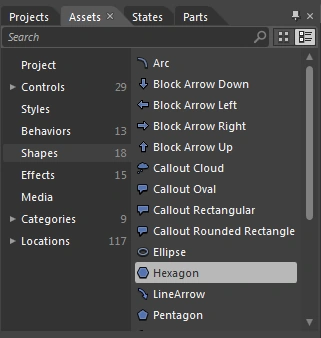
Use of Hexagon Shape and Gradient Brush Tool Property
In this article we will see the use of a Hexagon shape as well as the use of the Properties of the Brush Tool.
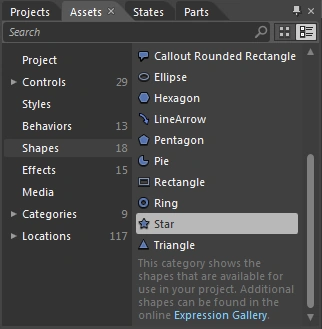
Use of Pie Shape and Star Shape in Expression Blend 4
Learn to create a key-ring design in Expression Blend 4 using pie, star, ellipse, and line-arrow shapes with gradient brushes.
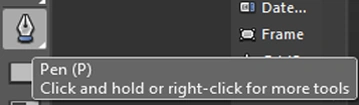
Use of Pen Tool, Text Block, Shapes and Opacity in Expression Blend 4
Pen Tool is a Drawing Tool. Shortcut is P. Generally we can Draw Shapes by using Default Tool's like Rectangle, Ellipse, Line Tool etc but here we can also Draw Shapes by using Pen Tool.