Loading
Topic
Site Columns
8 posts about Site Columns by 7 contributors.
Know Site Columns? Share what you know with developers who are learning it.
+ Follow Site ColumnsBe the first to follow this
- Articles
- 8
- Contributors
- 7
Everything about Site Columns
- Article · SharePoint
Architecting Reusable Metadata (Site Columns) with Content Type Hub
Even though I’ve worked with the Content Type Hub in several projects, I often found it confusing to set up and wasn’t always sure which best practices to follow. This time, I’ve been given a unique requirement that lets me combine what I’ve learned before with a fresh point of view. It finally feels like the right time to share my experience based on real, hands-on work.
- Article · SharePoint
Setup SharePoint Highlighted Content Webpart For Managed Property Filter
Configure a SharePoint Highlighted Content web part to filter news and other content by a managed property created from a site column.
- Article · SharePoint
Learn SharePoint In Series - Part Twenty Nine - Editing And Deleting Site Columns
In this article, I have discussed basic concept about how to add and edit the site columns.
- Article · SharePoint
Learn SharePoint In Series - Part Twenty Eight - Introduction To Site Columns
Consider a scenario, where you have created a site collection and now you are creating many subsites based on the departments. The structure of sites are same for all departments. The structure includes lists, libraries etc. Now what you will do? You will create a list in main site collection and then create your columns into the lists and libraries as shown in Learn SharePoint In Series - Part Seventeen - List Columns in SharePoint and then you will save this list as a template as shown here Learn SharePoint In Series - Part Twelve- Save list as a template in List Setting and your problem is solved.
- Article · SharePoint
All We Should Know About Site Columns In SharePoint Online
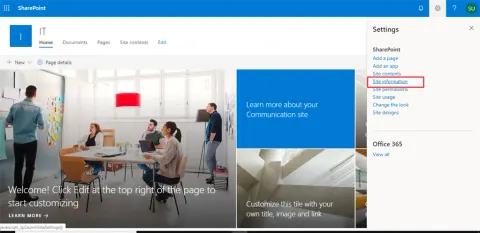
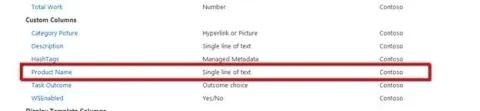
In this article, you will learn about about Site Columns in SharePoint Online.
- Article · SharePoint
Site Columns Through SharePoint Hosted Apps
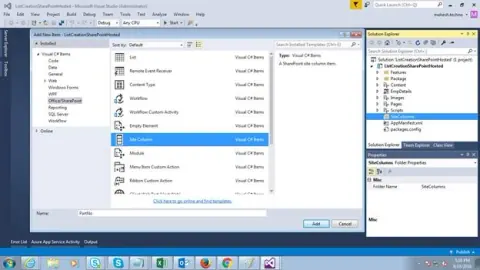
In this article, you will learn about Site Columns through SharePoint Hosted Apps.
- Article · SharePoint
Site Columns In SharePoint
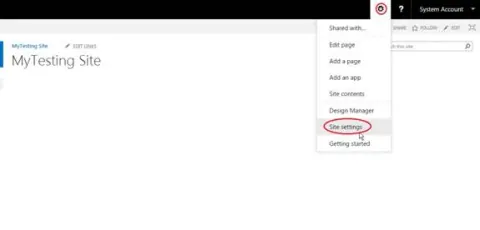
In this article you will learn about Site Columns in SharePoint.
- Article · SharePoint
How To Get All Site Columns Using REST API In SharePoint Online And Office 365
In this article you will learn how to get all Site Columns using REST API in SharePoint Online and Office 365.