Loading
Topic
Solutions
7 posts about Solutions by 5 contributors.
Know Solutions? Share what you know with developers who are learning it.
+ Follow SolutionsBe the first to follow this
- Articles
- 7
- Contributors
- 5
Everything about Solutions
- Article · Dynamics CRM
Rename the "Related" entities in Dynamics 365
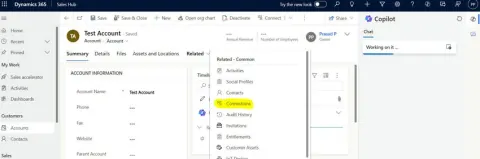
Rename the "Related connections" entity to "Account-Connections" in CRM, follow steps Login, navigate to Advanced settings, open solution, access Account entity forms, edit "Connections" label, save, publish. Verify the change in an account record.
- Article · Salesforce
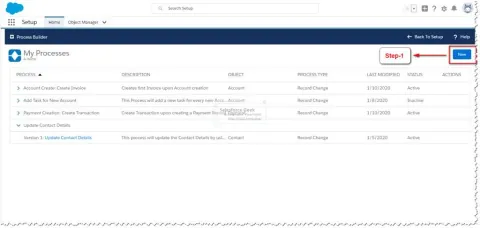
How To Troubleshoot Salesforce Process Builder Flows And Other Development Artifacts
In this article, we will look into the detailed configuration steps to enable Salesforce development environment to support debugging of development artifacts like Workflows, Database Queries, REST API Calls, Apex Code and much more.
- Article · Dynamics CRM
Default Solution For Canvas App - Microsoft PowerPlatform
The article shares information about the upcoming feature in Power Platform which enables adding of Canvas App to a new default solution
- Article · Dynamics CRM
Creation Of Web Resource JavaScript Type In Dynamics CRM
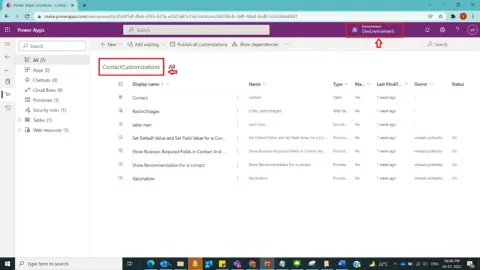
In Dynamics 365 CRM, any functionality cannot be achieved through OOB [Out of Box] functionality, then first thing comes into mind was customizations. So, basic customizations can be achieved starting with Web resources (js type) under code especially through JavaScript. As a business case, a new web resource will be created in Contact Customizations Solution.
- Article · Dynamics CRM
How To Move CRM Customizations Between Dynamics 365 CRM Environments
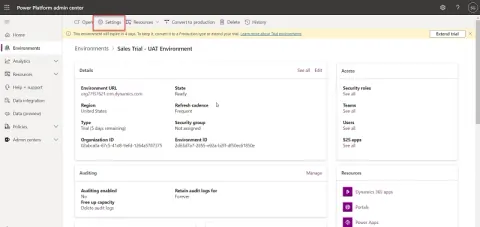
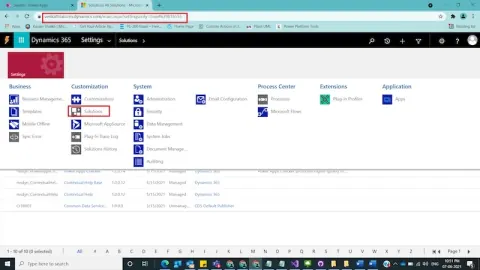
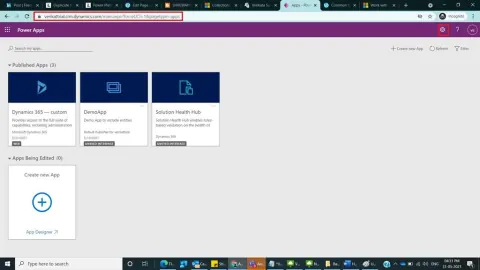
In Dynamics 365, CRM Customizations need to be moved between CRM Environments for example from Development environment to Testing environment in the form of CRM solutions. And we are going to see about how to move crm Customizations in the form of solutions between Dynamics CRM Environments as unmanaged solution in Dynamics CRM using classic mode and through Power Apps Maker Poral. In this post , I did customizations in Contact Entity and created a field and included this field in the form. So, we are going to see how these customizations will be moved between different environments.
- Article · Dynamics CRM
How To Create A Solution In Dynamics 365 CRM Using Classic Mode And Power Apps Maker Portal
In Dynamics 365, a solution component represents something that you can customize. So, we have 2 types of solutions in Dynamics CRM- Managed solutions where most of the product related Out of Box related functionalities will be present, but as per the customer requirements we have to extend product behaviour with the help of Un-Managed Solutions where all the custom components can be kept. And we are going to see about how to create a custom or unmanaged solution in Dynamics CRM using classic mode and through Power Apps Maker Poral
- Article · WPF
WPF Practical Solutions
This document describes step by step solution to some of general problems developer face in wpf application.