Loading
Topic
Start Screen
6 posts about Start Screen by 4 contributors.
Know Start Screen? Share what you know with developers who are learning it.
+ Follow Start ScreenBe the first to follow this
- Articles
- 6
- Contributors
- 4
Everything about Start Screen
- Article · Windows
Get Power Option on Start Screen in Windows 8
In this article, we are explaining how to Access power options directly from your Windows 8 Start Screen for enhanced convenience and efficiency. Easily manage your device's power settings with a simple click, optimizing energy usage and customizing power plans to suit your needs.
- Article · Windows
Windows 8 vs Windows 8.1
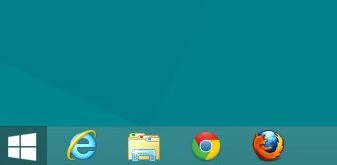
Windows 8 and Windows 8.1 represent successive iterations of Microsoft's operating system. Windows 8 introduced a touch-centric interface with the Start Screen, while 8.1 addressed user feedback by reinstating the Start Button, enhancing customization, multitasking, and display support.
- Article · Windows
How To Pin Command Prompt (Administrator) In Windows 10
Learn how to pin the Command Prompt (Cmd) as an administrator (Admin) to the start screen, desktop, and taskbar in Windows 10. Pinning allows for quick access to frequently used applications and settings.
- Article · Windows
Customized Start Screen in Windows 8
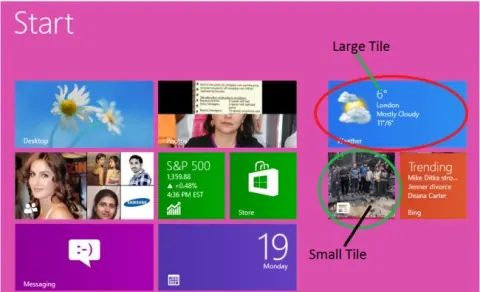
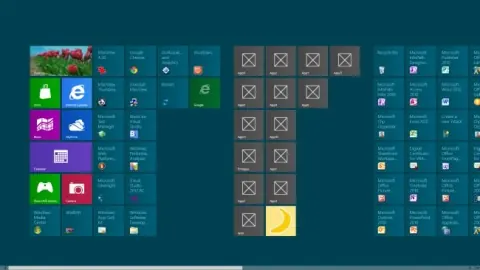
In this article I will discuss some important and interesting concepts that can help you to customize your Windows 8 Start Screen.
- Article · Windows
Change Rows of Tiles in the Windows 8 Start Screen
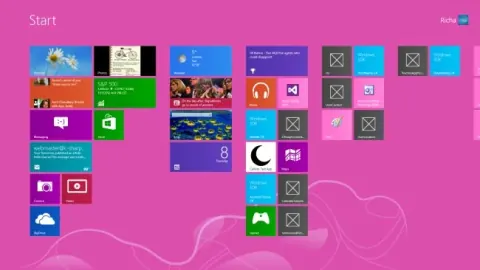
In this article we learn how to always display a certain number of rows of tiles, despite the screen resolution.
- Article · Windows
Giving Name of Apps Group on Start Screen in Windows 8
In this article we are going to learn how to set the name of a group of apps that are displayed on the start screen in Windows 8.