8 posts about Storage Accounts by 7 contributors.
Know Storage Accounts? Share what you know with developers who are learning it.
Azure Resources are individual cloud services like virtual machines, app services, and storage accounts. Each resource serves a specific purpose, such as data storage or application hosting. Azure Resource Groups are logical containers that group and manage these resources, simplifying management and scaling.
Azure Functions offer serverless computing, reducing code, infrastructure, and costs. With support for multiple languages, it seamlessly integrates with storage accounts for efficient data handling.
Azure CLI unlocks the power of Microsoft Azure Storage. Key commands like create, show, list, update, and delete storage accounts empower efficient cloud storage management. Elevate your Azure journey with these commands.
Learn how to use AzCopy and SAS tokens in Azure Cloud Shell to copy files between Azure Storage accounts and blob containers.
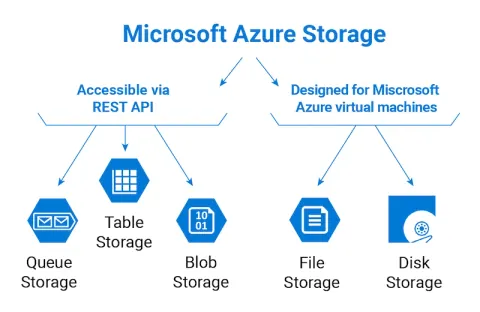
This article is a comprehensive guide to the different types of storage accounts available in Azure. It covers everything from general-purpose v2 storage accounts to specialized blob, file, queue, table, and archive storage accounts. By understanding the different options, readers will be able to choose the right storage solution for their workload and ensure that their data is secure, available, and scalable in the cloud.
In this article, I will demonstrate an Azure storage account and configure access to the account from the perspective of security and networking.
Here we are going to create a VM and configure it to a backup and recovery Vault.
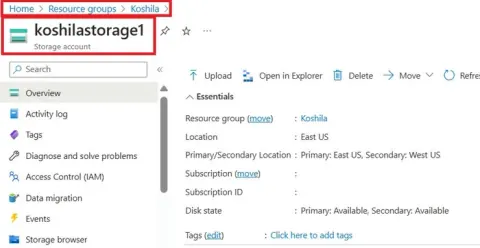
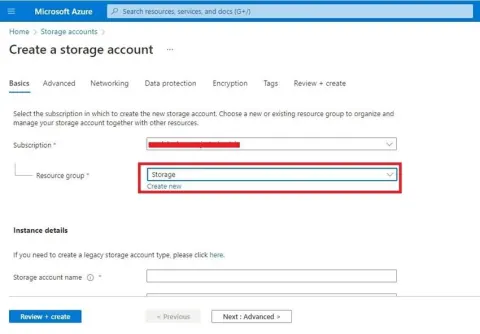
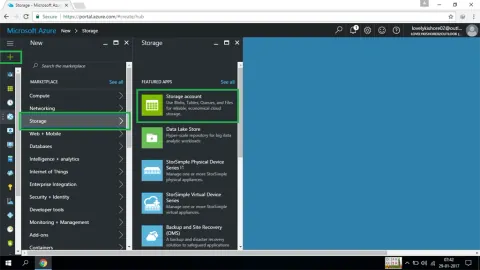
In the following, I explain the ways to create a storage account in the Azure portal and also explain about the different containers and the different redundancy concepts.
DevSocialUpcoming · 3rd editionAI Agents ConferenceNov 23–27, 2026Live onlineMembers only16days leftRegisterPublish an article in this category and earn +1,000 SHARP when it is approved.
Write an article