9 posts about Team Foundation Server by 9 contributors.
Know Team Foundation Server? Share what you know with developers who are learning it.
Discover the enhanced features of Visual Studio, including simplified workflows, Agile development, modern app templates, and seamless Team Foundation Server integration. Experience new IDE themes, improved search, toolbox filters, ASP.Net MVC 4.0 updates, HTML5 and CSS support, enhanced unit testing.
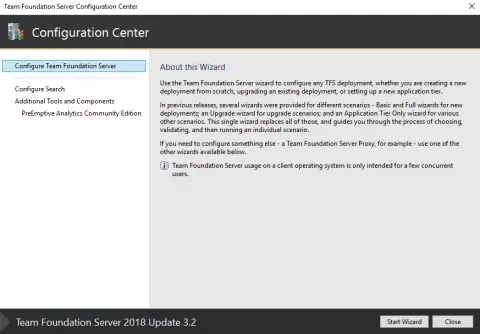
In this article, we will see how to install and configure TFS 2018 on our Windows machine. I am using my Windows 10 machine.

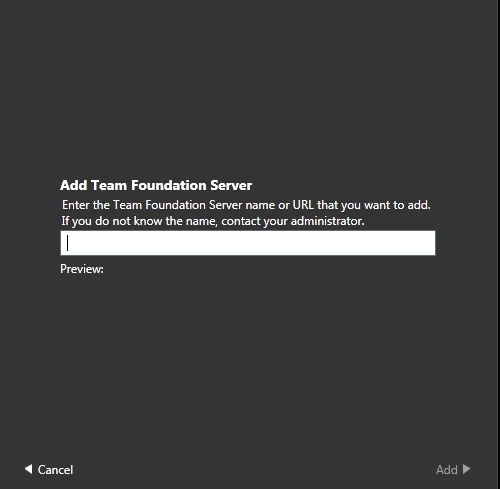
Learn how to install and configure Team Foundation Server 2013, create project collections and team projects, and connect Visual Studio 2013 for source control.
In this article I will try to explain how to do automated web deployment using web deploy (MsDeploy) and team build using Team Foundation Server 2013.
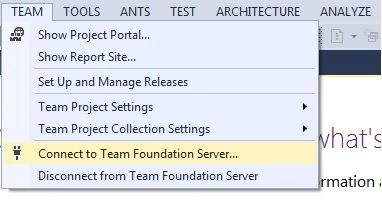
In this article you will learn how to connect to Visual Studio 2013 Team Foundation Server.
In this article I am describing the way to connect Team Foundation Server with Visual Studio 2013 Preview.
You are unable to access the reporting site for our TFS project. You are able to view individual reports from VS, but you cannot get to the reporting site to edit them. Whenever you try to go to it (By right clicking on Reports->Show Report Site in Team Explorer), you get the SQL Server Reporting Services Error.
In this article, I will demonstrate how to connect your team project and create a test plan for manual testing using Microsoft Test Manager 2010.
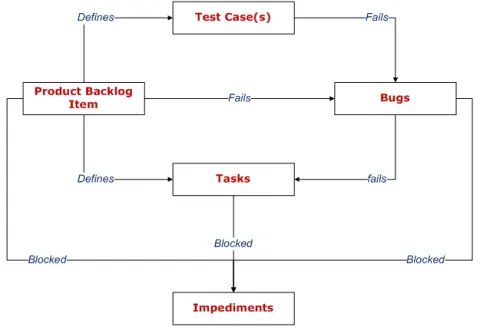
In Scrum, the product backlog is the list of requirements for the system. In this article we are going to see how the Product Backlog Items (PBIs), test case, tasks and bugs are linked.
DevSocialUpcoming · 3rd editionAI Agents ConferenceNov 23–27, 2026Live onlineMembers only16days leftRegisterPublish an article in this category and earn +1,000 SHARP when it is approved.
Write an article