Loading
Topic
User Feedback
5 posts about User Feedback by 4 contributors.
Know User Feedback? Share what you know with developers who are learning it.
+ Follow User FeedbackBe the first to follow this
- Articles
- 5
- Contributors
- 4
Articles about User Feedback
- Article · Power Apps
What is the Notify Function in Power Apps?
The Notify function in Power Apps displays messages to users, providing instant feedback on their actions. It supports various notification types, such as success, error, warning, and information, helping improve user experience. However, overuse can overwhelm users, and notifications are temporary.
- Article · SharePoint
Enable Ratings in SharePoint List/Library
Learn how to enhance user engagement and feedback in SharePoint by enabling ratings on your lists and libraries. Empower users to rate and provide feedback on content, boosting collaboration and user experience.
- Article · Power Apps
Rating Control Dynamically from SharePoint List in Power Apps
Dynamically link SharePoint list data to a Rating Control in Power Apps. Customize user feedback mechanisms, enhancing user experience and data interaction within your application for efficient data visualization and user engagement.
- Article · Dynamics CRM
Display Success Message With Back Button On Dynamics 365 Portal
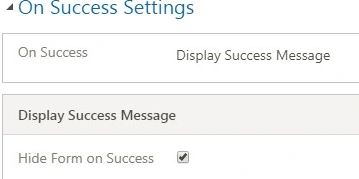
In this article, we will learn to enhance the Dynamics 365 Portal experience by displaying success messages with a convenient back button. Empower users with clear feedback and seamless navigation, optimizing their interaction and satisfaction with the portal interface.