Loading
Topic
Web Application Testing
7 posts about Web Application Testing by 7 contributors.
Know Web Application Testing? Share what you know with developers who are learning it.
+ Follow Web Application TestingBe the first to follow this
- Articles
- 7
- Contributors
- 7
Articles about Web Application Testing
- Article · Software Testing
A Practical Guide to Testing Form Validation and Error Messages in Web Applications
Learn how to test form validation and error messages in web applications, including required fields, formats, length limits, business rules, and cross-field validation.
- Article · Software Testing
What is end-to-end testing and how to perform it for web applications?
Learn what end-to-end testing is, how it validates complete web application workflows, and how to plan, automate, and maintain E2E tests using tools such as Cypress.
- Article · Software Testing
Web Application Testing Checklist with Test Scenarios
Cover usability, functionality, compatibility, security, and performance. Learn to identify bugs, improve user experience, and boost SEO. Discover essential test scenarios and tools like Selenium and Acunetix to deliver reliable, high-performing apps that drive user satisfaction and business success.
- Article · Web Development
Cross Browser Compatible Applications
Explore best practices, tools for browser compatibility testing, and techniques like responsive design, progressive enhancement, and code validation to enhance user experience and accessibility.
- Article · Visual Studio
Introduction To Selenium Webdriver With C# In Visual Studio 2015
Selenium WebDriver is an automated web application testing tool that integrates with languages like C#, Java, and Python. C# is a Microsoft programming language for building secure applications on the .NET Framework. Integrating Selenium WebDriver with C# involves setting up Visual Studio.
- Article · .NET
Automated UI Test With WatiN and Specflow in .Net: Part 1
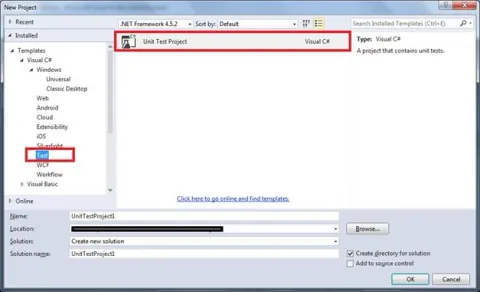
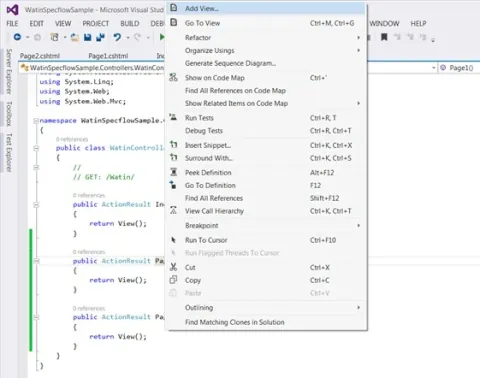
Explore automated UI testing with WatiN in .NET for web applications. Set up a test project, install WatiN, and create test methods to verify UI elements and interactions. Ensure robust code through comprehensive test coverage, enhancing reliability and facilitating future changes.
- Article · Software Testing
Load Testing of Web Applications using Visual Studio Team System 2008
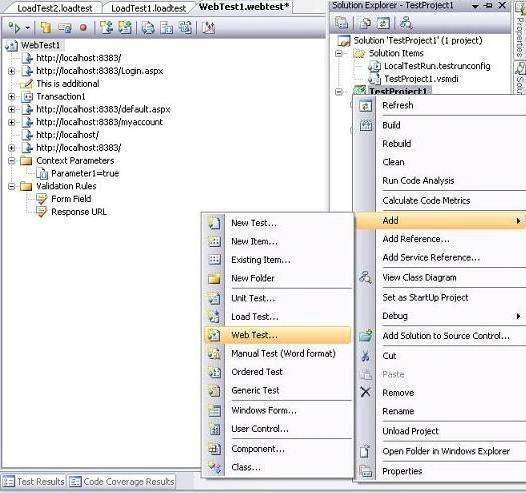
This article discusses how a user can load test their web applications using the load testing features of Visual Studio Team System 2008.