windows phone 7 application Orientation
1 post1 contributor
+ FollowBe the first to follow this
Write about itEverything about windows phone 7 application Orientation

Working with Silverlight and XNA windows phone 7 application Orientation
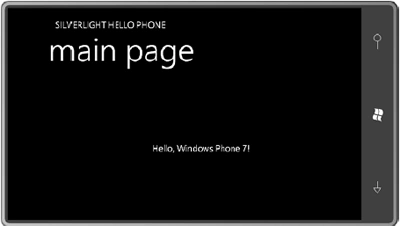
When you run the SilverlightHelloPhone program, and you turn the phone or emulator sideways, you'll discover that the display doesn't change to accommodate the new orientation, To fix that problem you have to make change in the root PhoneApplicationPage tag, of MainPage.xaml change the attribute.