Loading
Articles by Bechir Bejaoui

Save the application settings for subsequents sessions
Learn how to persist Windows Forms control properties, such as font and colors, across sessions using ApplicationSettingsBase, data binding, and user-scoped settings.
Configuration Sections- Create a configuration section group and retrieve configuration information from it: Part IV
In the previous article , we demonstrate how to create a custom section with custom attributes using the ConfigurationSection class and IConfigurationSectionHandler interface.
Add and handle connection strings in an application configuration file: Part I
There are two ways to save data and parameters. In this case we save application parameters like information entered by the user during the installation process.
Get the machine configuration file information using ConfigurationManager class
This article tells you how to retrive information of configuration file which is applied to the entire application.

Add and handle application settings in the configuration file: Part II
This article tells you how to add connection string using the configuration file itself.

Configuration Sections- Create customized section using IConfigurationSectionHandler Interface: Part III
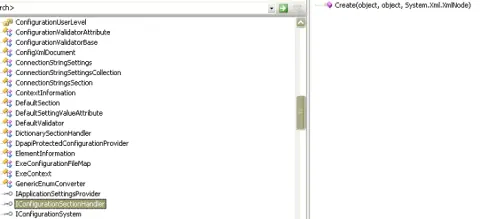
In this part III article we will try to achieve, step by step, the same goal as in the Part II article, but using another tool, namely, the IConfigurationSectionHandler interface.
Configuration Sections; Introducing the Custom Configuration Section Concept: Part I
Custom sections of an ASP.NET Configuration File are customized sections that a developer configures by himself. In this case, the developer also sets their attributes and elements to suit special application needs in terms of settings.
Configuration Sections-Create a customized section using ConfigurationSection class: Part II
This article extends the custom configuration section concept.
Filter data dispalyed in a DataGridView using BindingSource and DataView
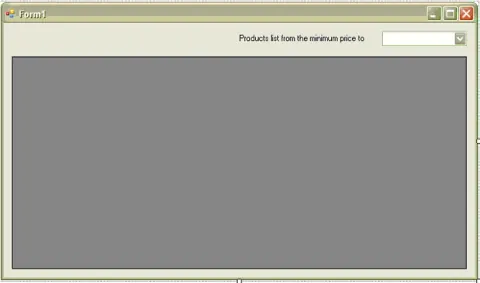
In this article, I will show you how to use the BindingSource or the DataView to filter data in a given data grid view.
How to serialize an object using an ISerializable interface
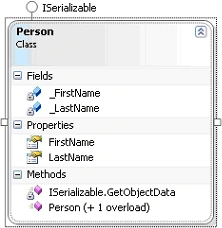
In this article I will show you how to serialize an object using ISerializable interface with a very simple manner.
Host a combo box column within a DataGridView control
In this article I willl show how to host a data grid view combo box column within a data grid view control.
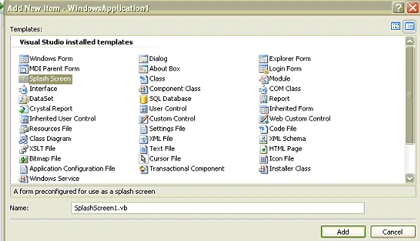
Add a Splash Form to a Windows Application
This article shows you a method of how to add a splash form to a windows application programmatically.

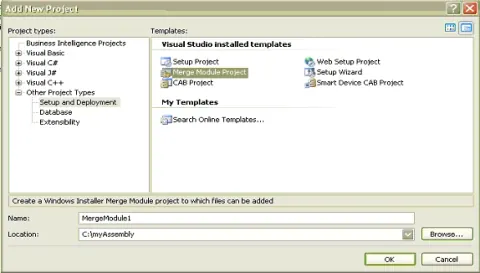
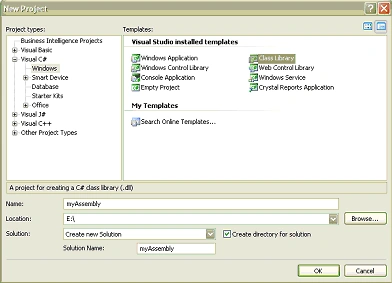
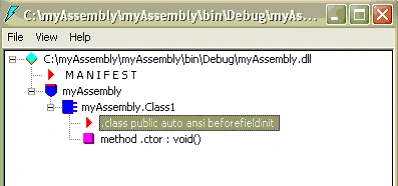
Part IV: Step by Step Procedure of How to Install an Assembly
This article continue to explain how to install an assembly as the part I,II and III.
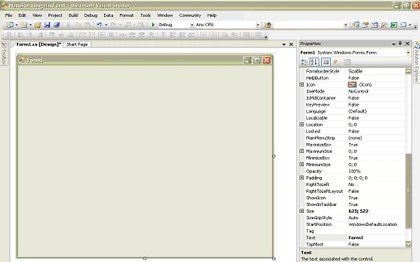
How to build a none rectangular form using C#
This article shows the method of how to build a none rectangular form using C# in a windows forms context.
Part III: Step by Step Procedure of How to Install an Assembly
This article is as in the part I and II describes the maner of how to install an assembly.
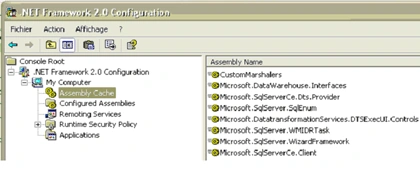
Installing an Assembly: Part II Using the Global Cache
This article explains installing an Assembly using the Global Cache.
Introduction to the Assembly Concept
An introduction to the assembly concept explores the fundamental unit of deployment in .NET applications. Assemblies encapsulate code, metadata, and resources, aiding in code management, versioning, and deployment.
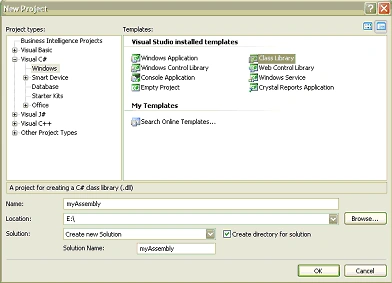
Step by Step Procedure of How to Install an Assembly: Part I
This step by step tutorial will guide the programmer to install his assembly in the GAC.
Filter Data to Display in a Crystal Report Viewer Programmatically
This article describes how to filter data to display, export or print programmatically using the selection formula property of the crystal reports viewer control.