Loading
Dinesh Beniwal's contributions

Working with XmlDataDocument Events in ADO.NET
Learn how to handle XmlDataDocument node change, insertion, and removal events in ADO.NET using XmlNodeChangedEventArgs.

WPF Drawing Brush
The Drawing object in WPF represents a 2-D drawing that include shapes, text, video, image and other drawings. A Drawing Brush represented by the DrawingBrush object paints a surface with a drawing.
Working with DataTable Events in ADO.NET
In this article I will explain working with DataTable Events in ADO.NET.
Working with DataSet Events in ADO.NET
In this article I will explain working with DataSet Events in ADO.NET.

Line in WPF
The Line object represents a line shape and draws a line between two defined points. This article demonstrates how to create lines in WPF and XAML.
Saving Images & Image Format Properties in GDI+
In this article I will explain about Saving Images & Image Format Properties in GDI+.
DataAadapter Events in ADO.NET
In this article I will explain working with DataAadapter Events in ADO.NET.
WPF Visual Brush in VB.NET
The Visual object in WPF represents a visual control. This article demonstrates how to create and use a visual brush in WPF using XAML and VB.NET.
Handling ADO .NET Events & Connection Events
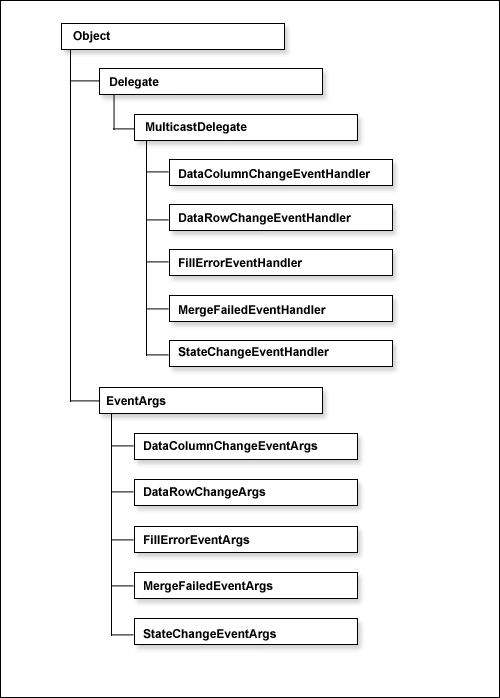
In this article I will explain handling ADO .NET Events & Connection Events.
Adding Editor, and Deleting data in Web Forms using ADO.NET
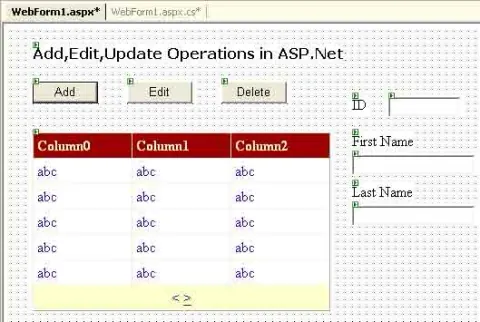
In this article I will explain Adding Editor, and Deleting data in Web Forms using ADO.NET.
Paging in DataGrid Control using ADO.NET
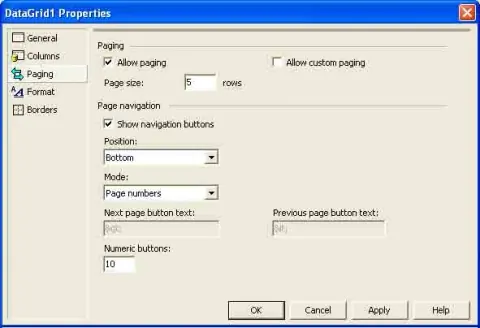
In this article I will explain Paging in DataGrid Control in using ADO.NET.
User Control in WPF
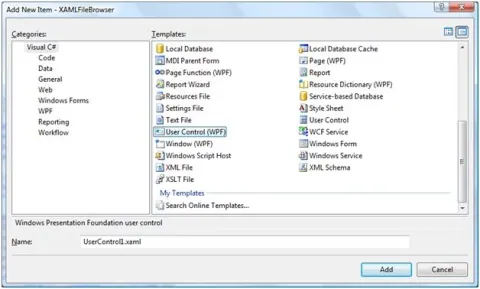
This article discusses how to create a User Control in XAML and WPF using Visual Studio 2008 and how to use it in a WPF application.
Video Brush in WPF
This article demonstrates how to implement video brushes in WPF using MediaElement XAML element.
GetBounds and Other Methods of the Region class in GDI+
In this article I will explain about the GetBounds and Other Methods of the Region class
Transparent Brushes in WPF
All elements in XAML including all brushes have an Opacity attribute that defines the transparency of an element. This article demonstrates how to use Opacity to implement transparent brushes in WPF using XAML.
WPF Pen in VB.NET
Pen was a major player to draw layouts and borders in GDI+. However, WPF graphics sub-system is redesigned and pens are merely used. But if you know the usage of pens, you may need it. This article demonstrates how to use pens in WPF using XAML and C#.
The Xor and Intersect Methods in GDI+
In this article I will explain about the Xor and Intersect Methods in GDI+.
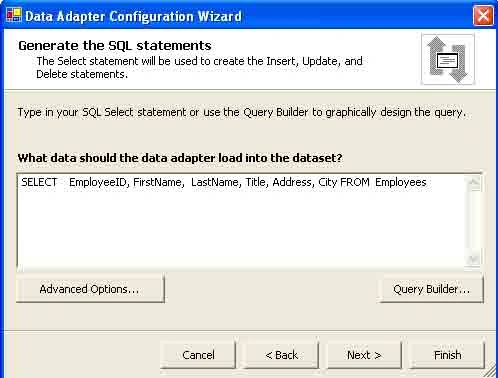
Create a Data Adapter in ADO.NET
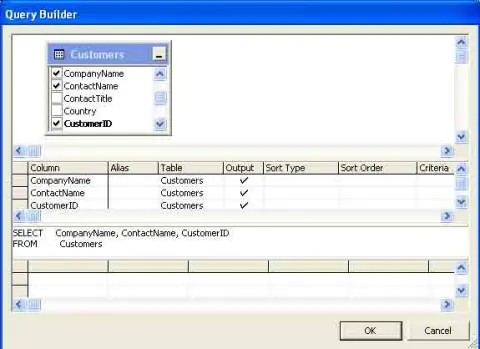
In this article I will explain how to Create a Data Adapter in ADO.NET
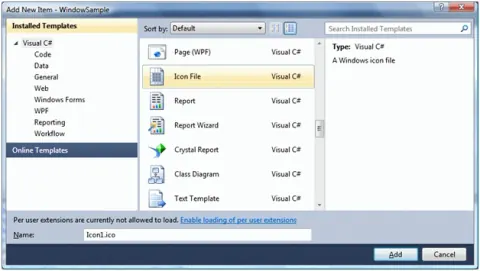
Windows Icon in WPF
An Icon is a bitmap image (.ico file) that is displayed in the top left corner of a Window. This article discusses how to create and use Icons in WPF applications.