Loading
Articles by Diptimaya Patra
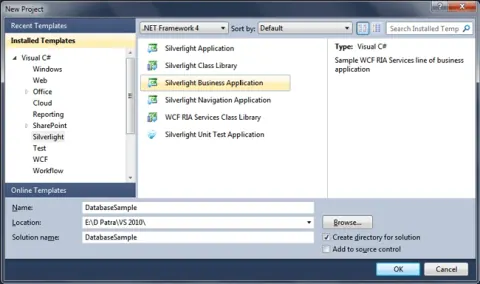
Local Database in Silverlight 4
In this article we will see how we can use a local DB from the project folder.
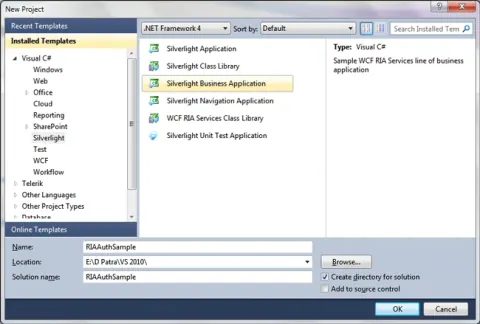
Authentication in Business Application in Silverlight 4
We all know that Business Application is having its default Authentication. In this article we will see how one can configure the Authentication.
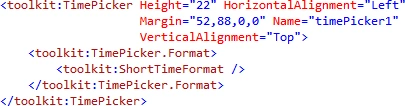
LOB Specific Properties of TimePicker in Silverlight 4
In this article we will see some properties that are helpful in building LOB applications.
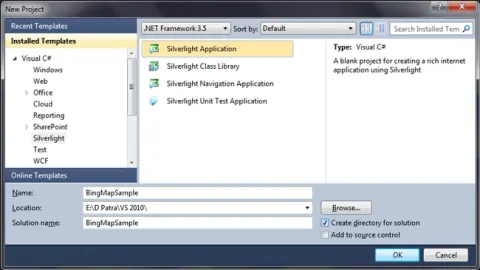
Bing Silverlight Map Control in Silverlight 3
Bing Maps has released a Silverlight version which can be used with Silverlight 3. In this article we will see the basics of Bing Silverlight Map Control.
String Format Extension in XAML Binding in Silverlight 4
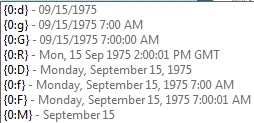
In Silverlight 4, an extension property called StringFormat is added to display formatting display. There are some predefined formats available. In this article we will see some of them.
Drag and Drop Files in Silverlight 4
In Silverlight 4, the plugin itself supports Drag and Drop events. In this article we will see how can we use the DropTarget to capture files from local system.
Programmatic Clipboard Access in Silverlight 4
In Silverlight 4, Microsoft has provided accessing clipboard data programmatically. In this article we will see how it works.
Read and Write File to Local File System in Silverlight 4
In Silverlight 4, we have an added feature that allows us to access Local File System. In this article we will see how we can read and write a file to local file system.
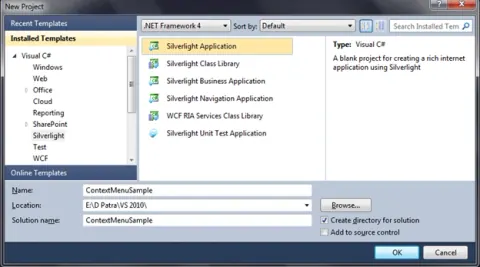
Right Click and Context Menu in Silverlight 4
In this article we will see how we can use Context Menu to be displayed on Right Click in Silverlight 4.
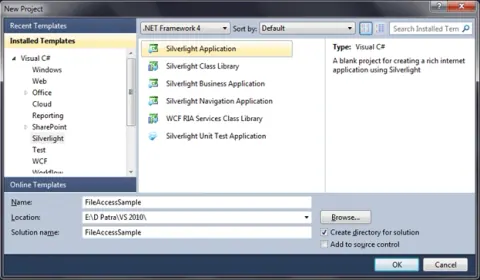
Local File Access in Silverlight 4
In Silverlight 4, we have an added feature that allows us to access Local File System. In this article we will see how we can do that.
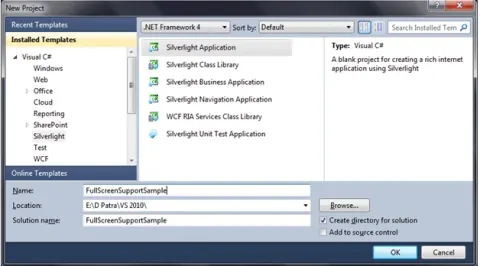
Keyboard Support in Full Screen Mode in Silverlight 4
In Silverlight 4, we have keyboard support. In this article we will explore about it.
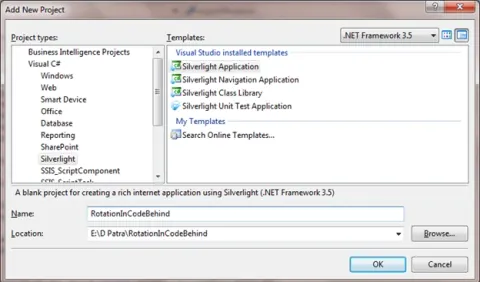
Move and Rotate Animation in Silverlight 3
In this article we will see how we can animate Move and Rotate functionalities of any UIElement.
SelectedValue and SelectedValuePath in Silverlight 4
In this article we will see about SelectedValue and SelectedValuePath while Binding. This feature is added in Silverlight 4.
Notification Window in Silverlight 4
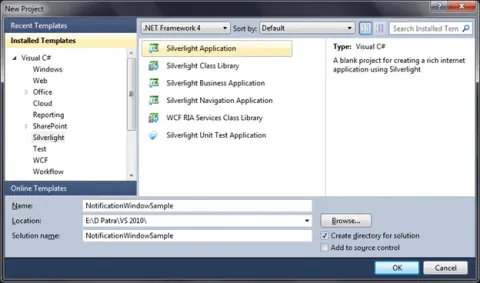
In this article we will see how we can use Notification Window. We have to remember one thing that, Notification Window only works in Out-of-Browser mode.

Bitmap Effects In WPF - Part II
In previous article we saw how we can add effects; we experienced Blur and Outer Glow Bitmap effects. In this article we will see rest of the 3 Bitmap Effects.
Customize Expander Control In WPF
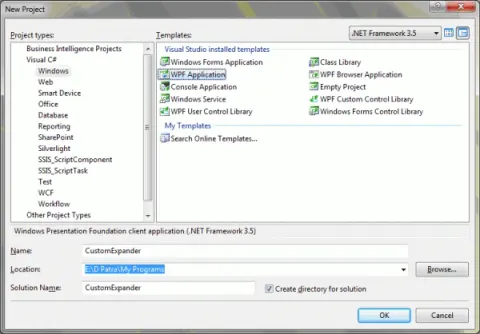
In this article we will see how we can customize expander control in WPF.
Value Converter In WPF - Part I
In this article series we will see what are Value Converters and how it can be used and usefulness in WPF.
Using Windows Media Player COM in WPF
In this article we will see how we can use Windows Media Player’s COM and its ActiveX Control in WPF.
Bitmap Effects In WPF - Part III
In previous article we saw remaining three effects DropShadow, Bevel and Emboss. In this article we will see how to group effects, and we will see how we can achieve the effects with triggers.
Bitmap Effects In WPF - Part I
Learn how to apply WPF bitmap effects such as BlurBitmapEffect and OuterGlowBitmapEffect to controls and images using XAML.
Load Page on TreeView Node Selection in Silverlight 3
In this article we will see how we can load different pages based on the selection we make in TreeView.
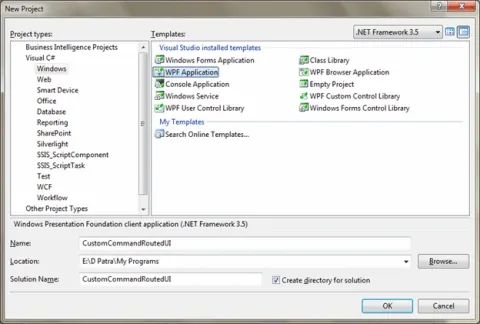
Custom RoutedUI Commands In WPF
In this article we will see how we can use Custom RoutedUI Commands in WPF.
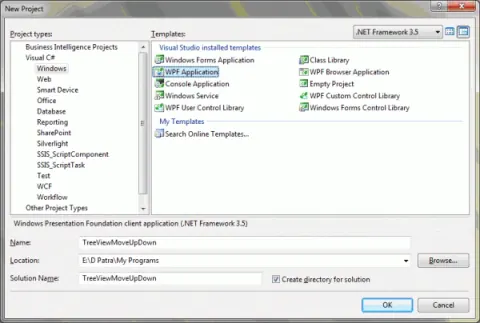
Move Up/Down TreeViewItem in TreeView in WPF
In this article we will see how we can move up/down a TreeViewItem in TreeView.
Commands in WPF - Part IV
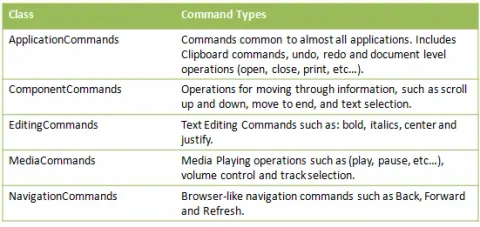
In Part III of this article series; we have seen how Input Binding is helpful. In this article we will explore on Command Objects and Command Types.
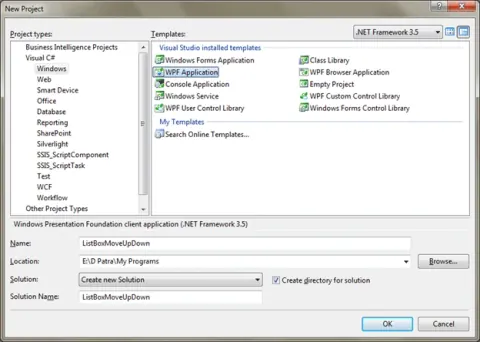
Move Up/Down ListBoxItem in ListBox in WPF
In this article we will see how we can move up/down a ListBoxItem in ListBox.