Loading
Articles by Diptimaya Patra

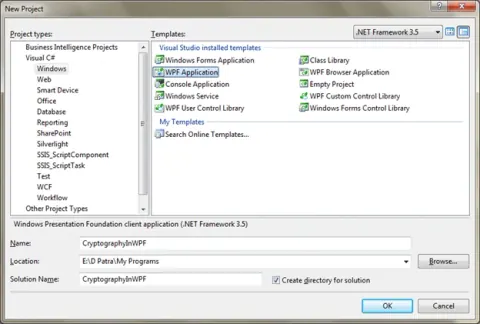
Triple DES Encryption and Decryption in WPF
In this article we will see how a set of data can be encrypted and saved in file and again while reading it should be readable/decrypted based on key.
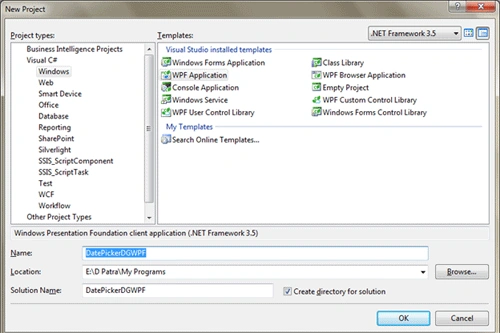
DatePicker in DataGrid in WPF
In this article we would see how we can use DatePicker in DataGrid in WPF.
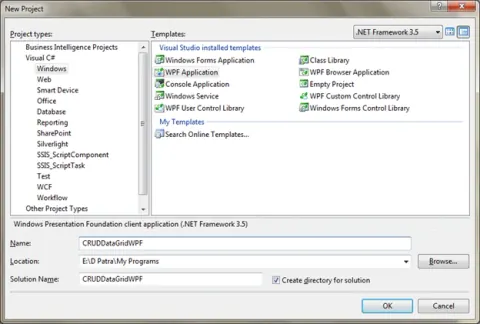
CRUD Operation in DataGrid in WPF
In this article you will learn how to use CRUD Operation in DataGrid in WPF.

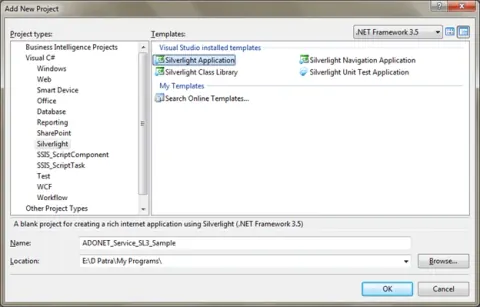
ADO.NET Data Model and ADO.NET Data Service in Silverlight 3
Learn how to use an ADO.NET Entity Data Model as an ORM and an ADO.NET Data Service to retrieve SQL Server data in a Silverlight 3 application.
LINQ to SQL in Silverlight 3
In this article we would see how can we use Linq to Sql ORM in Silverlight 3 Application for interactinig with SQL Server Database.
Closable Tab Control In WPF
In this article, we will see how we can achieve the Closable Tab Item in Tab Control in WPF.
AutoComplete Textbox in WPF
This article is a simple approach for achieving AutoComplete for TextBox.
Validation Summary In Silverlight 3
In this article we will see how we can do custom error messages if required.
Drag And Drop Item in ListBox in WPF
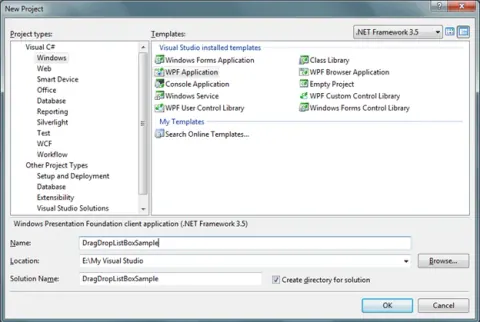
In this article we will see how we achieve Drag and Drop behaviour for ListBox Item.

Datagrid TemplateColumn Sorting in Silverlight 3
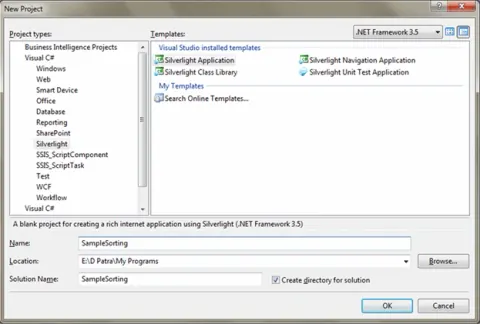
Learn how to enable sorting for Silverlight 3 DataGrid custom columns, including DataGridTemplateColumn, by setting SortMemberPath.
Create Setup and Deployment of WPF Application Step by Step
In this article we will see how we can create a Setup and Deployment of WPF Application. I would guide you step by step so that you don't miss anything.
Access Values from App.Config in WPF
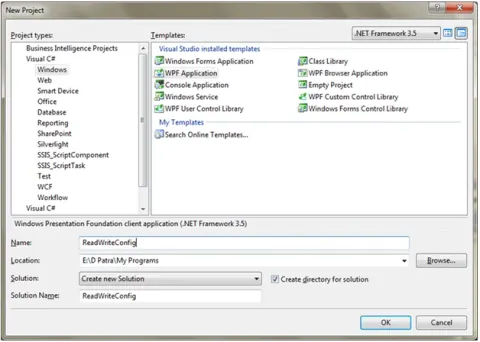
In this article we will see how we can access a value from App.Config in WPF Application.
CRUD Operation on XML DB in WPF Application
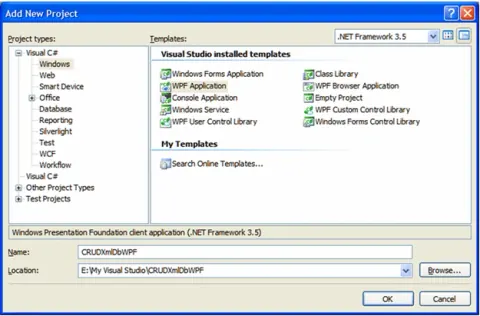
In this article we will see how to perform CRUD operation on an XML database in a WPF application.
Transparent Window in WPF Application
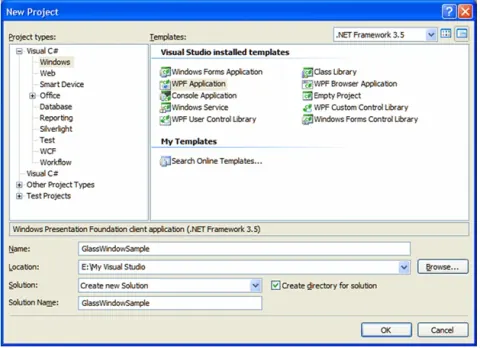
Create a transparent custom window in a WPF application using a GlassWindow control, XAML markup, and a referenced user control library.

Data Persistence Navigation in Silverlight 3
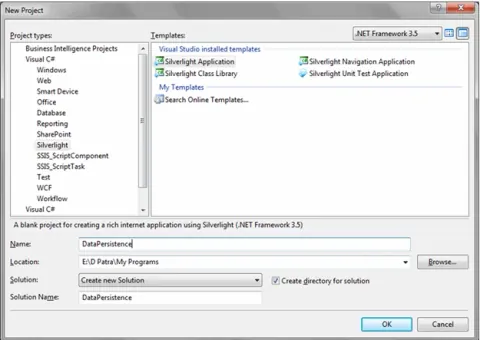
Learn how to preserve form data in a Silverlight 3 application while navigating between pages, then restore it when returning to the original page.
Mouse Wheel Scroll For ScrollViewer in Silverlight 3
Enable mouse wheel scrolling in a Silverlight 3 ScrollViewer with the Silverlight Toolkit, and reset the ScrollViewer to the top after page navigation.

ListBox Group Header Expand and Collapse in WPF
In this article we will see how can we expand and collapse the header and its contents.
Grouping and Sorting in ListBox in WPF
In this article we will see how we can group elements in ListBox.
Alternate Row Color In ListBox In WPF
In this article we will see how we can make the Alternate Rows of the ListBox Colorful in WPF.
Select all CheckBox in DataGrid and delete rows in Silverlight 3
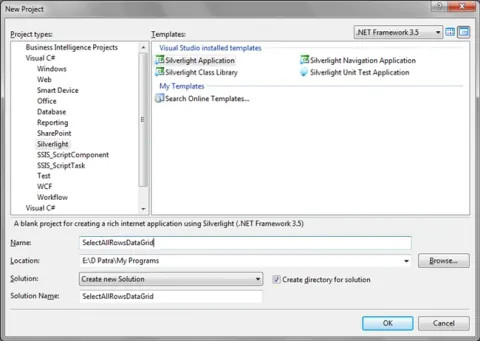
In this article we will see how we can select all rows of DataGrid and delete all selected.
ComboBox Default Selection in Silverlight 3
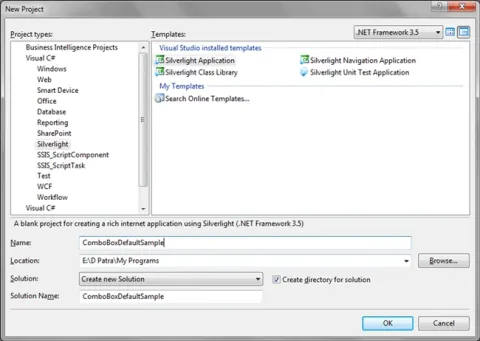
In this article we will see how we can use default item in ComboBox in Silverlight 3.
DataGrid Column Resize in Silverlight 3
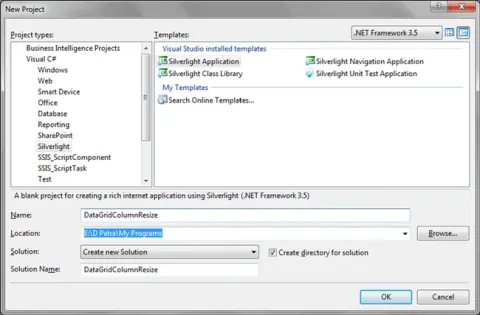
In this article, we will see how we can resize the DataGrid Column after row delete operation from the DataGrid.
Busy Indicator Control In Silverlight 3
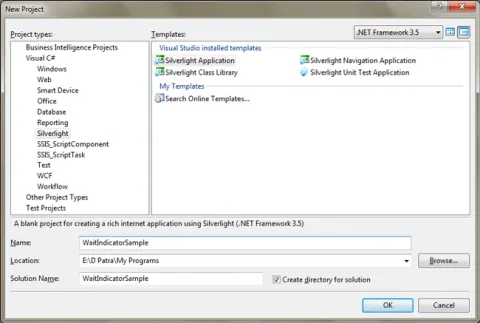
Busy Indicator is a control that is added in Silverlight 3 Toolkit November 2009 Release. In this article we will see how to use it.
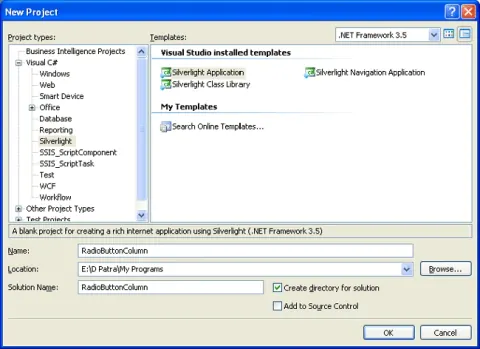
Radio Button Column in Datagrid in Silverlight 3
In this article we will see how we can add a Radio Button Column to the DataGrid in Silverlight 3.