Loading
Gowtham Rajamanickam's contributions
- Article · Azure
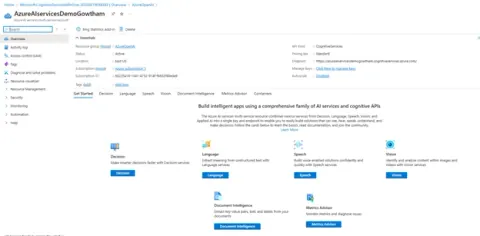
What is Azure AI Service and Azure OpenAI Service?
This article explains the key differences between Azure AI Services and Azure OpenAI Service, guiding developers on when to use each and how combining both unlocks powerful, modern AI-driven applications.
- Article · Power Automate
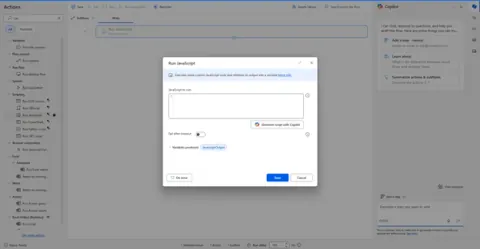
How To Run JavaScript in Power Automate Desktop Using “Run JavaScript” Action
Learn how to run JavaScript directly in Power Automate Desktop using the “Run JavaScript” action. Build objects, return JSON via WScript.Echo(), and integrate JS logic seamlessly into your PAD flows.
- Article · Azure
Getting Started with Azure OpenAI for Power Platform
Learn how to integrate Azure OpenAI GPT models with Microsoft Power Platform. This guide helps developers build smart, AI-powered apps using Power Automate, Power Apps, and low-code tools.
- Article · Power Automate
How to Use Azure AI Document Intelligence in Power Automate Flows
Automate document processing with Azure AI Document Intelligence and Power Automate. Extract data from PDFs, invoices, and forms with high accuracy—no code needed. Perfect for HR, finance, logistics, and more.
- Article · Power Automate
How to Use GPT with Power Automate via Azure OpenAI
Learn how to integrate GPT with Power Automate using Azure OpenAI to create smart workflows, automate responses, and enhance productivity with AI-driven logic in your business processes.
- Article · Copilot
How to Use Copilot Studio’s “Add Tool” Feature with SharePoint – Add Attachment
Learn how to use Copilot Studio’s “Add Tool” feature to upload attachments to SharePoint list items—no code or flows required. Build smarter bots faster with built-in Microsoft 365 connectors.
- Article · Power Apps
How to Use Power Apps Grid Control in Model-Driven Apps for Inline Editing and Better UX
Learn how to use Power Apps Grid Control in Model-Driven Apps to enable inline editing, improve data entry speed, and enhance user experience with modern, responsive UI elements in Microsoft Power Platform.
- Article · Power Automate
Enable Flow Run Resubmission in Power Platform Admin Center – Why It Matters?
Learn how enabling Flow Run Resubmission in Power Platform Admin Center helps admins troubleshoot, retry failed runs, and improve workflow reliability across Microsoft Power Automate.
- Article · Power Automate
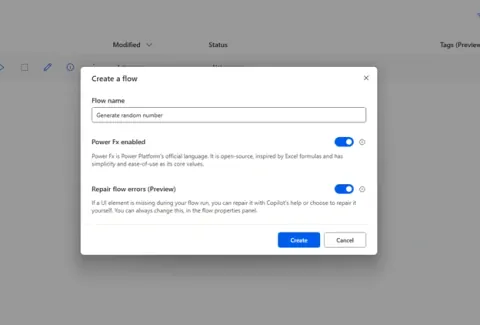
🎲 How to Generate a Random Number or List of Random Numbers in Power Automate Desktop
Learn how to generate single or multiple random numbers in Power Automate Desktop for testing, simulations, or dynamic inputs—perfect for RPA, Excel automation, chatbots, and Indian IT project scenarios.
- Article · Power Automate
How to Use Print Document in Power Automate Desktop
Learn how to use the Print Document (Workstation) action in Power Automate Desktop with this beginner-friendly guide. Automate printing tasks step by step and streamline your document workflows.
- Article · Copilot
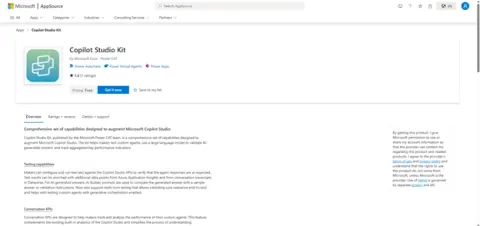
🚀 Copilot Studio Kit Explained: Boost Your Microsoft Copilot with These Must-Have Tools
Microsoft’s Copilot Studio Kit is an all-in-one toolkit for Power Platform developers to build, test, monitor, and scale intelligent agents with enhanced control, insights, and seamless UI customization.
- Article · Power Automate
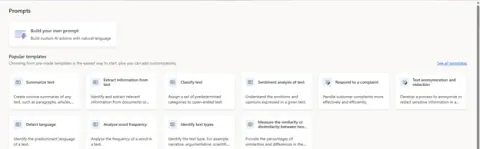
Power Automate AI Copilot Prompts: What & How to Build
Discover how to use Power Automate Prompts with Copilot to build smart, AI-driven flows using natural language. Learn to create custom prompts, summarize feedback, and automate tasks without coding.
- Article · Power Automate
Power Automate Desktop - How to Use For Each Loop and Best Practices (PAD)
Learn how to use the For Each loop in Power Automate Desktop with real-world Excel examples, best practices, and error handling tips to build clean, efficient, and scalable automations.
- Article · Power Automate
How to Use Variables in Power Automate Desktop
Learn how to use variables in Power Automate Desktop (PAD) to store, pass, and manipulate data. From text to tables, master types, creation methods, and real-world examples to build smarter flows.
- Article · Copilot
🤖 Create a Copilot Agent for SharePoint Development Site Creation using Copilot Studio
Learn to automate SharePoint development site creation using Microsoft Copilot Studio and Power Automate. Build a smart agent that collects user inputs and provisions sites instantly—no manual effort needed!
- Article · Power Pages
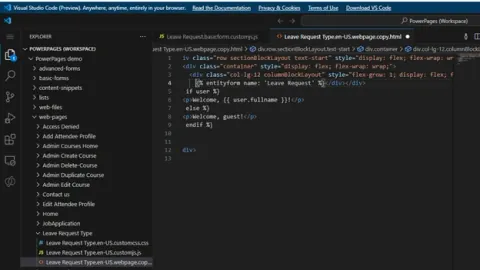
🔧 Create a Web Template Component in Power Pages /Websites
Learn how to create and use Web Template components in Power Pages for reusable, modular HTML + Liquid code. Simplify maintenance, follow DRY principles, and streamline portal development.
- Article · Power Pages
Liquid Objects in Power Pages Portal – Explained with Examples
Learn how to use Liquid Objects in Power Pages Portal with clear examples. This guide helps you customize dynamic content, enhance user experience, and master Power Platform Liquid syntax.
- Article · Power Automate
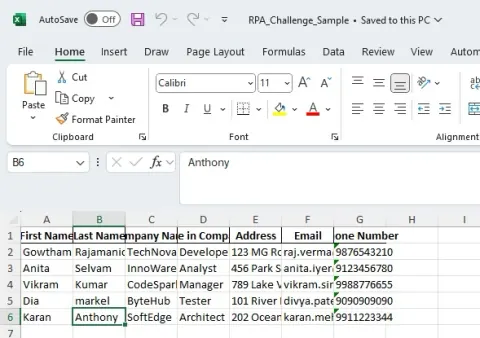
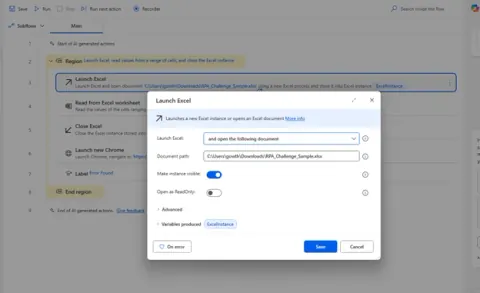
Power Automate Desktop: Read Excel and Use as Data Table (PAD)
Learn how to read a local Excel file and convert it into a Data Table using Power Automate Desktop. Easily loop through rows, display data in message boxes, and enhance your automation workflows.
- Article · Power Automate
How to Capture UI Elements in Power Automate Desktop Flow (PAD)
Learn how to capture UI elements in Power Automate Desktop (PAD) to automate desktop applications easily. Perfect for beginners and those exploring UI automation with Microsoft PAD tools.
- Article · Power Automate
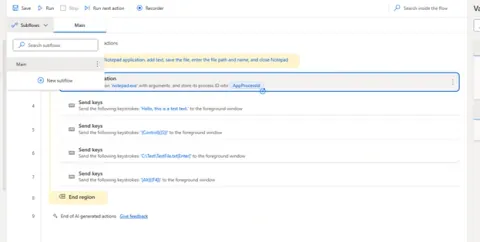
How to Create and Use Subflows in Power Automate Desktop Like a Pro (PAD)
Learn how to create and use subflows in Power Automate Desktop (PAD) to organize your automation workflows efficiently, improve reusability, and simplify complex tasks like a pro.
- Article · Power Automate
How to Do Error Handling in Power Automate Desktop Flow (PAD)
Learn how to implement error handling in Power Automate Desktop (PAD) flows using Try-Catch blocks and best practices to manage exceptions and ensure smooth execution in RPA workflows.
- Article · Power Automate
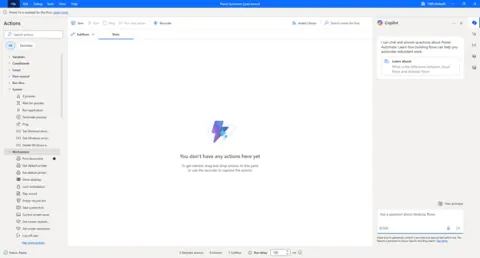
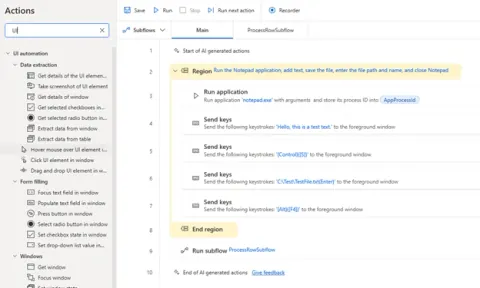
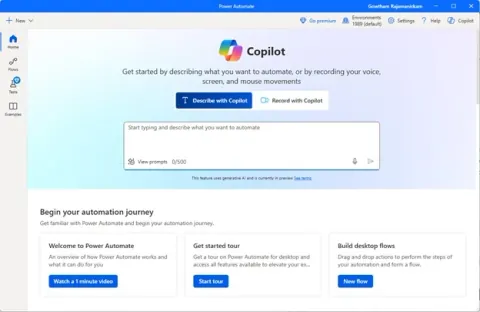
Create Your First Desktop Flow in Power Automate Desktop (PAD)
Power Automate Desktop is Microsoft’s free tool that lets you automate tasks on your Windows PC without coding. Easily create flows to handle repetitive work like data entry, app control, web scraping, and more.
- Article · Copilot
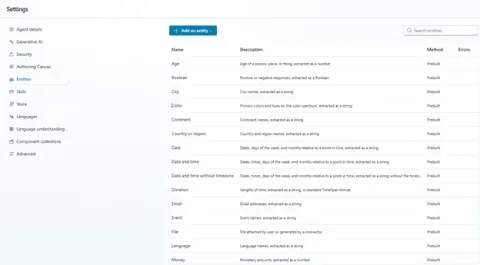
Working with Entities in Power Platform Copilot Studio
Learn how to use entities in Microsoft Copilot Studio to build smarter, AI-powered chatbots. Understand prebuilt and custom entities, improve conversation flows, and enhance user interaction and personalization.
- Article · Power Automate
Getting Started with Power Automate Desktop for Developers
Learn how to automate tasks, create desktop flows, and boost productivity using Microsoft’s powerful automation tool perfect for those new to RPA and desktop automation.
- Article · Power Pages
Add a Multistep Form in Power Pages – Step-by-Step Guide
Learn how to add a multistep form in Power Pages with this step-by-step guide. Improve user experience by breaking forms into easy steps, increasing engagement and completion rates.