Loading
Jean Paul's contributions

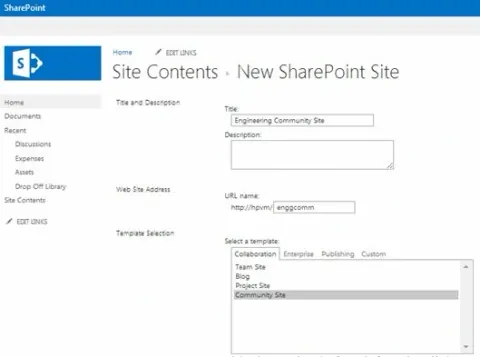
Create a Community Site in SharePoint 2013
This article explores the SharePoint Community Site template and how to use it.
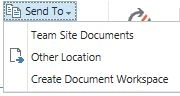
Send To Operation Between SharePoint and OneDrive Library
In this article we can explore how to use the Send To option between a SharePoint library and OneDrive library.
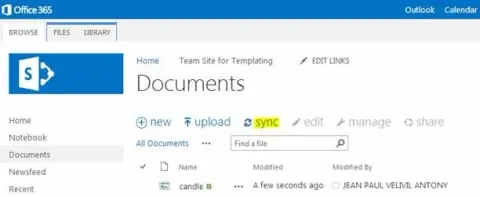
Sync Feature in SharePoint 2013
In this article we can explore the Sync feature of SharePoint. This feature is available in SharePoint 2013 and in the online edition.
Video Search in Sharepoint 2013
In this article we can explore the video capabilities & Video Search in SharePoint 2013.
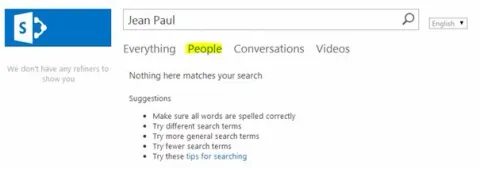
People Search in SharePoint 2013
In this article we can explore People Search and how to configure it for a SharePoint 2013 Search.
Thesaurus in SharePoint Server 2013
In this article we can explore the Thesaurus and its configuration in a SharePoint 2013 Search.
Content Enrichment Web Service in SharePoint 2013
In this article we can explore an Advanced Search feature of SharePoint 2013.
Create Crawl Rule in SharePoint 2013
In this article we can explore how to create a crawl rule in SharePoint 2013.
Configure Bing Search in SharePoint
In this article we can explore how to configure Bing search in SharePoint.
Result Sources in SharePoint 2013
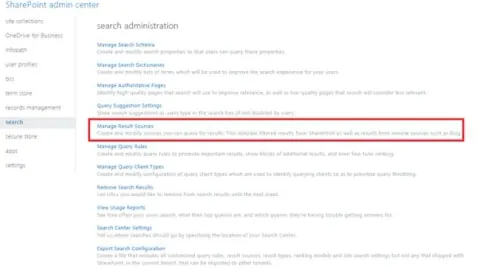
In this article we can explore the Result Sources in SharePoint 2013 Search.
Search Configuration in SharePoint 2013
In this article we can explore the underlying Configurations required to enable Search in SharePoint 2013.
Query Suggestions in SharePoint 2013
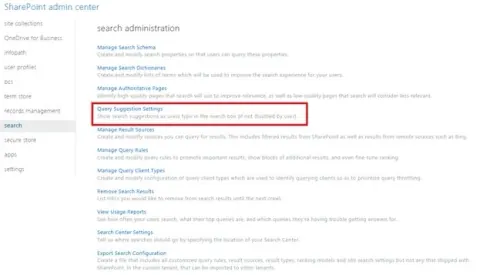
In this article we can explore how to enable Query Suggestions in SharePoint 2013 Search.
Print Button on InfoPath Form in SharePoint 2010
In this article we can explore a real-life scenario to show a Print button on an InfoPath form in view/edit mode.
Managed Navigation in SharePoint 2013
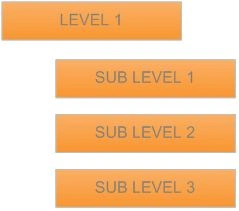
In this article we can explore the new feature in SharePoint 2013 called Managed Navigation.
Copy JS Files to Library Using Module in SharePoint 2010
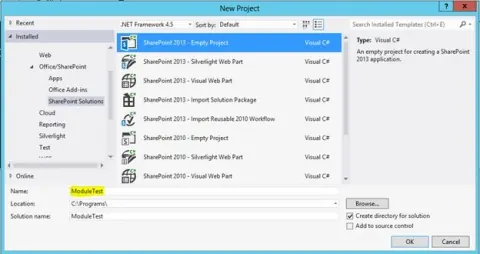
This article exlains how to copy our JS / CSS / IMAGE files into a SharePoint Library in a SharePoint Project using Visual Studio Modules and a package in a WSP.
New Developer Dashboard in SharePoint 2013
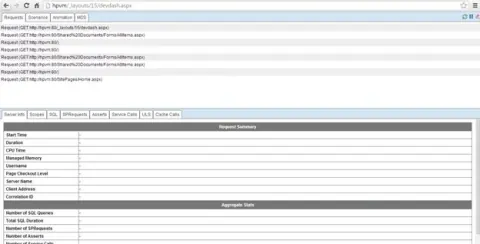
In this article we can explore the new Developer Dashboard in SharePoint 2013.
Slide Show Using Content Search Web Part in SharePoint 2013
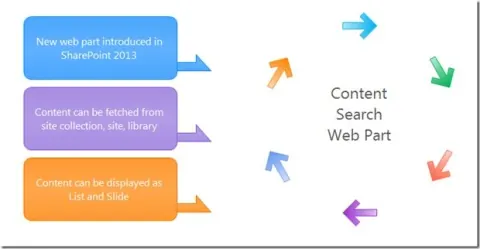
This article provides an overview of the Content Search Web Part.
Load Testing SharePoint 2013 Site
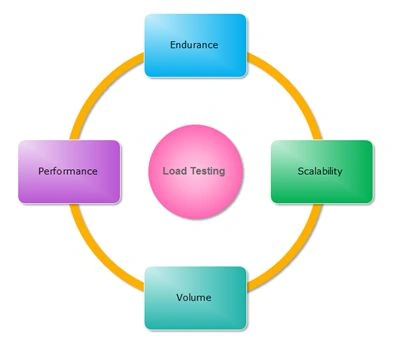
In this article we can explore the feature in Visual Studio 2012 Ultimate for Load Testing a SharePoint 2013 site.
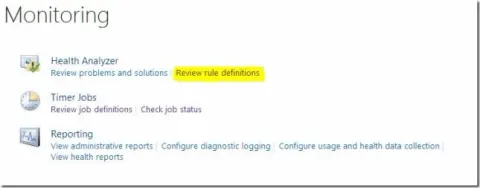
Health Analyzer Rule Definitions in SharePoint
This article describes the health analyzer issue in SharePoint
How to Enable Anonymous Access For Existing Web Application
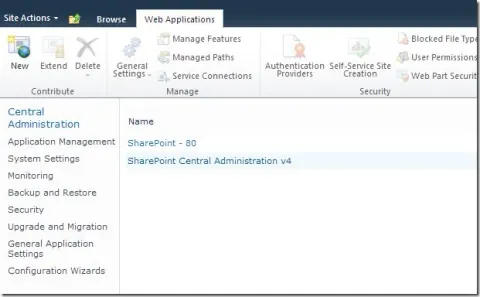
Here, we will see how to enable anonymous access for an existing web application.
Page Viewer Web Part to Show List Folder Contents
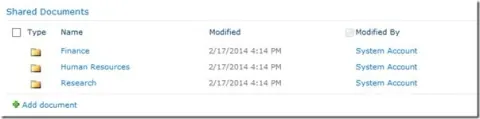
In this article, I will show the usage of a Page Viewer web part to show a list of folder contents.
SharePoint And InfoPath: Using Lookup Fields
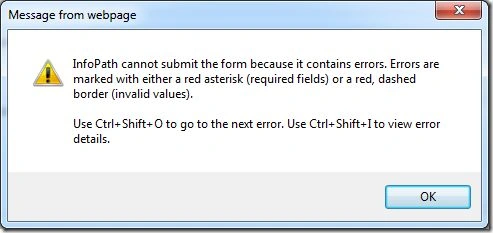
This article explains how to solve the InfoPath cannot submit the form because it contains errors error in SharePoint. Here we can explore a solution to solve it.
Create Site Definition With List Instance in SharePoint 2013
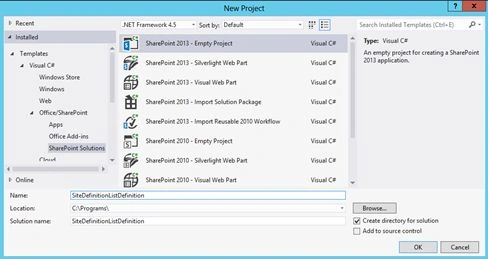
In this article I provide a practical example of creating a Site Definition with List Instance in SharePoint 2013.