Loading
Mahesh Chand's contributions
- Article · C# Strings
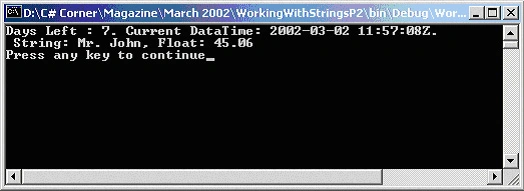
Working with Strings in VB.NET
This article is VB.NET version of Working with Strings in .NET using C#.
- Article · ADO.NET
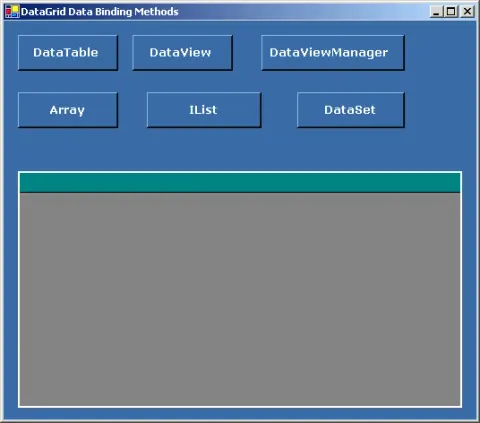
Data Binding in DataGrid Control - Part 1
When it comes to data-bound controls and database programming, DataGrid control is the most versatile , powerful and flexible control available in Visual Studio .NET.
- Article · ASP.NET
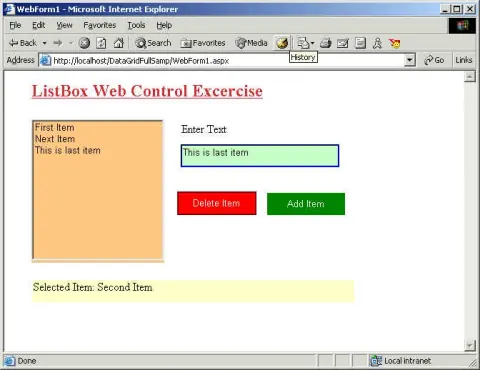
Using ListBox Web Control
This article explains the ListBox Web Forms control properties and methods and how to use it.
- Article · C#
Introductions To C#
Learn how to install the .NET SDK, write a basic C# Hello World program, compile it from the command line, and understand using directives and namespaces.
- Article · COM Interop
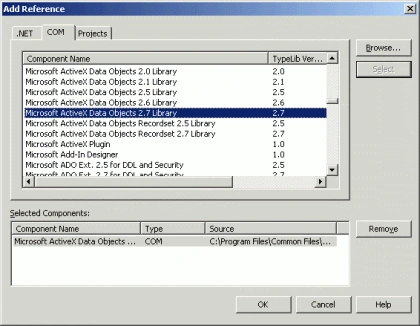
Using ADO RecordSet in ADO.NET
Using ADO recordset in managed code using ADO.NET data providers is pretty simple. Visual studio .NET provides you to add reference to the COM libraries. In this article I'll show you how to access data using ADO recordset and fill a ADO.NET data provider from the recordset data.
- Article · XML
Reading and Writing XML in C#
In this tutorial, you will learn how to read and write XML documents in Microsoft .NET using C# language.
- Article · C#
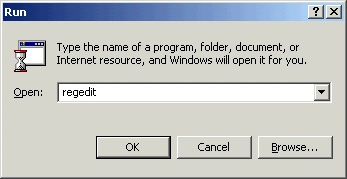
Working with Windows Registry
In this small tutorial, I'll show you how to read, write and delete Windows Registry.
- Article · Internet & Web
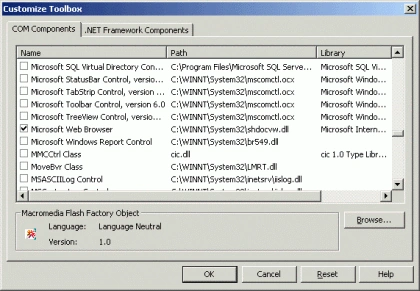
Web Browser in C# and VB.NET
This article explains how to add and web browser ActiveX to your project to developer your own customized web browser.
- Article · Windows Forms
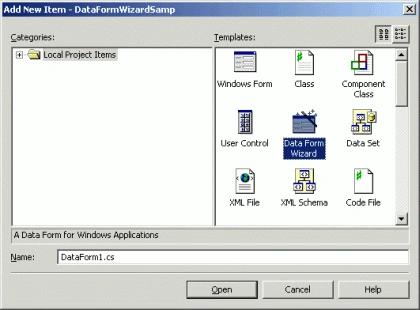
Working with Data Form Wizard
Step by step tutorial guides you how to use Data Form Wizard to write database applications in no time.
- Article · GDI+
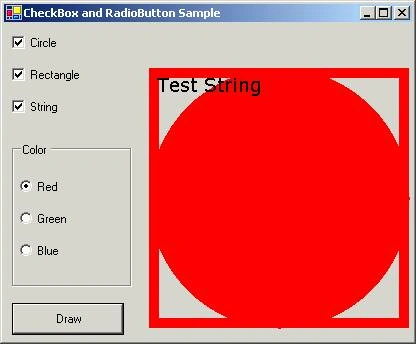
Drawing With no OnPaint Method
In this sample example, I draw GDI+ objects on button click.
- Article · ADO.NET
Working with Data Bound Controls
Step by step tutorials teaches you how to use data-bound controls DataGrid, ListBox, and ComboBox controls .
- Article · Windows Controls
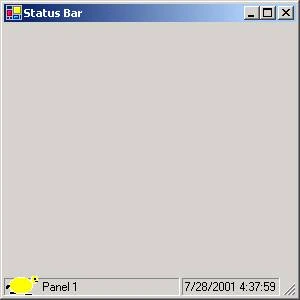
Working with Status Bars
An article on how work with status bars and pens and images to the pens.
- Article · Internet & Web
Using WebRequest and WebResponse classes
Downloading and uploading data from the web has been a very common programming practice these days.
- Article · GDI+
Working with GDI+ Pens and Fonts
The System.Drawinging.Pen and System.Drawing.Font classes represent pen and font objects in GDI+.
- Article · Windows Forms
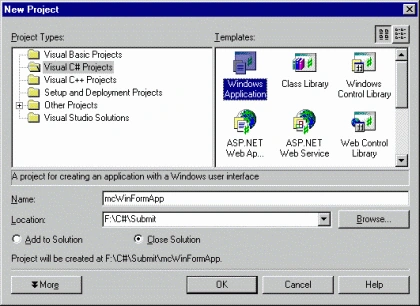
Developing Windows Applications
This tutorial explains you step by step how to create your Windows Applications using Visual C#.
- Article · ATL/COM
Why Should I use ATL instead of MFC when developing components?
Article has some reasons for using ATL instead of MFC.
- Article · Controls
Changing font size of Statusbar and Toolbar
This article explains how to change font size of statusbar and toolbar.
- Article · ADO.NET
Displaying data in a ListBox Web Control
Sample example for how to display data in a ListBox Web control.
- Article · Controls
Loading bitmap resource using CBitmapButton
This article describes how to load bitmap resource using Cbitmap button.Loading bitmap resources using CBitmapButton is a fair simple jobs.
- Article · ADO.NET
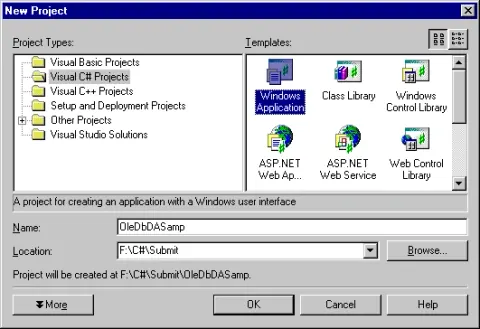
Working with OleDb Data Adapters
This step by step article guides you to create your database applications using OleDb Data Adapters in VS.NET.
- Article · ADO.NET
ADO.NET: What's changed in .NET Beta 2?
ADO.NET API is one of the changed APIs. In this article, I've covered some of ADO.NET changes in Beta 2.
- Article · Visual Studio .NET
Working With OleDb Data Adapters
This step by step tutorial guides you to create your database applications using OleDb Data Adapters in VS.NET.
- Article · C#
Working With OleDb Data Adapters
This step by step tutorial guides you to create your database applications using OleDb Data Adapters in VS.NET.
- Article · C#
The out and ref Paramerter in C#
The out and the ref parameters are used to return values in the same variables, that you pass an an argument of a method. These both parameters are very useful when your method needs to return more than one values.