Loading
Mike Gold's contributions
Printing out your W2 Form using C# and .NET
This article covers a fairly practical aspect of using a computer - dealing with forms. The concepts in this article can be used to create any Form Application so that you can design forms that you can Fill Out, Open, Save, Print and Print Preview.
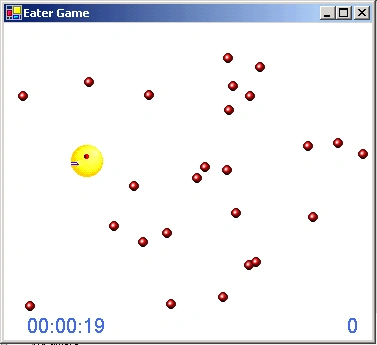
Eater Game in C#
This is a simple game written in C# in which the user moves a packman like player around the form and gobbles up red dots. The object is to get all the dots in as quick a time as you can.

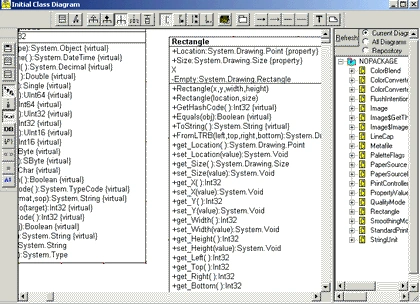
Using Reflection and With Class2000 to view the .NET System.Drawing library Part I
Using the power of .NET and the power of COM InterOperability through WithClass 2000, you can view the System.Drawing library in a rough UML diagram.
Connecting to a Text file using ADO.NET
A simple step by step tutorial shows you how to connect to a text file using ADO.NET and C#..

Drag and Drop Using C#
Drag and Drop in C# has been a question on the UseNet and many websites on C# so I have decided to tackle the problem here. This is an update of the directory tree component download on this web site.
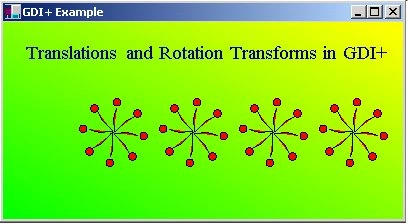
Using Transforms with GDI+ in C#
Transforms are matrices that allow you to rotate and translate your graphics shapes. In this example we are going to rotate a very powerful element in C# called the GraphicsPath.
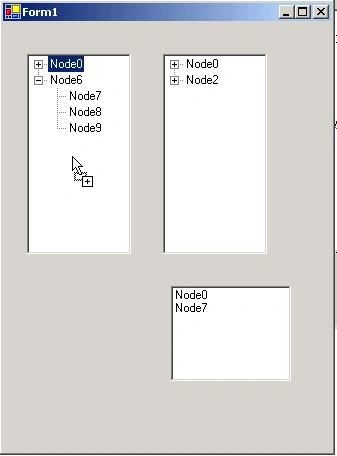
Drag and Drop Revisited
I've had a couple inquiries on how to do drag and drop in .NET again, so I've put together a simple app for dragging text from a TreeView to a TreeView and a TreeView to a ListBox.
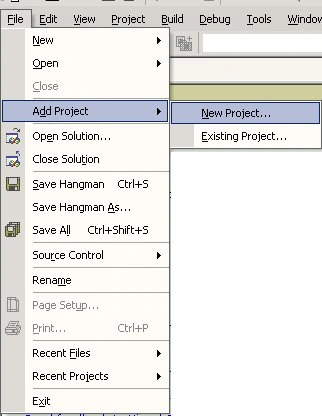
Deploying Programs in C#
Deploying projects in Visual Studio.NET is fairly straightfoward. Most of the process is automated for you through some convenient wizards so it doesn't require much effort.
Deploying Programs in C#
Deploying projects in Visual Studio.NET is fairly straightforward. Most of the process is automated for you through some convenient wizards so it doesn't require much effort. Keep in mind, though that you probably need the Windows Component Update Beta 1 on the machine you are deploying to. I suspect you also need the Microsoft .NET Framework, as well (for now).

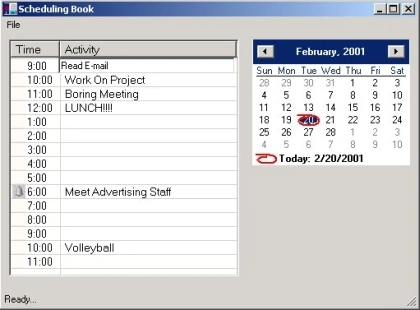
Schedule Program Using C#
The Scheduling program consists of three main classes. The Form, the DatabaseController used to read and write scheduled events into the database and RowData which corresponds to data extracted from a row in the database.

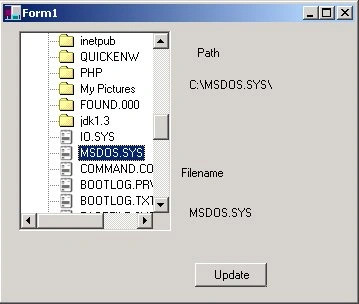
Directory Picker in C#
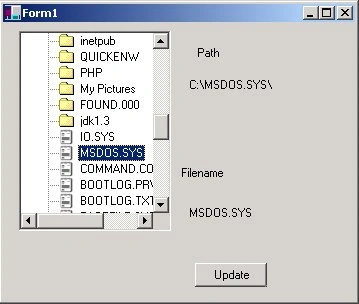
Build a C# TreeView directory-picker control that displays folders and files, populates nodes on selection, and exposes the selected path and file name.
Creating your own cool Volume Control using GDI+
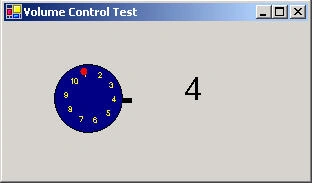
In this article, I'll give you an example of creating your own control.
Using ListViews in C#
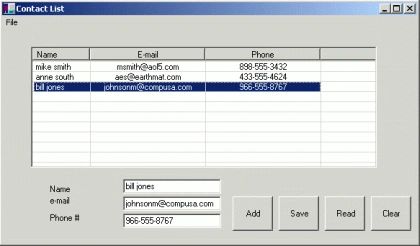
C# makes life a bit easier with a richer property and method set for ListViews. Here we will learn to use ListViews in C#.
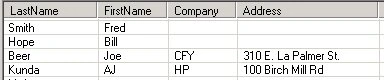
A GridView Component in C#
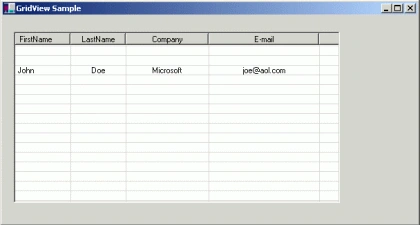
Learn how to wrap a Windows Forms ListView in a reusable UserControl that provides grid-style rows, columns, and cell population methods.
Creating And Using Custom Attributes In C#
Attributes are classes that allow you to add additional information to elements of your class structure.
Business Card Designer Using C#
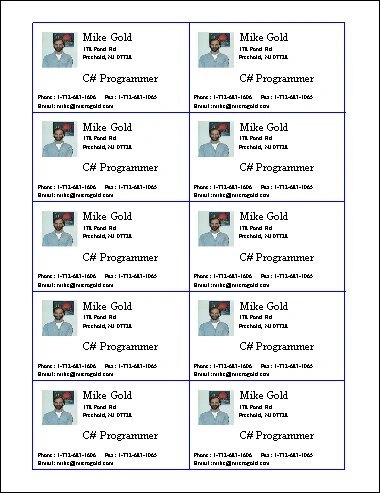
Build a C# business card designer using GDI+ graphics, Windows Forms dialogs, and BinaryFormatter serialization to save and load card designs.

Printing in C#
In this tutorial, learn Printing In C# and how to print a text box contents in C#. Includes C# Print code example.
Yahtzee Program using C#
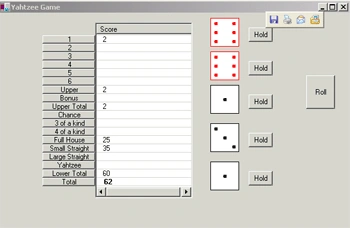
The Visual C# environment has given the programmer the ability to create applications in RAD mode without the steep learning curve for the C++ programmer. (I do miss templates though!). The above application, yahtzee, is based on a popular poker-like dice game.
Add/Remove User Control for C#
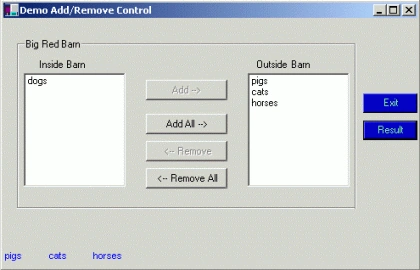
A nice feature in the Visual.NET environment is the ability to create User Controls.