Loading
Najath Risni's contributions

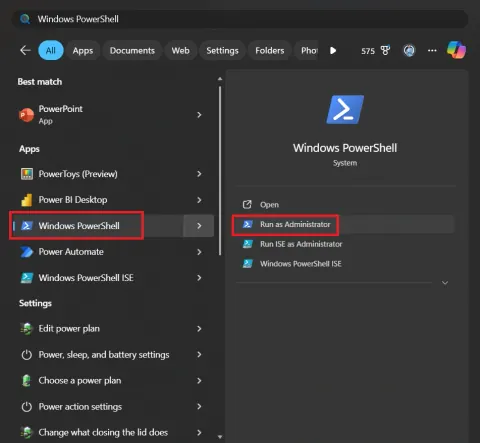
How to find your CPU’s score
Finding your CPU score is a great way to see how your computer handles heavy tasks like gaming, video editing, or multitasking. Depending on what you want to measure, there are three main ways to get those numbers.
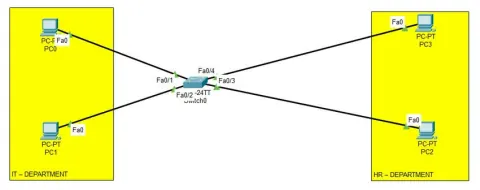
How To Set VLAN Configuration On Cisco Networking Switch
Learn how to configure VLANs on a Cisco networking switch using the Command Line Interface (CLI). This step-by-step guide demonstrates the easiest method for setting up VLANs, segmenting your network for improved security, and managing broadcast domains. Configure VLAN 10 for IT and VLAN 20 for HR with practical examples and commands. Master essential network administration skills today!
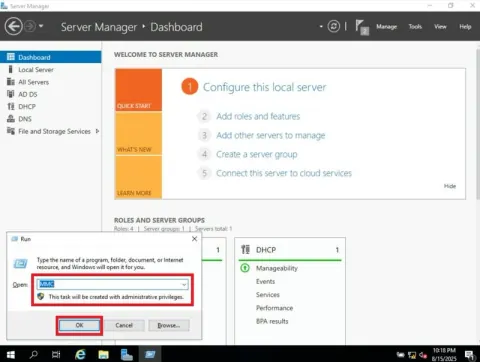
How to Create Taskpad in Windows Server
In Windows Server, a taskpad within a Microsoft Management Console (MMC) is a user interface element that provides a focused way to access and perform specific tasks related to a particular scope node.
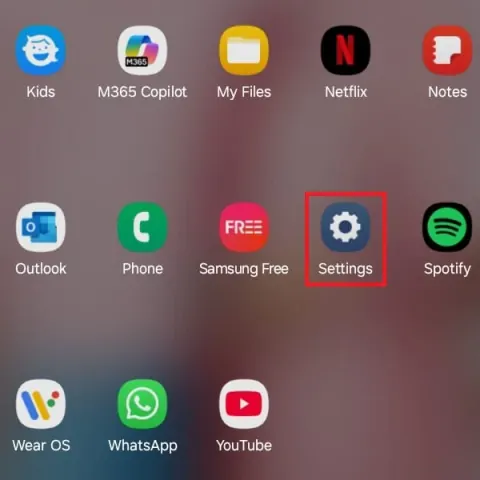
How To Protect Your Android Device From Unwanted Ads
Learn how to block unwanted ads on your Android device using Private DNS. This simple method boosts security, saves battery, and enhances your browsing experience with minimal setup and no extra apps.

How to Install Kali Linux in Microsoft Hyper V
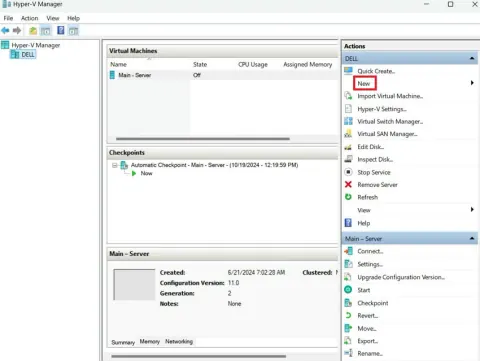
This article covers the necessary steps, from enabling Hyper-V on Windows to setting up a Kali Linux virtual machine.
How to Find a Linkedin Professional’s Email ID in Microsoft Edge
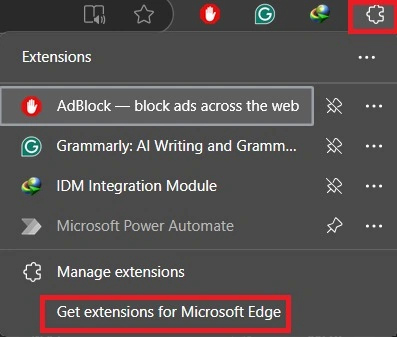
Learn how to find a LinkedIn professional’s email ID using Microsoft Edge. This guide covers simple methods, browser extensions, and tips to help you connect with the right people for networking, outreach, or hiring right from your Edge browser.
Master Gmail: Undo, Schedule, Snooze & Offline Mode
Discover four useful Gmail tricks to boost productivity: Undo sent emails, schedule emails, snooze messages for later, and use Gmail offline. These tips help manage emails efficiently and improve workflow.

How to Create Virtual Network Manager in Azure
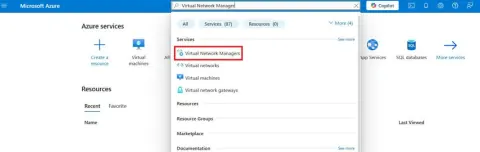
Learn how to create an Azure Virtual Network Manager (AVNM) to simplify VNet management across subscriptions and regions. Configure connectivity, security, and routing centrally for scalable, secure, and efficient cloud networking.
How to Configure Azure Cloud Backup Service to Windows 11
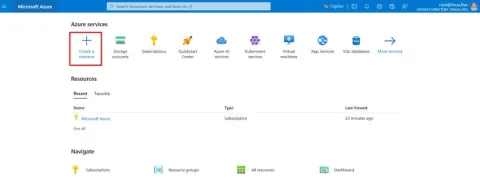
This article guides you through configuring Azure Cloud Backup Service on Windows 11. It covers the entire process from creating a resource in the Azure portal to setting up backup with the MARS agent.

How To Upgrade Windows 11 System Files?
Learn how to safely update essential OS components, enhance system performance, and ensure your PC runs smoothly. Whether you're fixing issues or improving functionality, our guide simplifies the process for all users.
How to Repair Corrupted System Files in Windows 11?
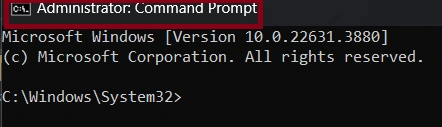
When you refer to "Repair Any Corrupted System File in The Current Image," you're likely talking about using built-in Windows tools to repair system files
How to Install and Configure Windows Admin Center
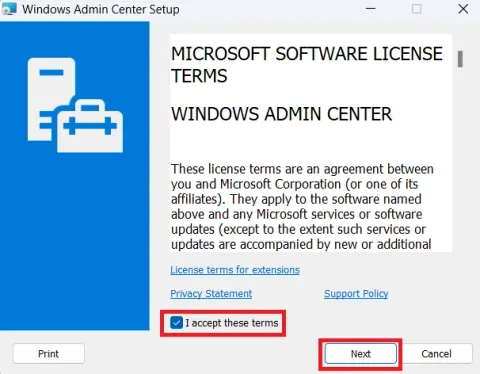
Windows Admin Center (WAC) is a versatile, browser-based management platform for Windows Server, Windows Client, and more. It simplifies troubleshooting, configuration, and maintenance tasks, enabling remote management without separate server requirements.
How to Create Azure Storage Account and Configure to Windows 11
Learn how to set up an Azure Storage Account and integrate it with Windows 11. Create and configure storage containers using Azure Portal or tools like PowerShell and Azure CLI. Explore access management, including storage keys and shared access signatures.
Install and Configure Network Load Balancing Manager in Server
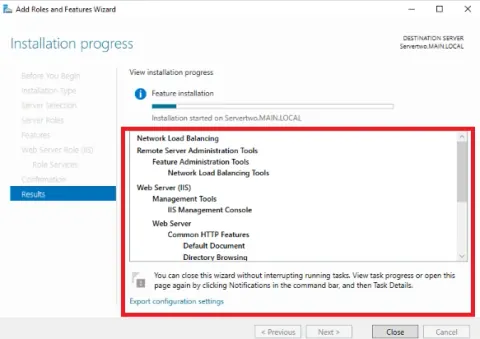
In this article, we will learn Network load balancing is the ability to balance traffic across two or more WAN links without using complex routing protocols like BGP.
How to Customize Blogger Cursor
Learn how to add a personal touch to your Blogger blog by customizing the cursor. Explore CSS techniques and HTML coding to create unique cursor effects that match your blog's theme and style.
How to Install and Configure Web RD in Server
Learn how to install and configure RD Web Access, RD Gateway, and Remote Desktop Services on Windows Server 2019 for browser-based access to remote desktops and RemoteApps.
How to Install Configure VPN on Windows Server
This detailed guide offers step-by-step instructions on how to set up a VPN on Windows Server. Learn to set up a VPN on Windows Server 2019 efficiently. Understand the server's dual roles: client and host. Follow clear steps for installation and configuration. Simplify remote access and enhance security.
How to Install and Configure RODC in Server
In this article, we will explore A read-only domain controller (RODC) is a domain controller that hosts an Active Directory database's read-only partitions.
How to Add Customize Download Timer Button in Blogger
This article provides a guide on adding a customized download timer button on Blogger, offering increased convenience and control to users. It discusses the benefits of such a button, including scheduled downloads, prevention of disruptions, improved user experience.
How to Do Distributed File System (DFS) In Server
In this article, we will learn a distributed File System (DFS) as the name suggests, is a file system that is distributed on multiple file servers or multiple locations.
How to Do Zone Transfer in Windows Server
Zone transfer is a crucial process for synchronizing DNS zone data across multiple servers, ensuring all DNS servers responsible for a domain remain updated with the latest information. By following the step-by-step instructions outlined in the article, users can configure zone transfer between primary and secondary DNS servers effectively.
How to Add Additional Domain Controller in Server
Deploying additional domain controllers increases the redundancy, which results in even greater resilience and higher availability.
How to Install WDS in Server?
This article provides a comprehensive guide on installing Windows Deployment Services (WDS) on Server 2019, detailing each step in the process.
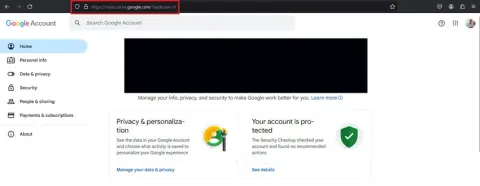
How to Remove Your Gmail Account from Unwanted Website
Once you've removed a website's access to your Email account, they will no longer be able to access your email.
How to Do Work Folder in Windows Server?
Work Folders in Windows Server 2019 enable seamless synchronization of user files between devices, ensuring access to up-to-date data. Administrators can set up and manage Work Folders via Group Policy and Active Directory.