Loading
Najath Risni's contributions

How to Manage Drive Space with Storage Sense in Windows 11?
Storage Sense can automatically free up drive space for you by getting rid of items that you don't need, like temporary files and items in your Recycle Bin.
How to Add Highlighted Image Slider in Blogger
Enhance your Blogger blog with a highlighted image slider. Learn how to customize your blog layout by adding an interactive image carousel using widgets or plugins for a visually appealing browsing experience
How to Do Account Lockout Policy on Server
An account lockout policy disables a user account if an incorrect password is entered a specified number of times over a specified period.
How to Create Folder Redirection on Server
Under Microsoft Windows, the redirection is often performed by Group Policy, when used in an Active Directory environment. It can also be performed by manually editing the Windows Registry, changing library locations, or with tools such as Tweak UI. Disk quotas can be used to limit the amount of space taken up by users' special folders.
How to Lock Windows 11 PC Automatically when you're Away
Windows 11's Dynamic Lock feature automatically locks your device when you step away.
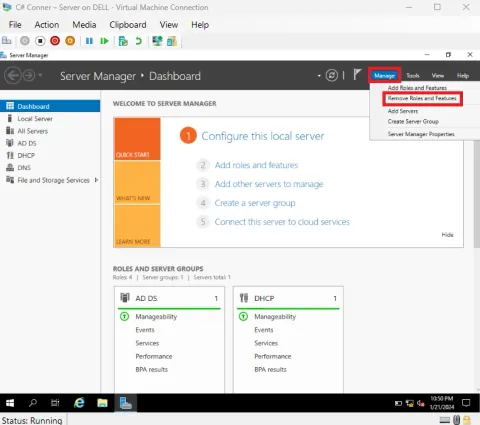
How to Remove Server Roles and Features in Server
To remove roles, role services, and features, you can use the Remove Roles and Features Wizard. Learn the proper and easiest method to remove server roles and features on Server 2019. Follow step-by-step instructions, including demoting a domain controller and handling restart.

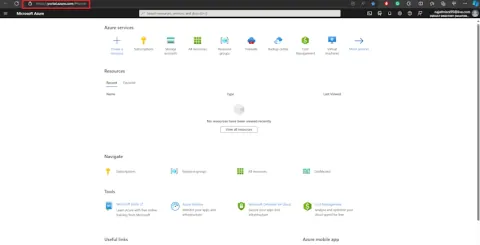
How to Create Virtual Machine in Azure Portal
Azure virtual machines (VMs) can be created through the Azure portal. This method provides a browser-based user interface to create VMs and their associated resources. This quickstart shows you how to use the Azure portal to deploy a virtual machine (VM) in Azure that runs Windows Server 2019.
How to Connect Client Computer to Server Domain
For Active Directory Federation Services (AD FS) to function, each computer that functions as a federation server must be joined to a domain. Federation server proxies may be joined to a domain, but this is not a requirement.
How to Clean and Replace Corrupted Files in Windows 11
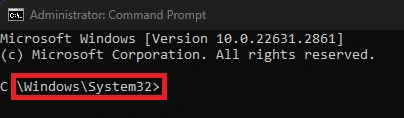
The SFC process usually takes 5–10 minutes to complete, but it may take longer if the task is heavy. If the process takes longer than an hour, it may be stuck.
How to Active Azure Account Using Azure Pass
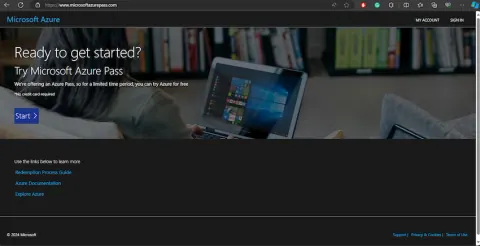
Azure Pass is a coupon code that provides a certain amount of Azure credits.
How to Restrict Clients Desktop Settings in Server
Learn to restrict client desktop settings on Server 2019 efficiently. Understand the benefits, reduce risks, protect sensitive data, and follow a step-by-step guide for proper implementation.
How to Create a 3d Illustration on Microsoft Image Creator
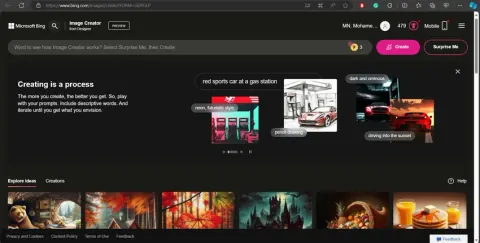
In this article, we will learn how to create a 3D illustration using AI with Microsoft Image Creator. Follow the steps on the Bing Chat AI-powered tool to generate unique, customizable images from text prompts.
How to Do Password Policy in Server
A password policy can help prevent unauthorized access to user accounts and protect against common types of attacks. A password policy is a set of rules that encourage users to create and use strong passwords.
How to Add Popup Image in Blogger Sites
Here are some steps for adding a responsive pop-up image with a link in Blogger
How to Add Christmas Effects to Your Website
Add a visual effect of falling snowflakes to your website. Unlock the festive spirit on your website! Learn the hassle-free method to add Christmas effects to your Google Blogger site. Follow six simple steps and witness the magic unfold seamlessly.
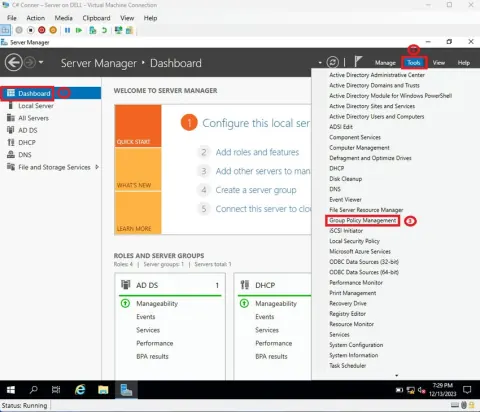
How to Create Software Group Policy on Server 2019
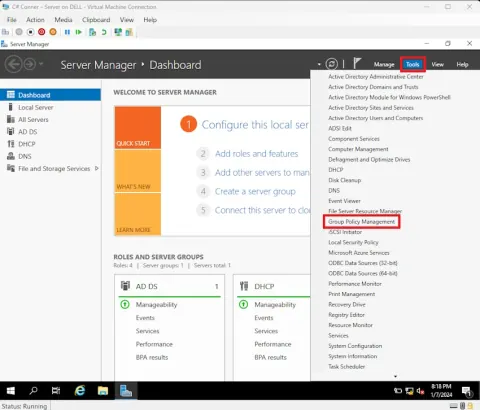
How to Create Software Group Policy on Server 2019.
How to Create Wallpaper Group Policy in Server
Learn the easiest method to create a wallpaper group policy on a server operating system. Follow step-by-step instructions, from creating a group policy to linking it for seamless application on restart.
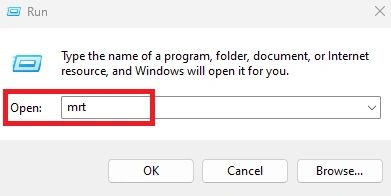
How to Remove Malicious Software in Windows 11
Learn the proper and easy method to remove malicious software. Utilize Microsoft's Malicious Software Removal Tool with a step-by-step guide for effective scans. #Cybersecurity #MalwareRemoval
How Configure User’s Profile in Server 2019
This article guides you through configuring user profiles on Windows Server 2019 for effective access control and privilege enforcement. Learn step-by-step procedures, including logon hours, log-on to restrictions, and more.
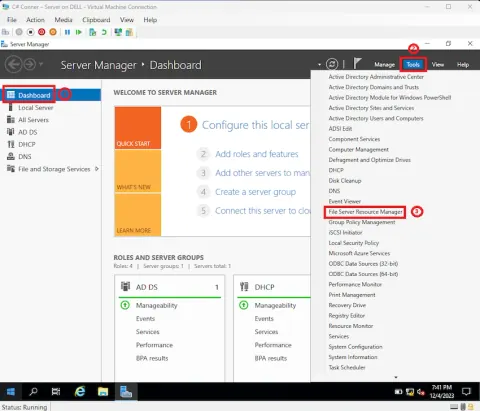
How to Create File Screening Management in FSRM
This article guides you through the process of setting up file screening management in File Server Resource Management (FSRM). File screening management allows control over the types of files stored on a file server, limiting specific file extensions.
How to Create Quota Management in FSRM
In this article, I’m going to show you how to create quota management in file server resource management in a proper and easiest method.
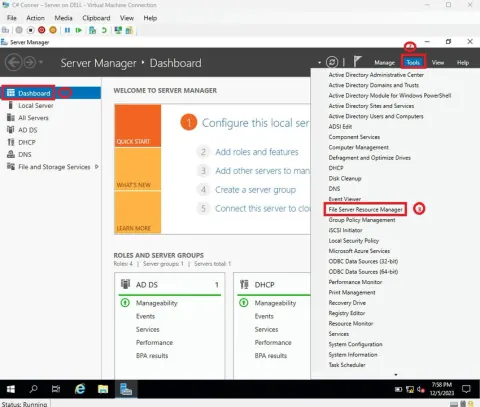
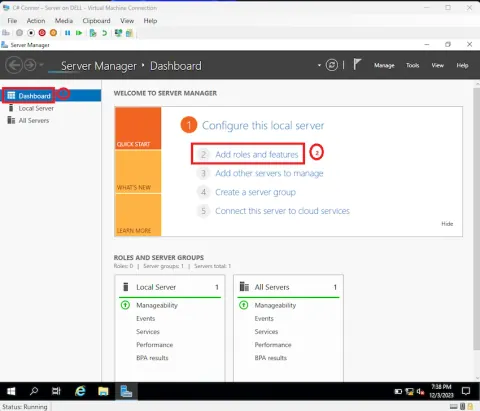
How to Install the File Server Resource Manager (FSRM)
How to Install the File Server Resource Manager (FSRM).
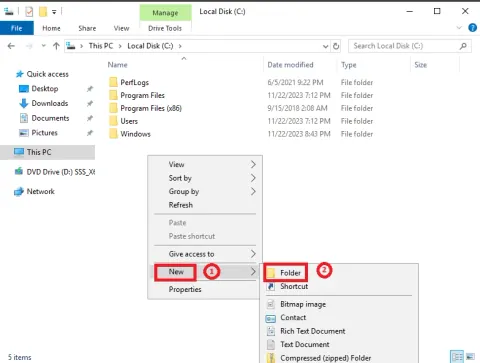
How to Share a Drive and Mapping for Client User?
Learn the proper and easy method to share and map a drive for client users. Follow clear steps from creating a shared folder to setting up permissions in this insightful guide.
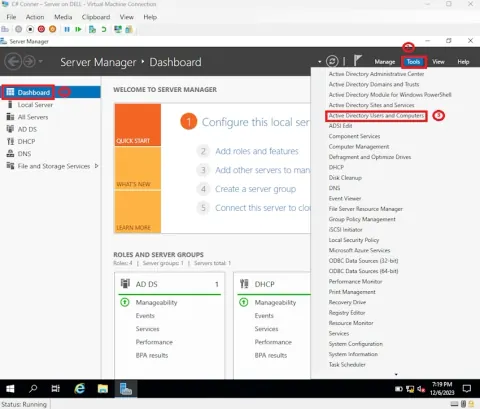
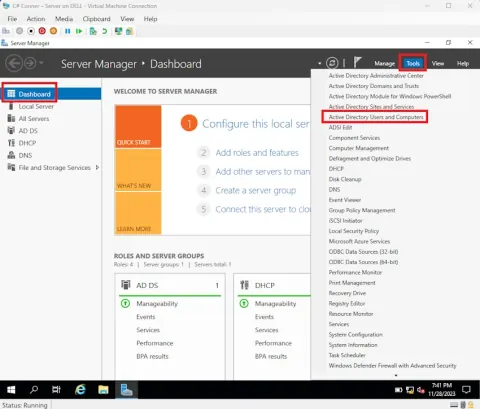
How to Create OU and Users Create in Server
Learn the seamless process of creating Organizational Units (OUs) and users in Windows Server 2019 Active Directory. Follow step-by-step instructions to manage your server's organizational structure and user accounts effectively.
How to Create and Configure DHCP Scope?
This article provides a comprehensive guide on creating and configuring DHCP (Dynamic Host Configuration Protocol) scope efficiently. DHCP is vital for automatically assigning and managing IP addresses in a network.