Loading
Parthiv Suthar's contributions
- Article · SharePoint
How to Find SharePoint site id using REST API and Chrome Devtools
Discover how to easily find your SharePoint Site ID using two methods: REST API and Chrome DevTools. A quick guide for developers and SharePoint administrators. Learn to retrieve your site's unique identifier effortlessly!
- Article · Power Automate
How to check out and check in document file in SharePoint Document Library with REST API using Power Automate
Learn how to use SharePoint HTTP actions in Power Automate to check documents out and check them back in with a version comment.
- Article · Power Automate
How to create private channel in Microsoft Teams using Power Automate
Automate private channel creation in Microsoft Teams using Power Automate! This guide simplifies adding members with specific roles, enhancing team collaboration and security. Learn how to streamline your Teams environment.
- Article · Power Automate
How to send links on Teams Chats created using Microsoft Graph HTTP in Power Automate
Automate sending links in Teams chats using Power Automate and Microsoft Graph HTTP requests. Streamline communication and boost team collaboration effortlessly. Learn how!
- Article · Power Automate
How to create SharePoint site using Power Automate
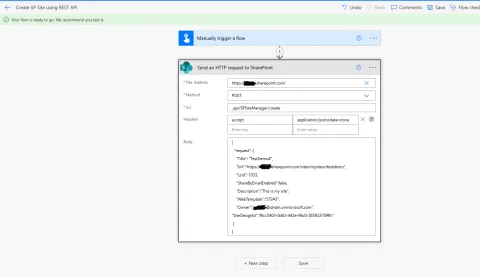
Learn how to use Power Automate and the SharePoint REST API to create Team and Communication sites through an automated flow.
- Article · SharePoint
How to find SharePoint Document Library ID using Power Automate and Chrome DevTools
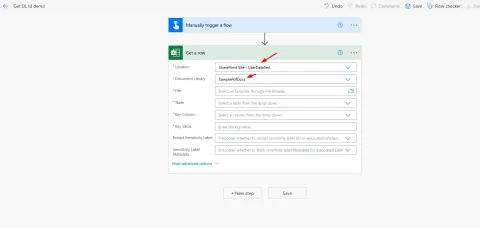
Discover two simple methods to find your SharePoint Document Library ID without Graph Explorer! Use Power Automate tricks or Chrome DevTools Network tab for quick retrieval.
- Article · Power Pages
Understanding the $pages Client API in Power Pages and its Key Features
Discover the $pages client API in Power Pages (preview). Learn how to manipulate forms, interact with lists, access the Web API, and control multistep forms programmatically.
- Article · Power Pages
How to Upload an Image to the Dataverse Table Using Web API in Power Pages
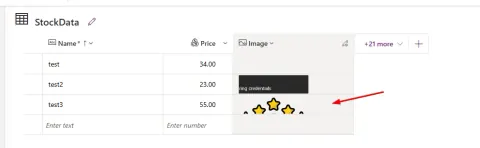
Learn how to upload images to Dataverse tables from Power Pages using Web API! This tutorial covers configuration, UI design, and JavaScript code for image uploads.
- Blog · Power Automate
How to Process Null Values for Dates and Numbers in Excel Files and Save them to SharePoint using Power Automate
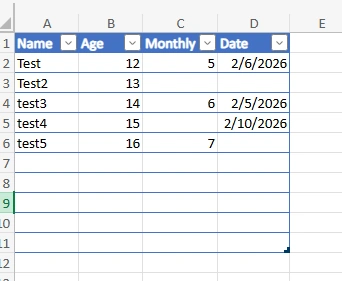
Learn how to seamlessly process null values in Excel dates & numbers using Power Automate, then save the cleaned data to a SharePoint list. Avoid errors and ensure data integrity!
- Article · Power Apps
How to Implement Role-Based Security in PowerApps for Record Management
Implement role-based security in PowerApps for efficient record management. Grant Managers full access and restrict Employees to specific records using SharePoint and PowerApps configurations. Learn to set item-level permissions and control user access effectively.
- Article · Power Pages
How to automatically generate passwords and enable Power Pages login for new users using Power Automate
Automate Power Pages user creation! This tutorial guides admins on generating secure passwords and enabling logins for new users directly from Power Automate. Streamline user onboarding and enhance security.
- Article · Power Pages
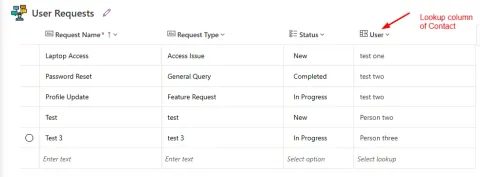
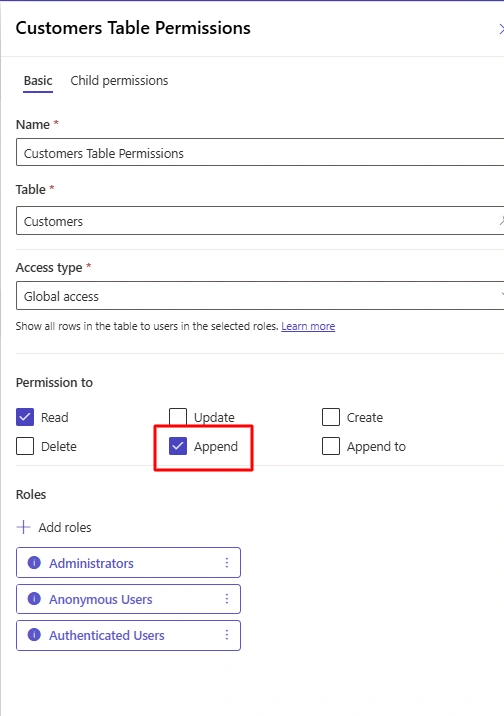
How to Create or Update a Lookup Column Using Web API in Power Pages
Learn how to create and update lookup columns in Power Pages using the Web API. This guide covers configuration, table permissions, and web role assignments for seamless integration.
- Blog · Power Pages
How to change Profile name of logged-in user in Power Pages
Customize the profile name displayed for logged-in users in Power Pages! This guide shows you how to modify the Header web template using Liquid code to display a different Contact field instead of the full name. Enhance user experience with personalized headers!
- Article · Power Pages
How to Restrict Dataverse Table Records to Logged-in Users in Power Pages
Learn how to restrict Dataverse table records to logged-in users, ensuring they only see their data. Implement contact-based access control for improved security.
- Article · Power Pages
How to Create Contact Records in Power Pages using Registration and Admin-Managed Approaches
Learn how to create contact records in Power Pages using registration and admin-managed methods. Discover best practices for secure and scalable solutions. Choose the right approach for user sign-up, partner self-service, pre-assigning web roles, and restricted access.
- Article · Power Pages
How to get lookup column records in Power Pages using Web API
Learn how to retrieve data from Dataverse lookup columns in Power Pages using Web API and JavaScript. Access related records efficiently and securely with practical examples.
- Article · Power Pages
How to perform CRUD operations on Dataverse using WebApi in Power Pages
Learn how to perform CRUD operations on Dataverse using the Web API in Power Pages. Step-by-step guide with JavaScript code, custom UI, and GitHub source code for reference.