Loading
Articles by Parthiv Suthar
- Power Pages
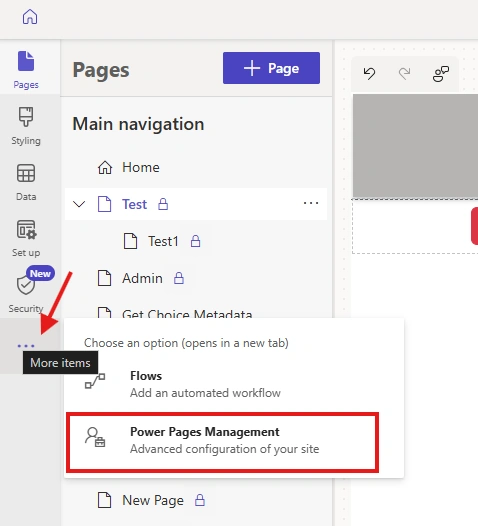
How to Automate Assigning Web Roles and Restrict Pages for Local and External Users in Power Pages
Configure Power Pages web roles and page permissions, then use Power Automate and Dataverse to assign roles automatically to local and Microsoft Entra ID users.
- Power Apps
How to add Power Automate flow in Power Apps Code Apps
Learn how to add a solution-aware Power Automate flow to a Power Apps code app using the CLI and call the generated service from a React and TypeScript app.
- Power Apps
How to build Model Driven App with Github copilot using MCP server
Learn how to use GitHub Copilot and an MCP server to create a Power Apps model-driven app, including plugin setup, Azure sign-in, and Dataverse app design.
- Power Apps
Building a Custom Document Processing Model in Power Apps Using AI Builder
Microsoft Power Platform provides AI Builder, a low-code AI capability that allows users to create custom models to extract specific information from documents. Once trained and published, these models can be integrated with Power Automate and Power Apps to automate document-processing tasks. In thi
- Power Pages
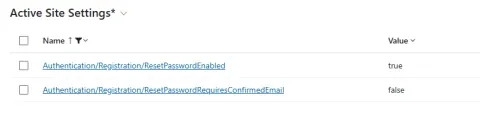
How to configure password reset in Power Pages using Power Automate
Configure Power Pages password reset with the built-in Dataverse process and Power Automate to send customized reset emails containing the callback URL.
- Power Apps
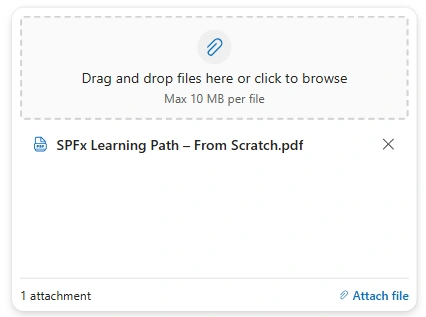
Modern Attachments control in Power Apps
Learn how to configure the Modern Attachments control in Power Apps and save SharePoint list attachments with Patch.
- Power Automate
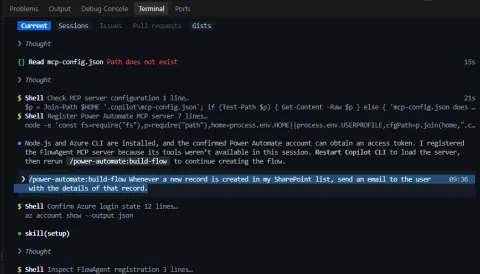
How to build Power Automate flow using MCP Server with Github Copilot
Learn how to connect GitHub Copilot CLI to Power Automate through an MCP server and create a SharePoint-triggered cloud flow from a natural-language prompt.
- Power Apps
How to build a Power Apps Canvas App using an MCP Server with GitHub Copilot
Building Power Apps Canvas Apps traditionally involves working directly in Power Apps Studio to create screens, controls, formulas, data connections, and business logic. With the introduction of Model Context Protocol (MCP) and its integration with development tools such as GitHub Copilot, developer
- Power Automate
How to sync SharePoint choice values to Dataverse choice columns using Power Automate
Master syncing SharePoint choice values to Dataverse using Power Automate. Learn to map text labels to integer values for seamless integration.
- Power Pages
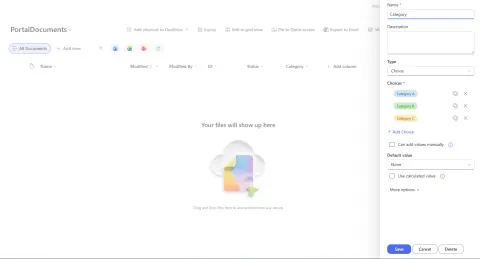
How to get values of choice column in Power Pages
Easily get Dataverse Choice column values in Power Pages using the Web API and stringmaps table. Populate dropdowns dynamically and ensure up-to-date options.
- Power Automate
How to bulk delete custom columns of SharePoint List using Power Automate
Delete deletable custom columns from a SharePoint list in bulk with Power Automate using the Send an HTTP Request to SharePoint action.
- Power Pages
How to Customize the Default Sign-In Page in Power Pages using Content Snippets
Customize your Power Pages sign-in page with Content Snippets for branding, welcome messages, and instructions. Easy, supported, and update-proof.
- Power Pages
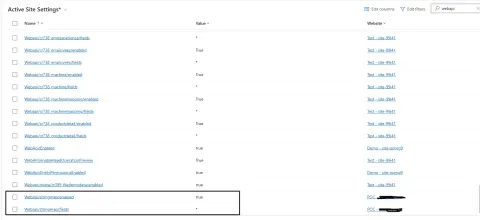
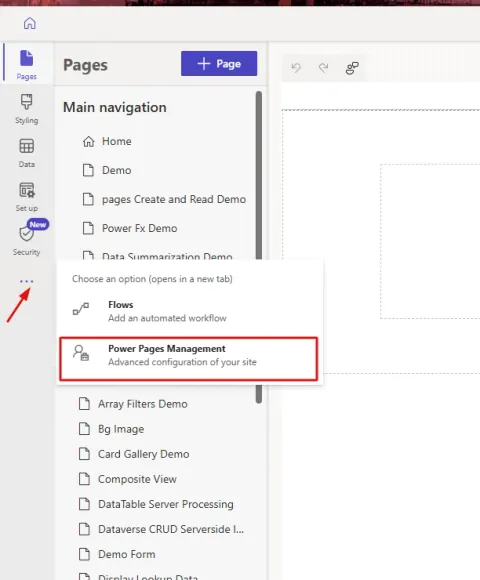
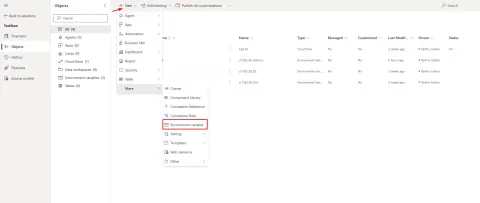
How to access Environment Variables in Power Pages using Site Settings
Learn to access Power Pages Environment Variables via Site Settings, avoiding hardcoded values for better maintainability and dynamic configuration.
- Power Automate
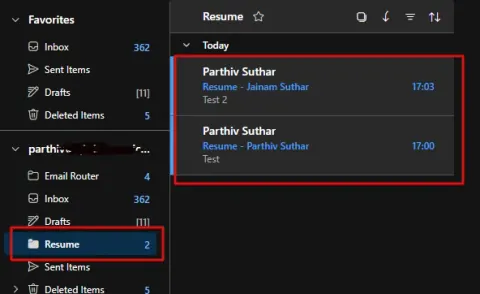
How to automatically organize emails in outlook using Power Automate
Learn how to oraganize mails in Office 365 Outlook using Power Automate
- Power Automate
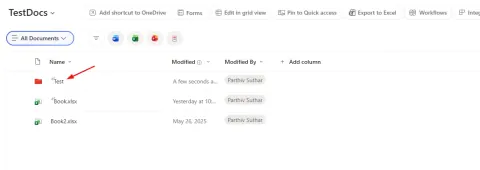
How to rename a folder in a SharePoint Document Library using Power Automate
Automate folder renaming in SharePoint Document Libraries using Power Automate! This guide uses the 'Send HTTP request' action for efficient updates. Streamline your document management!
- Power Pages
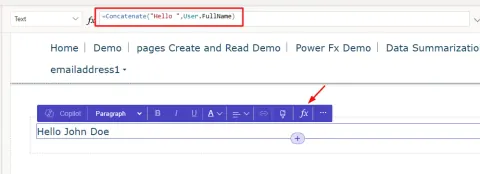
How to use Power Fx in Power Pages
Learn how to use Power Fx in Power Pages to create dynamic websites! This guide covers text, image, button, and iframe components. Note: currently in preview.
- Power Apps
How to connect Dataverse as Data Source in Power Apps Code Apps
Connect Dataverse to Power Apps Code Apps effortlessly! This guide provides a step-by-step walkthrough using the PAC CLI to integrate your Dataverse tables. Learn how to add data sources and leverage generated schemas for efficient CRUD operations.
- Power Automate
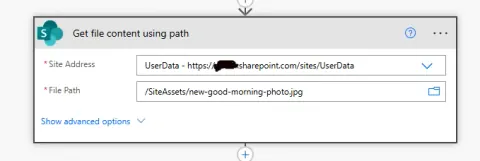
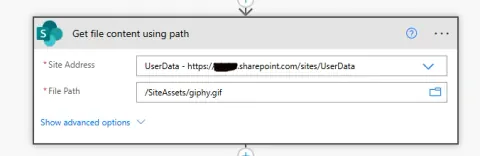
How to send inline image in MS Teams message using Power Automate
Learn how to embed images directly in Microsoft Teams messages using Power Automate! This tutorial uses SharePoint and the MS Teams HTTP action for inline images. No more URLS!
- Power Automate
How to embed an image in email body when data URI method does not work using Power Automate
Struggling with embedded images in Power Automate emails? Learn how to bypass Data URI limitations and reliably display images in Outlook using the Content-ID (CID) method.
- Power Apps
How to Connect SharePoint as a Data Source in Power Apps Code Apps
Learn how to connect SharePoint to Power Apps Code Apps using PAC CLI. This guide covers prerequisites, command usage, and the generated TypeScript SDK for seamless data integration.
- Power Apps
How to create a Power Apps Code App: Setup Guide with Hello World Example
Discover Power Apps Code Apps! This guide shows you how to set up your first project using a code-first approach with React, TypeScript, and the Power Platform CLI. Build modern, scalable apps with ease!
- Power Automate
How to perform Folder Operations using SharePoint HTTP Actions in Power Automate
Automate SharePoint folder management! Learn how to create, rename, and delete folders in Power Automate using HTTP requests. Simplify document library workflows.
- Power Pages
How to preview pdf files in Power Pages using Nutrient Web SDK (JS pdf library)
Embed PDF previews in Power Pages using Nutrient Web SDK! This tutorial guides you through integrating the JavaScript library for seamless document viewing. Enhance user experience!
- SharePoint
How to Find SharePoint site id using REST API and Chrome Devtools
Discover how to easily find your SharePoint Site ID using two methods: REST API and Chrome DevTools. A quick guide for developers and SharePoint administrators. Learn to retrieve your site's unique identifier effortlessly!