Loading
Satya Karki's contributions
- Article · ASP.NET Core
How To Post Data In ASP.NET Core Using Ajax
This article describes how to post data in the ASP.NET Core MVC application using the Ajax Post method.
- Article · Databases & DBA
What Is LevelDB
This article will describe the most commonly used database in blockchain technology; LevelDB which is an example of a NoSQL database and stores data as key-value.
- Article · Microsoft 365
How To Configure, Link And Unlink OneDrive In PC
This article describes how to configure OneDrive on your device as well as provides you with insights to manage and link your local and cloud files easily and effectively.
- Article · Stratis Blockchain
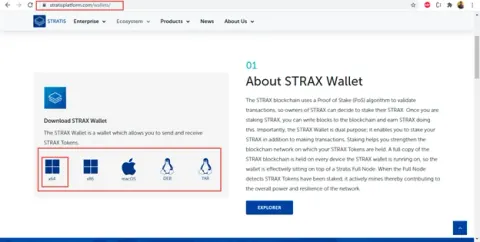
How To Install And Stake With STRAX Wallet
This article describes the steps to install and stake from Strax Wallet.
- Blog · AJAX
Solution - Ajax Post Method Form Serialization Data Passing Issue
In this blog, you will learn about Ajax Post Method form Serialization Data not Passing to Controller in ASP.NET 5.
- Article · Power BI
What Is Data Refresh In Power BI And How To Set Up Schedule Refresh In Power BI Service
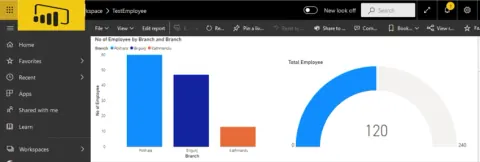
Reports need to show the latest and real-time data then only the user will get the correct business insight. In this article, we will learn the data refresh options available in Power BI. Additionally, we will explore ways to refresh data manually as well as how to enable and set up scheduled refresh in Power BI.
- Article · Blockchain
Commonly Used Blockchain Terminologies
This article describes the Blockchain terminologies and their definition which is very helpful for those who want to learn and are newbies to the Blockchain.
- Article · ASP.NET Core
How To Upgrade ASP.NET Core 2.1 To ASP.NET Core 3.1 version
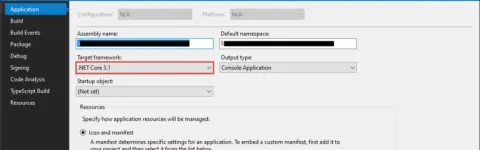
Learn how to upgrade an ASP.NET Core 2.1 application to 3.1, including target framework changes, endpoint routing, Startup.cs updates, and SignalR migration.
- Article · Stratis Blockchain
How To Integrate Blockchain In E-Commerce Site
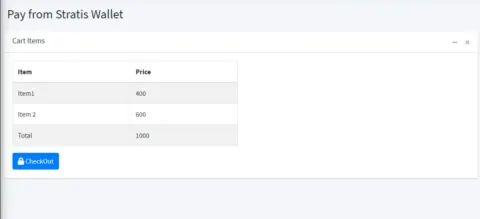
This articles explains about integration of blockchain transaction APIs in e-commerce site.
- Article · Stratis Blockchain
Integrate Stratis Blockchain APIs In Your Custom Application
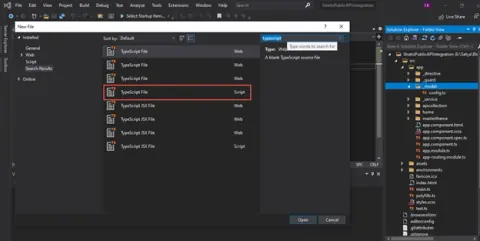
This article explains how we can integrate Stratis Platform Blockchain APIs in custom application.
- Blog · ASP.NET Core
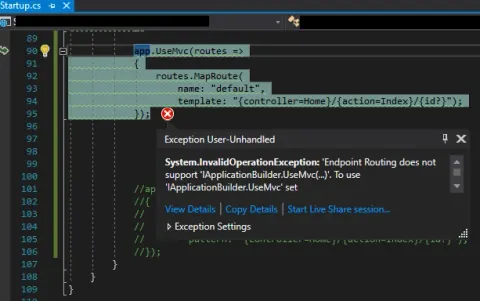
Resolve - EndpointRoutingMiddleware Matches Endpoints Setup By EndpointMiddleware
This blog describes how to resolve Error: EndpointRoutingMiddleware matches endpoints setup by EndpointMiddleware and so must be added to the request execution pipeline before EndpointMiddleware while upgrading ASP.NET COre Framework from 2.1 to 3.1
- Blog · ASP.NET Core
Resolved - Error While Upgrading Solution From ASP.NET Core 2.1 To ASP.NET Core 3.1
In this blog, you will learn how to resolve the error while upgrading solution from ASP.NET Core 2.1 to ASP.NET Core 3.1.
- Article · DevOps
How To Install Docker Desktop And Troubleshoot Issues In Windows Machine
This article describes steps to install Docker Desktop in Windows machine and fix issues of Docker Desktop not running properly.
- Blog · Stratis Blockchain
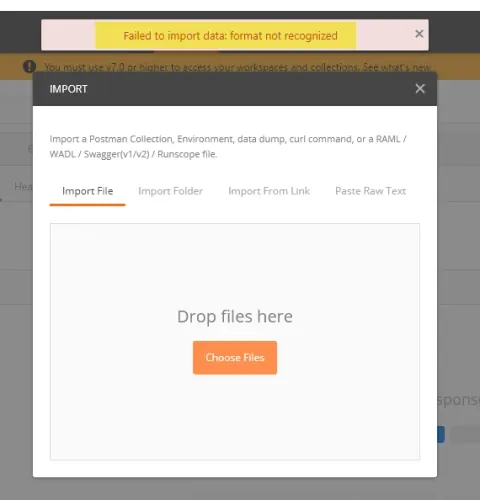
Error While Importing Stratis Blockchain Full Node Swagger.json file to the Postman
This blog describes the Stratis Blockchain full node swagger file import issue to the postman.
- Article · Power BI
Manage Permission And Giving Access To Power BI Reports And Dashboards
Learn how to manage permissions and grant users direct access to Power BI reports and dashboards. Methods include direct access from manage permissions and advanced options. Explore steps to share reports, provide user access, send email notifications, and manage access requests.
- Article · Power BI
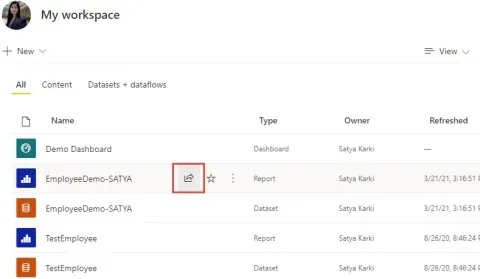
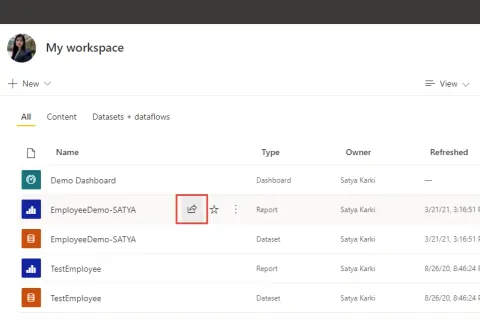
New Experience In Sharing Power BI Reports
In this article, you will learn about the new experience in Sharing Power BI Reports via links.
- Article · Power BI
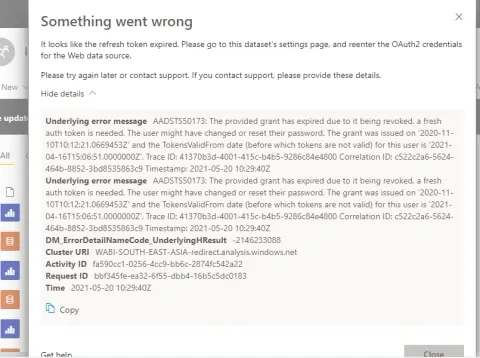
How To Handle Power BI Data Refresh Error - Refresh Token Expired
This article describes how to resolve data refresh issue with necessary steps when you get error: Refresh Token Expired
- Article · Power BI
Tips And Tricks To Merge Two Power BI Reports
This article describes steps to merge Power BI report files into a single reports.
- Video · Power BI
How to Add Slicer in Power BI
This video demonstrates how to add slicer in Power BI Report with an example. Here, you will learn to add slicer in List, Drop down and Date slicer with slider bar. Additionally, video will describe how to enable search option in slicer. Besides this, it explains formatting and designing of slicer.
- Video · Power BI
Getting Started With Power BI Report Design With an Example
This video explains what is Power BI and How to get started with Power BI. In this video, user will get familiar with Power BI Report Design using Power BI Desktop and will be able to design tabular form of report. This video explains to data connections options and gives an example of using Excel File as Data source and use it to design report. Additionally it explains to format the column properties of the data from the Model.
- Article · Power BI
Publish Power BI Paginated Report To Power BI Service Cloud And On-Premises
This article describes steps to publish Power BI Paginated report to Power BI Service and Power BI Report Server On-Premises
- Article · Power BI
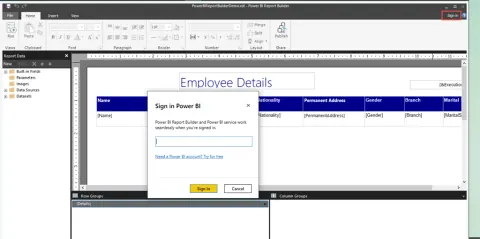
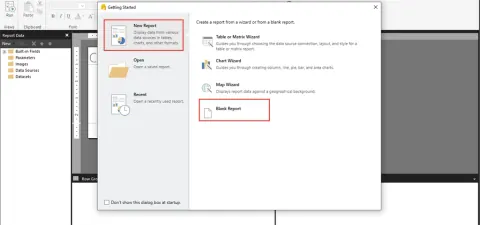
What Is Power BI Report Builder And How To Design Paginated Report Using Power BI Report Builder
This article describes Power BI Report Builder and how to design Paginated Report using Power BI Report Builder
- Blog · Power BI
How To Show Filter Pane In Power BI Desktop
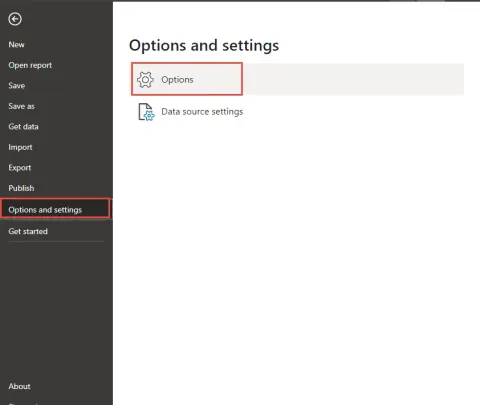
This blog describes how to show and hide filter pane in Power BI Desktop
- Article · SQL Server
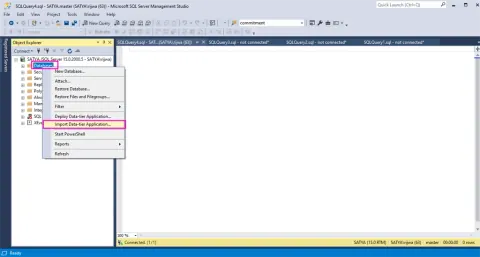
How To Import Or Restore BACPAC File Using SQL Server Management Studio
This article describes how to import BACPAC file using SQL Server Manage Studio