Loading
Satya Karki's contributions
- Article · SQL Server
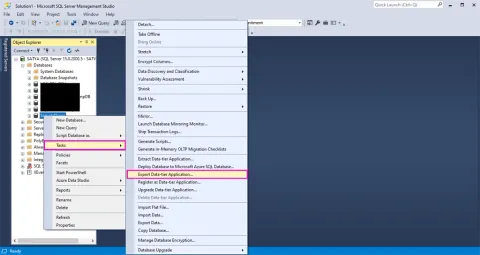
What Are The Options For Database Backup And Restore? How To Export BACPAC Using SSMS?
This article describes what are the options for Database restore and create and how to export BACPAC file in SQL Server
- Article · Power BI
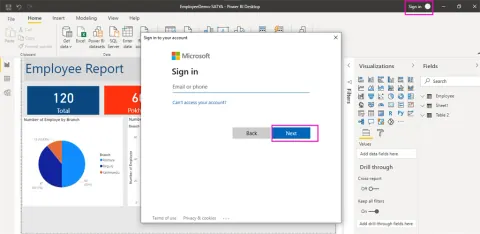
How To Publish Report From Power BI Desktop To Power BI Service
This article describes how to publish Power BI Reports from Power BI Desktop to Power BI Service.
- Article · SharePoint
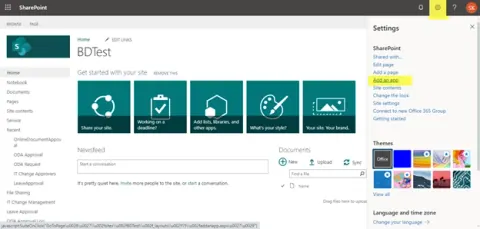
How To Create A List In SharePoint
In this article, you will learn how to create list in SharePoint.
- Article · Power BI
How To Configure Power BI Report Server
This article describes steps to configure Power BI Report Server.
- Article · Power BI
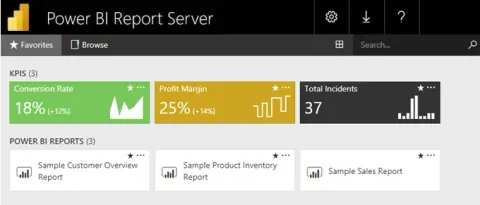
What Is Power BI Report Server And How To Install It
Discover the essence of Power BI Report Server and its significance in business intelligence. Learn step-by-step installation procedures, enabling you to harness the power of Microsoft's robust analytics tool for data visualization, analytics, and seamless report deployment.
- Article · SQL Server
How To Link A SQL Server To An Oracle Database
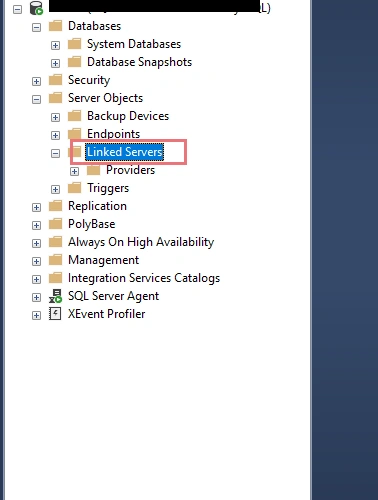
This article describes what is Linked servers and how to link MS SQL Server to Oracle from SSMS
- Article · ASP.NET Core
How To Implement Logging Using Serilog In ASP.NET Core 5.0 Application With Database
Learn how to configure Serilog in an ASP.NET Core 5.0 Web API and store structured log events, including custom user data, in SQL Server.
- Article · Power BI
How To Pin SSRS Report To Power BI Service Cloud
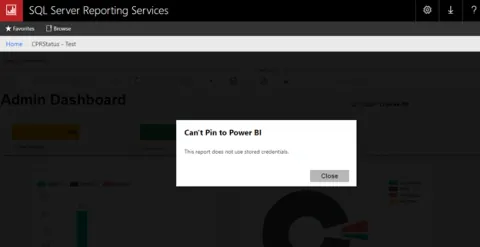
Learn how to register SQL Server Reporting Services with Power BI Service and pin supported SSRS report visuals to Power BI dashboards.
- Article · SQL Server
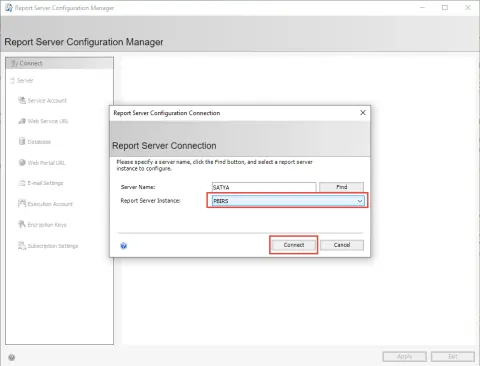
How To Set Up Report Server Configuration Manager For SQL Server Reporting Services (SSRS)
This article describes how to configure SQL server reporting services and setup the environment in detail.
- Video · Power Automate
AI Builder in Power Automate/Apps with an Example of Form Processing
AI Builder is part of Microsoft Power Platform. It helps your business process to use Artificial Intelligence to automate processes and get insights from your data in Power Apps and Power Automate.AI builder can be used to automate process intelligently. AI builder helps to add intelligence in workflow and automate business processes using power automate. In this video we will learn how to build model and train it for the use in power automate. This video demonstrates how to extract the data from form and train the model accordingly. I will use form processing model to extract data from document. Those extracted data can be save into our database, SharePoint list, library property and load in power apps form for further use. This video will show how to use AI builder in power automate with example of form processing.
- Article · Power Apps
What Is Microsoft Power Platform
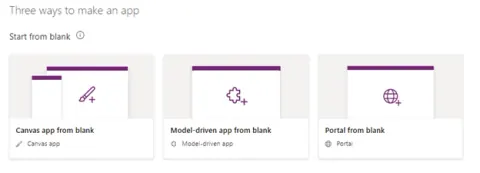
What is Microsoft Power Platform and short description of it's four components, Power Apps, Power Automate, Power virtual Agent and Power BI
- Video · Power Automate
Getting Started with Power Automate with an Example of Send a Customized Email When SharePoint List Item is Modified
This Video covers following things: How to get started with Power Automate, Business process Flow creation. What are available Options, connectors to create flow. How to get SharePoint List Item and check Condition in Flow. How to Customize email and Send it to Requester when SharePoint List is modified.
- Article · Power Apps
Things To Know Before Getting Started With Power Apps
Things to Know Before Getting Started with Power Apps-What is power apps, how to get started
- Article · ASP.NET Core
How To Deploy ASP.NET Core 5.0 Application In Windows Server IIS
In this article, you will learn how to deploy of ASP.NET Core 5.0 Application in Windows Server IIS.
- Blog · Azure
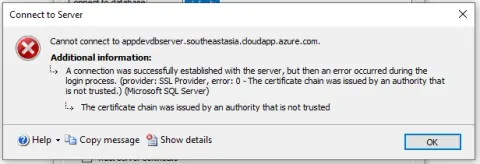
Certificate Issue While Connecting Azure Virtual Machine Database
This post discusses a certificate issue while connecting to Azure Virtual Machine Database. It looks at the problems and how to resolve them.
- Article · SQL Server
Pie And Bar Chart Design In SSRS (RDL) Report Using Microsoft Report Builder
In this article, you will learn about Pie and Bar Chart Design in SSRS (RDL) Report Using Microsoft Report Builder Tool.
- Article · SQL Server
SSRS (RDL) Report Design Using Microsoft Report Builder
This article describes how to design SSRS reports using Microsoft Report Builder
- Article · Power BI
Power BI Report Dashboard Design With An Example Of Scatter Plot And Card
In this article, you will learn about a Power BI Report dashboard design with an example of a Scatter Plot and Card.
- Article · Power Automate
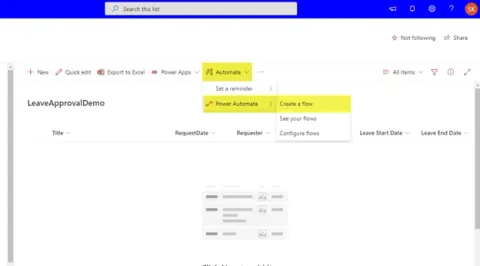
How To Send A Customized Email When A New SharePoint List Item Is Added
This article describes how to send a customized email when a new SharePoint List item is added using the available connector in Power Automate.
- Article · SQL Server
MSSQL View - Change In Underlying Table And Impact In .NET Application
This article presents a brief introduction to View and its impact on a .NET Application when the underlying table structure is changed.
- Blog · Azure
Access Control Through Firewall In An Existing Azure SQL Database
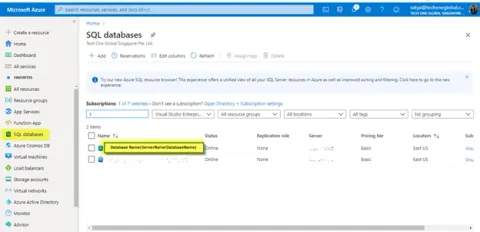
This post is about how to allow an IP address to access a database through Firewall Setup in an existing Azure Database
- Blog · Power Automate
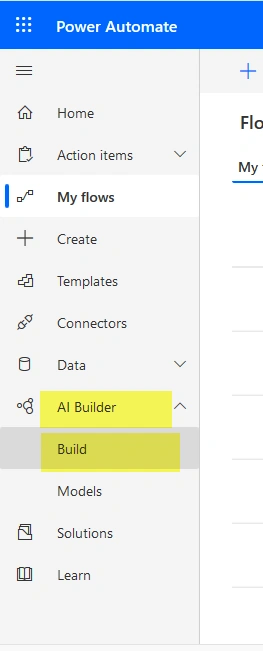
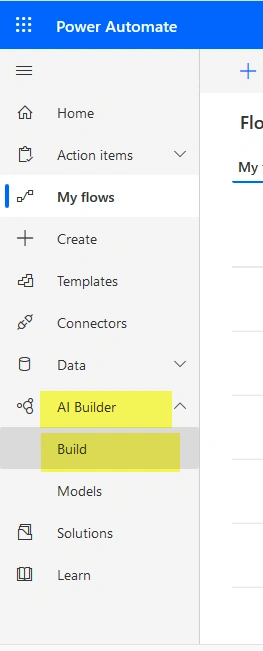
AI Builder To Extract Data From Document In Power Platform
Create AI Model Using AI Builder To Extract Data From Document In Power Platform
- Article · Power Automate
Create AI Model Using AI Builder To Extract Data From Document In Power Platform
Learn how to train, test, and publish an AI Builder form processing model to extract invoice data from documents in Power Platform.
- Blog · ASP.NET Core
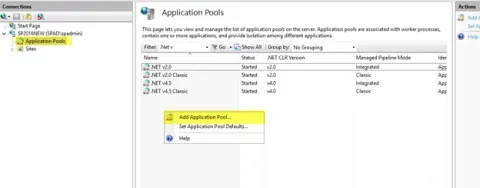
Deployment Of ASP.NET Core Application In Windows Server IIS
In this blog, you will learn about the necessary steps to publish an ASP.NET Core App in the Windows Server IIS.
- Article · Power BI
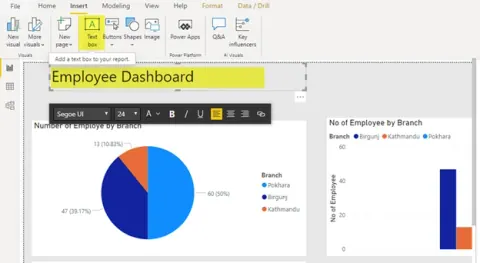
Power BI Report, Dashboard Design Options With An Example Of Pie And Column Chart
In this article, you will learn about Power BI Report and Dashboard Design with Pie and Column Chart.