Loading
Blogs by Vijai Anand Ramalingam
- Power Automate
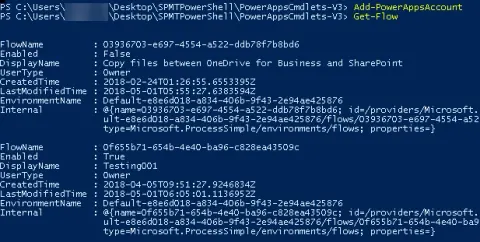
How To Connect To Microsoft Flow Using PowerShell
In this blog, you will see how to connect with Microsoft Flow using PowerShell.
- Microsoft Teams
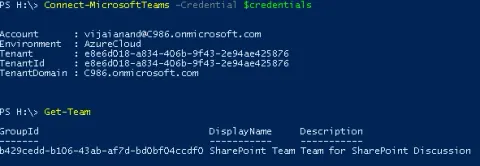
How To Connect To Microsoft Teams Using PowerShell
In this blog, you will see how to connect to Microsoft Teams using PowerShell for service administration and management.
- SharePoint
How To Restore A Subsite From SharePoint Online Using PnP PowerShell
In this blog, you will see how to restore a subsite from SharePoint Online using PnP PowerShell.
- SharePoint
How To Get All The External Lists From SharePoint Online Site Using PnP PowerShell
In this blog, you will see how to get all the external lists from SharePoint Online site using PnP PowerShell.
- SharePoint
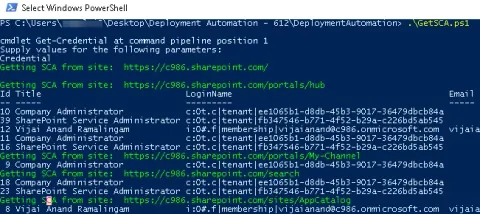
How To Get All Site Collection Administrators From SharePoint Online Site Collections Using PnP PowerShell
In this blog, you will see how to get all site collection administrators from SharePoint Online Site Collections using PnP PowerShell.
- SharePoint
How to set the list view scope in SharePoint Online using PnP PowerShell
In this blog, you will see how to set the list view scope in SharePoint Online using PnP PowerShell.
- SharePoint
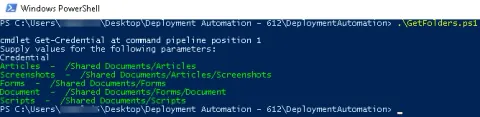
How To Get All The Folders And Subfolders From SharePoint Online Document Library Using PnP PowerShell
In this blog, you will see how to get all the folders and subfolders from SharePoint Online Document Library using PnP PowerShell.
- SharePoint
How To Add List View Webpart To SharePoint Online Webpart Page Using PnP PowerShell
In this blog, you will see how to add list view webpart to SharePoint Online webpart page using PnP PowerShell.
- SharePoint
How To Migrate Files From Folder Share To SharePoint Online Using PowerShell
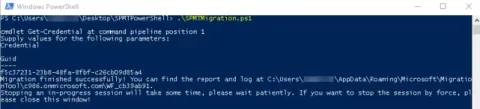
In this blog, you will see how to migrate files from Folder Share to SharePoint Online using PowerShell based on the SharePoint Migration Tool (SPMT) migration engine.
- Azure
How To Create SharePoint Online Site Group Using Azure Function
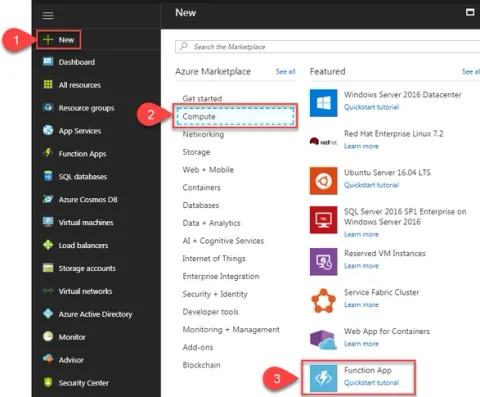
In this blog, you will see how to create SharePoint Online site group using Azure Functions.
- Azure
How To Create A Custom SharePoint Online List Using Azure Function
In this blog, you will see how to create a custom SharePoint Online list using Azure Functions.
- Azure
How To Send Reminder Emails For Overdue Tasks In SharePoint Using Azure Logic App
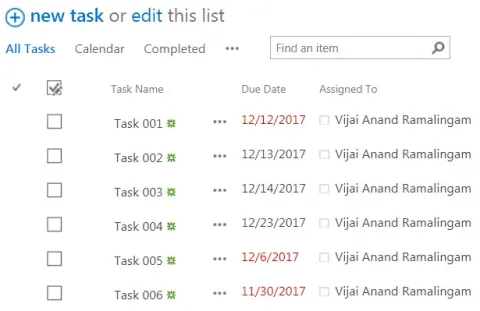
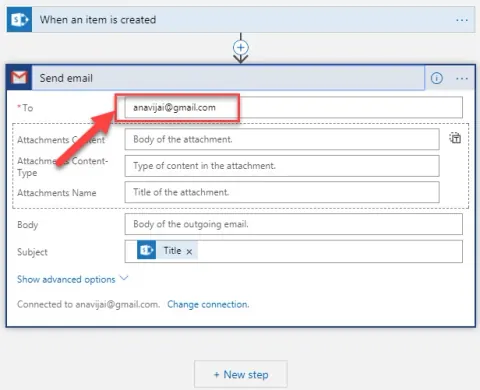
In this blog you will see how to send reminder emails for overdue tasks in SharePoint using Azure Logic App and schedule it on a daily basis.
- Azure
How To Add Parameters In Azure Logic App
In this blog, you will see how to add parameters in Azure Logic App.
- Azure
How To Add A Condition In Azure Logic App
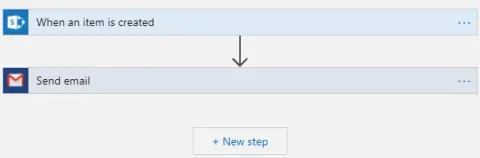
In this blog you will see how to add a condition in Azure Logic App
- Azure
How To Create A Console Application To Connect To An Azure SQL Database Using Visual Studio
In this blog, you will see how to create a console application to connect to an Azure SQL Database using Visual Studio.
- Azure
How To Query Azure SQL Database From Microsoft SQL Server Management Studio
In this blog, you will see how to query Azure SQL Database from Microsoft SQL Server Management Studio.
- Azure
How To Connect And Query Azure SQL Database From Visual Studio Code
In this blog, you will see how to connect and query Azure SQL Database from Visual Studio Code.
- Azure
How To Query Azure SQL Database From Visual Studio
In this blog, you will see how to query Azure SQL database from Visual Studio.
- Azure
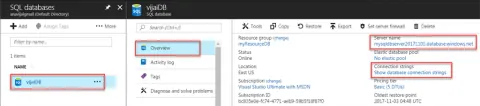
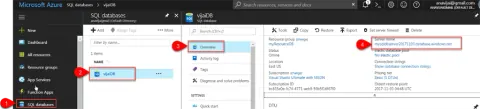
How To Configure Firewall Settings To Access Azure SQL Database From Your Machine
In this blog, you will see how to configure firewall settings to access Azure SQL Database from your machine
- Azure
How To Manage Azure SQL Database Using PowerShell
In this blog, you will see how to perform some basic tasks for the specific resource group and server using PowerShell. Get SQL Databases Create a new database Set properties for a database Remove an SQL database
- Azure
How To Manage Firewall Rules For Azure SQL Server Using PowerShell
In this blog, you will see how to manage firewall rules for SQL server using PowerShell.
- Azure
How To Query The SQL Database In The Azure Portal
In this blog, you will see how to query the SQL Database in the Azure portal.
- Power Apps
PowerApps - How To Create A Weather App
In this blog, you will see how to create a Weather App using PowerApps.
- Power Apps
PowerApps - How To Post To Facebook Timeline
In this blog, you will see how to post to the Facebook timeline using PowerApps.