Loading
Blogs by Vijai Anand Ramalingam
- SharePoint
Export All ASPX Pages from SharePoint On-Premises Using PowerShell
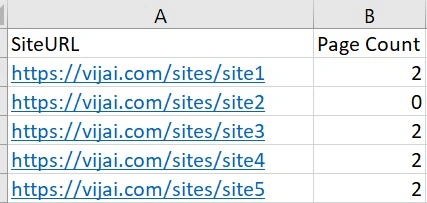
This blog provides a guide on exporting all pages (.aspx) from a SharePoint on-premises site collection to a CSV file using PowerShell. It outlines the steps involved, including unzipping the required folder, updating site URLs in a CSV file, running a PowerShell script.
- SharePoint
Export All Site Users from SharePoint On-Premises Using PowerShell
In this guide on exporting all site users from SharePoint on-premises to a CSV file using PowerShell. It outlines the necessary steps involved in running the PowerShell script, including updating the SharePoint site URLs, navigating to the folder containing the script, and executing the script.
- Microsoft 365
How To Call Graph API Using Microsoft Graph PowerShell SDK
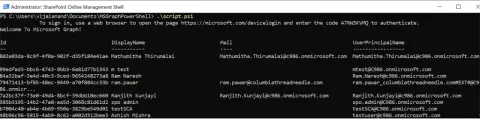
In this blog, you will see how to call Microsoft Graph service using Microsoft Graph PowerShell SDK.
- SharePoint
Add Retention Label And Retention Start Date To SharePoint Document Using CSOM
In this blog you will learn how to add retention label and retention start date to SharePoint document using CSOM.
- Power Automate
Access Denied Error When Creating Or Copying SharePoint Page Using Power Automate
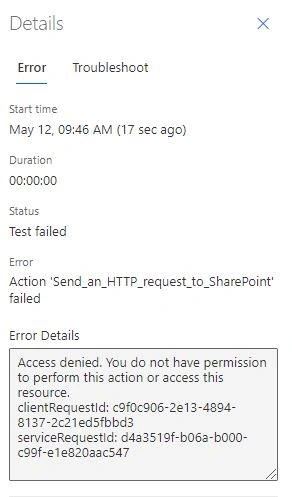
In this blog you will learn about access Denied error when creating or copying SharePoint page using Power Automate.
- Microsoft Teams
How To Get Direct Link To Team In Microsoft Teams Using PowerShell
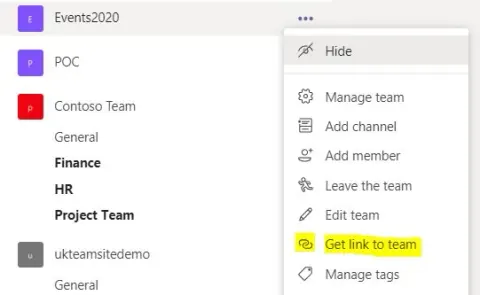
In this blog, you will see how to get direct link to team in Microsoft Teams using PowerShell.
- SharePoint
Create List Item Using PnP JS In SharePoint Framework
In this blog, you will see how to create list item using PnP JS in SharePoint Framework.
- Microsoft Teams
Create a Team From Existing SharePoint Online Modern Team Site Using PowerShell
In this blog, you will see how to create a team in Microsoft Teams from existing SharePoint Online modern team site (connected to Office 365 group) using PowerShell.
- Microsoft Teams
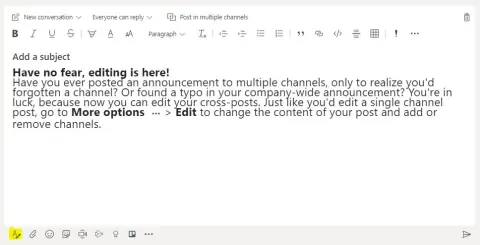
How To Edit Announcements Posted In Multiple Channels In Microsoft Teams
In this blog, you will see how to edit announcements posted in multiple channels in Microsoft Teams.
- Microsoft Teams
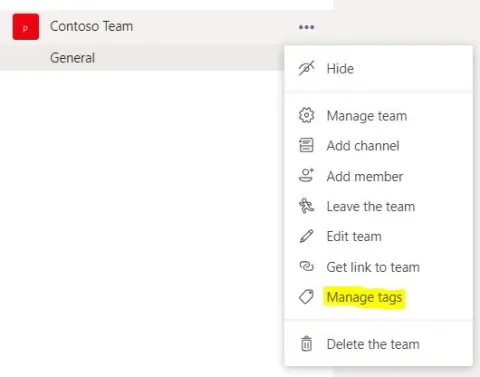
How to Create and Manage Tags in Microsoft Teams
In this blog, you will see how to create and manage tags in Microsoft Teams.
- Microsoft Teams
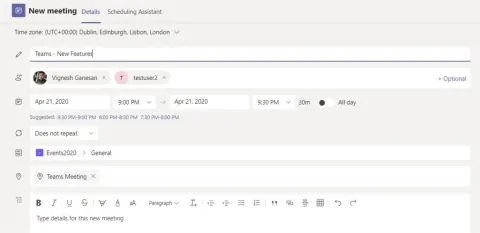
Explore New Meeting Options In Microsoft Teams
In this blog, you will see about the new meeting options available in Microsoft Teams.
- Microsoft Teams
How To Share Teams Chats Or Channel Conversations To Outlook
In this blog, you will see how to share Teams chats or channel conversations to outlook.
- Microsoft Teams
How To Clone a Team Using Microsoft Graph API In PowerShell
In this blog, you will see how to clone a team using Microsoft Teams Graph API in PowerShell.
- Microsoft Teams
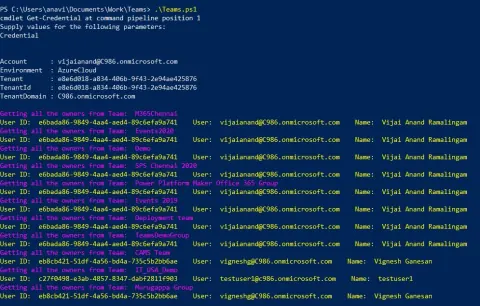
How To Get The Team Owners From All The Teams Using PowerShell
In this blog, you will see how to get the team owners from all the teams using PowerShell.
- Power Automate
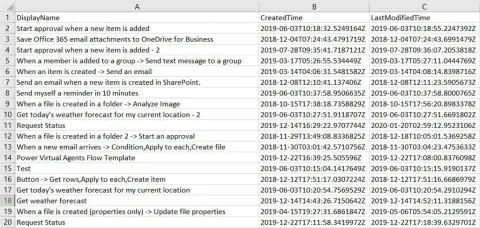
Export All Flow Details to CSV using PowerShell
In this blog, as an administrator, you will see how to export all flow details to CSV using PowerShell.
- Power Automate
How to Get All the Flows from a Specific Environment using PowerShell
In this blog, as an administrator, you will see how to get all the flows that contain specific characters (for example, test) from a specific environment using PowerShell.
- Azure
How to Create an Azure Policy Assignment for a Storage Account to Restrict SKUs
In this blog, you will see how to create an Azure Policy Assignment for a storage account to restrict SKUs using PowerShell.
- Azure
How to Upload Files to Azure File Share using PowerShell
In this blog, you will see how to upload files to Azure File Share using PowerShell.
- Azure
How to Create a Directory in Azure File Share using PowerShell
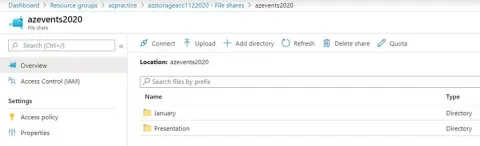
In this blog, you will see how to create a directory in file share using PowerShell.
- Azure
How to Create a File Share in an Azure Storage Account using PowerShell
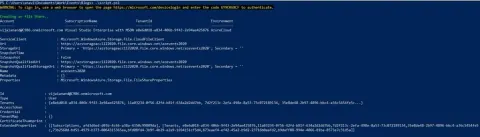
In this blog, you will see how to create a file share in an Azure Storage Account using PowerShell.
- Azure
How to Generate an Account-Level Shared Access Signature (SAS) Token for an Azure Storage Account
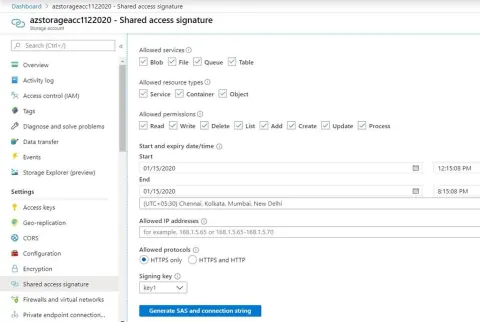
In this blog, you will see how to generate an account-level shared access signature (SAS) token for an Azure Storage account using PowerShell.
- Azure
How to Get All the Blobs from an Azure Storage Account using PowerShell
In this blog, you will see how to get all the blobs from a specific container in Azure Storage Account using PowerShell.
- Azure
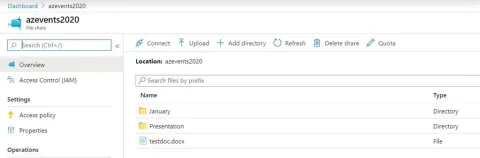
How to list directories and files from Azure File Share using PowerShell
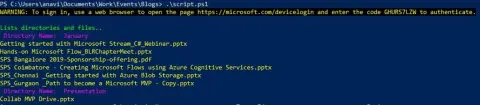
In this blog, you will see how to list directories and files from Azure File Share using PowerShell.
- Azure
How to Delete an Azure Storage Account using PowerShell
In this blog, you will see how to delete an Azure storage account using PowerShell.