Loading
Vijai Anand Ramalingam's contributions

SharePoint Designer 2013: Set Time Portion of Date/Time Field Action
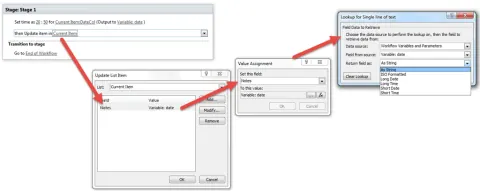
In this blog you will see how to use “Set Time Portion of Date/Time Field” action in SharePoint Designer 2013.
SharePoint Designer 2013: Add Time to Date Action
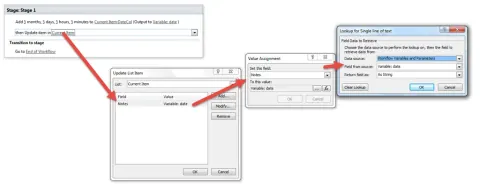
In this blog you will see how to use “Add Time to Date” action in SharePoint Designer 2013.
How to Query Calculated Date Field using CAML Query in SharePoint
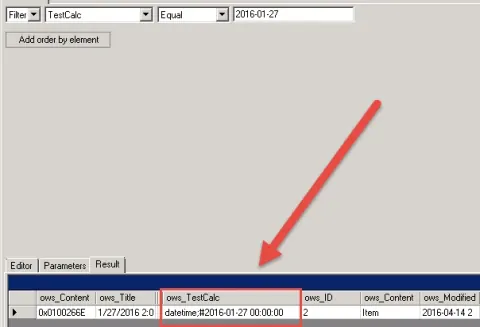
In this blog you will see how to query Calculated Date field using CAML query in SharePoint.
SharePoint Designer 2013: Create List Item Action
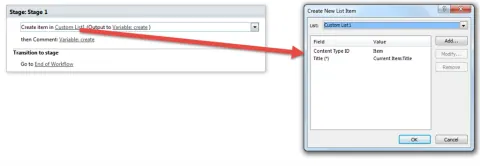
In this blog you will see how to use “Create List Item” action in SharePoint Designer 2013.
SharePoint Designer 2013: Wait for Field Change in Current Item Action
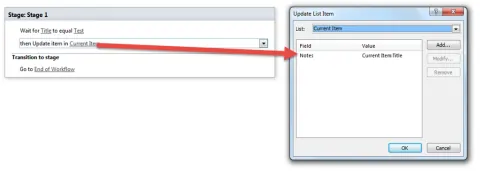
In this blog you will see how to use “Wait for Field Change in Current Item” action in SharePoint Designer 2013.
SharePoint Designer 2013: Delete Item Action
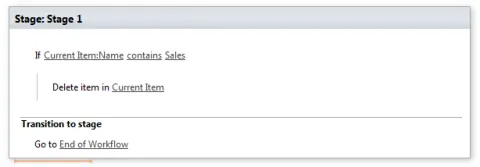
In this blog you will see how to use “Delete Item” action in SharePoint Designer 2013.
SharePoint Designer 2013: Translate Document Action
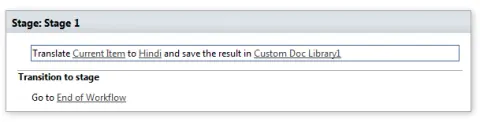
In this blog you will see how to use “Translate Document” action in SharePoint Designer 2013.
SharePoint Designer 2013: Check out Item Action
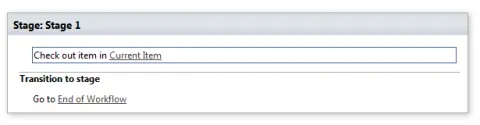
In this blog you will see how to use “Check Out Item” action in SharePoint Designer 2013.
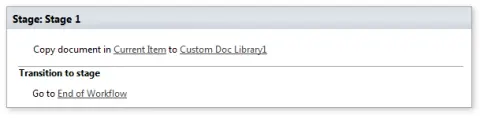
SharePoint Designer 2013: Copy Document Action
In this blog you will see how to use “Copy document” action in SharePoint Designer 2013.

Received Microsoft MVP Award 2016 - Fourth Time in a Row!
This blog about Received Microsoft MVP Award 2016 - Fourth time in a row.
How to Create K2 Workflow Reports in SharePoint 2013 Online
In this blog you will learn how to create basic K2 reports in SharePoint 2013 online.
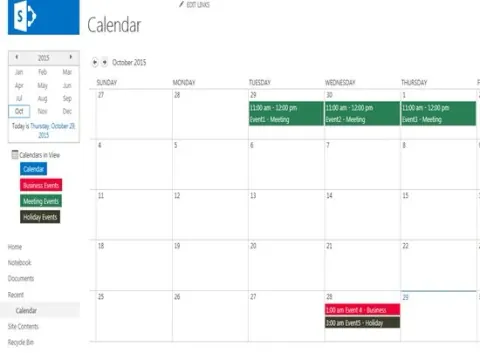
Color-Coding Calendar Events Based On Category In SharePoint 2013
In this article you will see color-coding calendar events based on Category in SharePoint 2013.
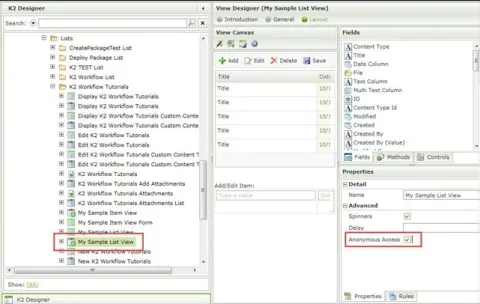
Enable Anonymous Access for K2 Views or Forms in SharePoint 2013 Online
In this blog you will see how to enable anonymous access for K2 Views or Forms in SharePoint 2013 Online.
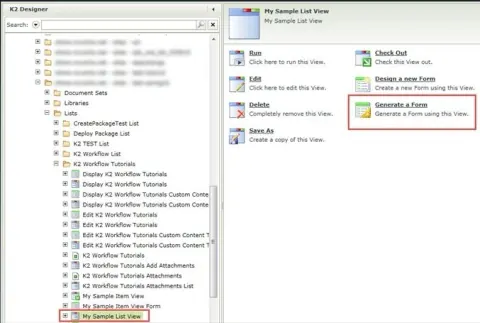
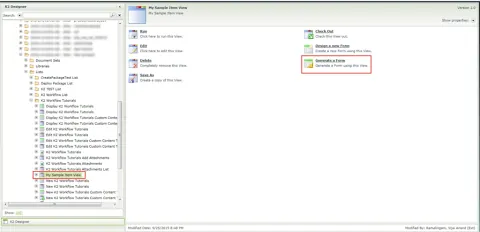
Generate a Form from List View using K2 Designer in SharePoint 2013 Online
In this blog you will see how to generate a form from List View using K2 Designer.
Navigate To Different URL On View Or Form Button Click Using K2 Designer in SharePoint 2013 Online
In this article you will see how to navigate to different URL on View or form button click using K2 Designer in SharePoint 2013 Online.
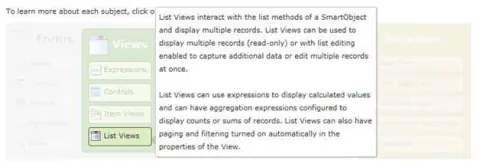
Create ListView Using K2 Designer In SharePoint 2013 Online
In this article you will see how to create list view using K2 Designer in SharePoint 2013 online.
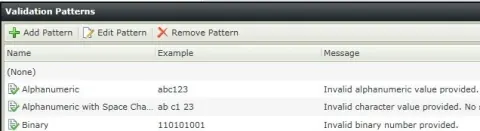
Create Custom Validation Patterns For Controls In Item View Using K2 Designer In SharePoint 2013 Online
In this article you will see how to create custom validation patterns for controls in Item View using K2 Designer.
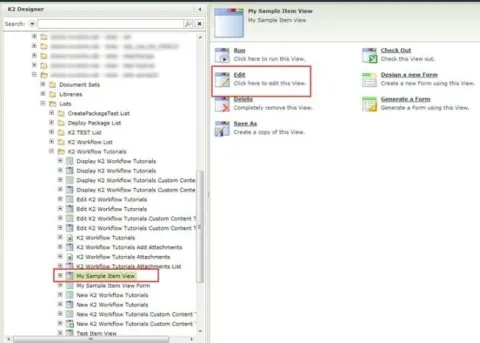
Apply Validation Patterns For Controls In Item View Using K2 Designer In SharePoint 2013 Online
In this article you will learn how to apply Validation Patterns for Controls in Item View using K2 Designer in SharePoint 2013 Online.
Generate a Form from Item View using K2 Designer in SharePoint 2013 Online
In this blog you will see how to generate a form from item view using K2 Designer in SharePoint 2013 Online.
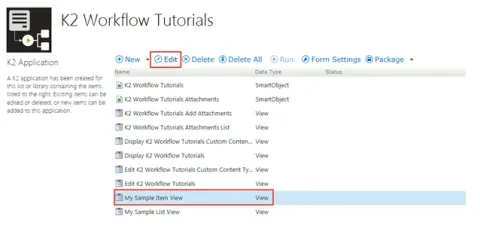
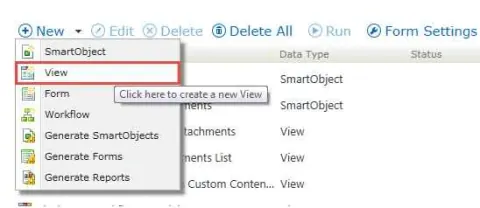
Create Item View Using K2 Designer In SharePoint Online
Learn to craft dynamic item views in SharePoint 2013 Online using K2 Designer. Enhance data presentation, customize forms, and integrate workflows for efficient business processes. Unlock the power of SharePoint with seamless UI design and workflow automation.
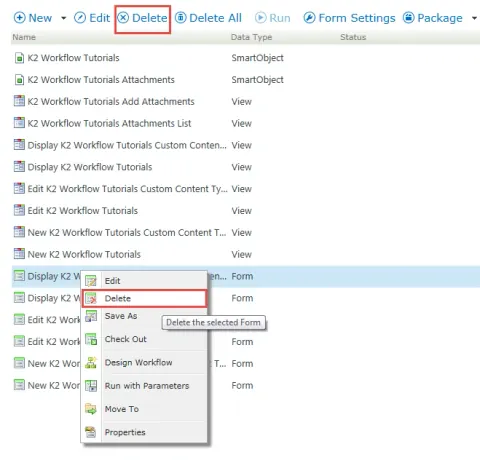
How to Delete Forms and Views in the K2 Application
In this blog you will see how to delete forms in the K2 Application.
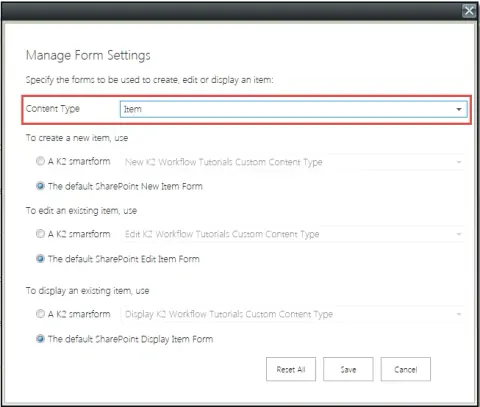
Manage SharePoint Forms Based on Content Type in the K2 Application
In this blog you will see how to manage SharePoint Forms based on Content Type in the K2 application.
Revert Back To SharePoint Form From Custom NINTEX Form In SharePoint 2013 Online
In this blog you will see how to switch between the form options on the K2 Application in SharePoint 2013 Online.
K2 SmartForms In SharePoint 2013 Online
In this blog you will see about K2 SmartForms in SharePoint 2013 Online.
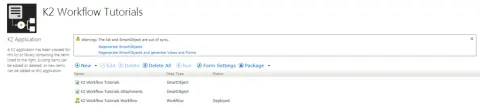
Warning: The list and Smart Object are out of sync on the K2 Application Page
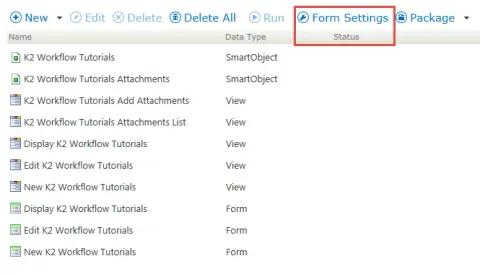
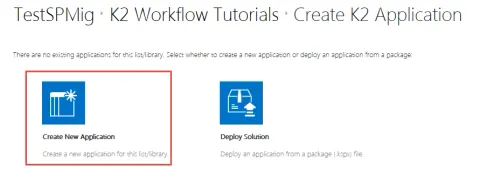
In this blog you will see how to fix “The list and Smart Object are out of sync” warning message on the K2 Application Page in SharePoint 2013 Online.