Loading
Vijai Anand Ramalingam's contributions

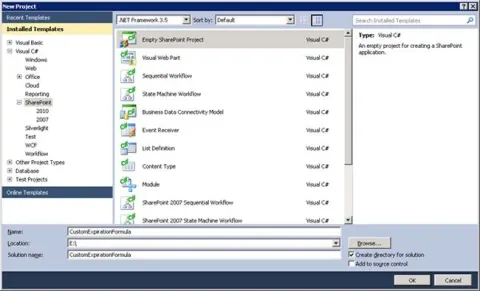
How to Create Custom Expiration Formula in SharePoint 2010
In SharePoint 2010, we can set an expiration date for documents so that when the expiration date is reached a specified action is performed.
Programmatically copy items from one list to another in SharePoint 2010
In this blog you will see how to copy items from one list to another in SharePoint 2010 using SharePoint object model
Programmatically create a task item and assign to a user in SharePoint 2010
In this blog you will see how to create a task item and assign to a user in SharePoint 2010
Programmatically create a task item and assign to a SharePoint group
In this blog you will see how to create a task item and assign to a SharePoint group using SharePoint object model
Programmatically add an item to a custom content type in SharePoint 2010
In this blog you will see how to add an item to a custom content type in SharePoint 2010 using SharePoint object model

How to get a particular datacolumn values from datatable using LINQ in C#
In this blog you wil see how to get a particular datacolumn values from datatable using LINQ in C#
How to get all the datacolumn values from datatable using LINQ in C#
In this blog you will see how to get all the datacolumn values from datatable using LINQ in C#.
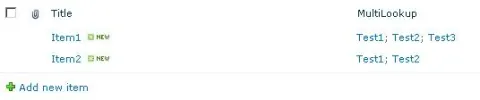
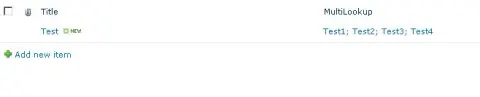
Programmatically get multi lookup values from SharePoint 2010 list item
In this blog you will see how to get the multi lookup values from SharePoint 2010 list item using SharePoint Object Model.
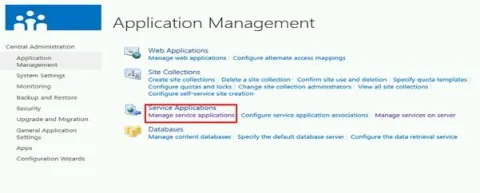
Configure Business Data Connectivity Service Application in SharePoint 2013
In this article you will see how to configure a Business Data Connectivity Service Application in SharePoint 2013.
Grouping datatable column using LINQ in C#
In this blog you will see how to perform group by in datatable using LINQ in C#
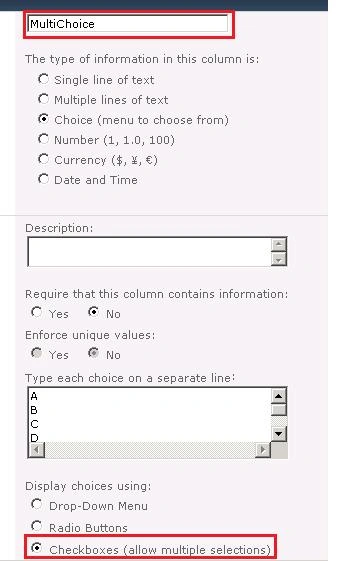
Programmatically get multi choice values from SharePoint 2010 list item
In this blog you will see how to get the multi choice values from SharePoint 2010 list item using SharePoint Object Model.
Sign in as different user in SharePoint 2013
In this blog you will see how to sign in as different user in SharePoint 2013.
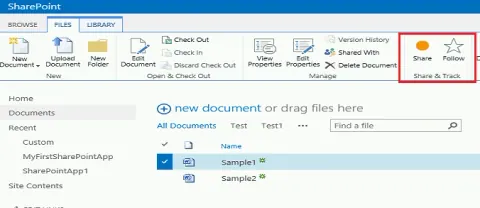
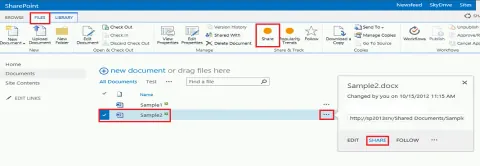
Share documents with other users in SharePoint 2013 document library
In this blog you will see how to share the documents with other users in SharePoint 2013 document library.
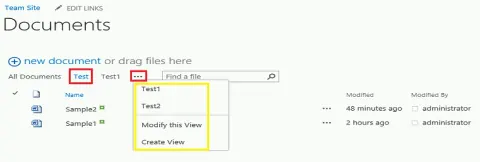
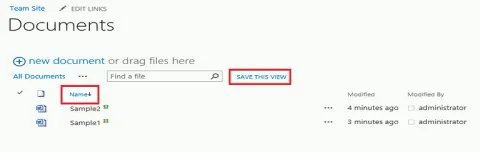
Switching between Views in SharePoint 2013 libraries and lists
In this blog you will see about how to easily switch between views in SharePoint 2013 lists and libraries.
Views in SharePoint 2013 libraries and lists
In this blog you will see about views in SharePoint 2013 libraries and lists.
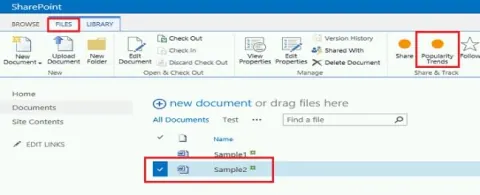
Popularity Trends feature in SharePoint 2013
In this blog you will see about a new feature “Popularity Trends” in SharePoint 2013.
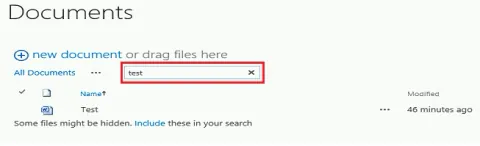
Search documents in SharePoint 2013 document library
In this blog you will see how to search documents in SharePoint 2013 document library.
Drag and drop documents in SharePoint 2013 document library
In this blog you will see how to drag and drop documents in SharePoint 2013 document library.
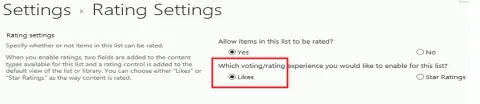
Number of likes column in SharePoint 2013
In this blog you will see how to see about a new feature added to rating settings in SharePoint 2013.
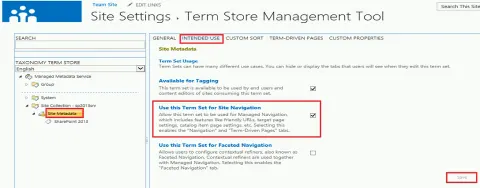
Enable Navigation and Term-Driven Pages tabs for managed metadata term in SharePoint 2013
In this blog you will see how to enable Navigation and Term-Driven Pages tab for managed metadata term in SharePoint 2013
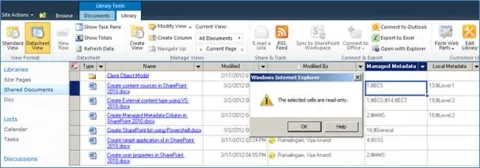
Managed Metadata Column in Datasheet View in SharePoint 2013
In this article you will see the behaviour of Managed Metadata Columns in the datasheet view in SharePoint 2013.
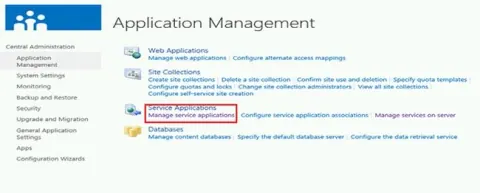
Configure Managed Metadata Service Application in SharePoint 2013
In this article you will see how to configure the Managed Metadata Service Application in SharePoint 2013.
The server was unable to save the form at this time. Please try again – SharePoint 2013
In this blog you will see how to resolve the following error “The server was unable to save the form at this time. Please try again.”