Loading
Articles by Vithal Wadje

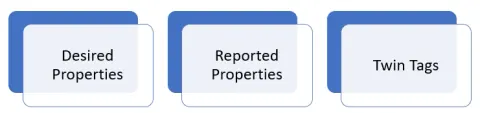
Real World Uses of Azure IoT Hub Device Twins
Discover practical applications of Azure IoT Hub Device Twins in real-world scenarios. Explore how Device Twins facilitate remote device management, enable predictive maintenance, streamline firmware updates, and ensure efficient configuration management for IoT deployments.
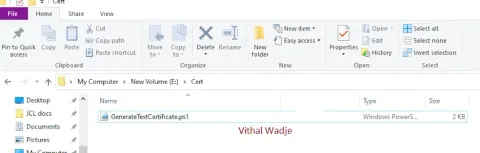
Generating X.509 Certificates with Private and Public Keys for IoT Device Security
In this article, we will explore the process of generating X.509 certificates with private and public keys for IoT device security. This is essential for testing purposes, particularly when working with Azure IoT during the development phase.
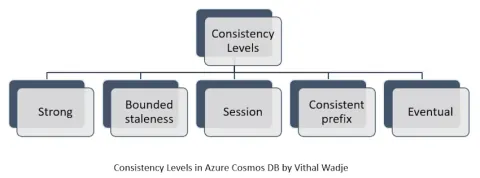
Consistency Levels in Azure Cosmos DB with an Example
In this article, we will learn about the Azure Cosmos DB multiple consistency levels, including strong, boundless, session, consistent prefix, and eventual, with an example and scenario.
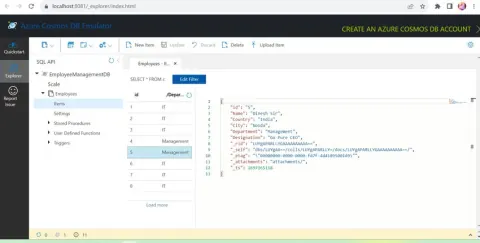
CRUD Stored Procedures in Azure Cosmos DB
In this article, we will learn how to create the stored procedures in the Azure Cosmos DB for inserting, reading, updating, and deleting the Azure Cosmos DB collection items.

CRUD Operations In ASP.NET Core Blazor Server with Azure Cosmos DB and C#
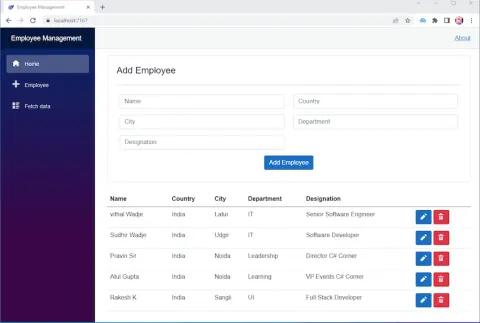
In this article, we will learn how to create the Insert, Update, Delete, and Read operations in an ASP.NET Core Blazor Server App with Azure Cosmos DB and C#.
CRUD Operations In Azure Cosmos DB SQL API Using ASP.NET Core Web API C#
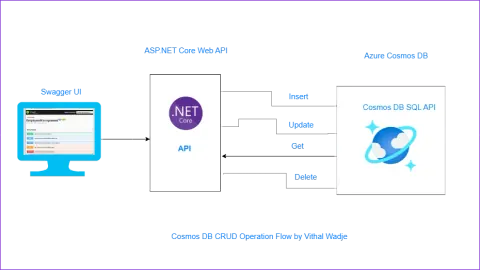
In this article , we will learn how to make Insert, update, read, delete from Azure Cosmos DB SQL API Using ASP.NET Core API C#
Cloud Deployment And Services Delivery Models
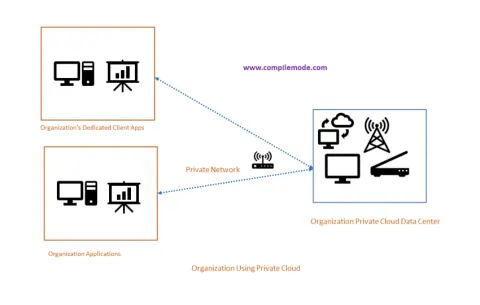
In this article, we will learn about the various types of cloud deployment and service delivery models.

Creating QR Code In ASP.NET Core
In this article we will learn how to create the QR Code in ASP.NET Core
Building And Running ASP.NET Core Application In Docker Container
In this article we will learn how to build and run the ASP.NET Core Web application in docker container
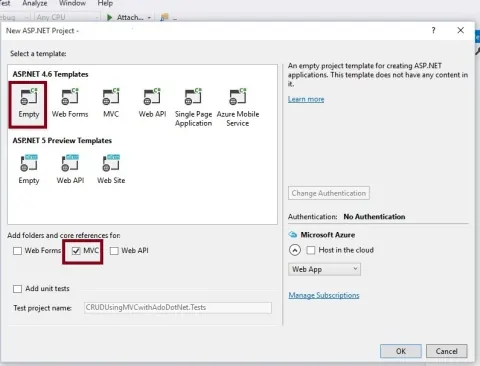
How To Create ASP.NET Core MVC Application
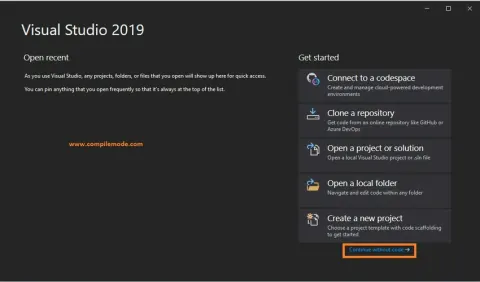
This tutorial covers setting up your development environment, creating controllers, models, and views, and building a fully functional web application using the ASP.NET Core MVC framework.
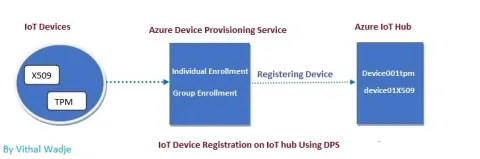
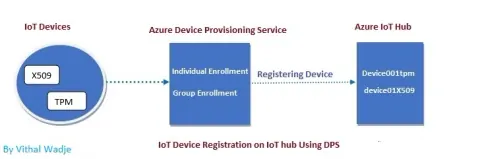
Device Enrollments Using Azure IoT Hub Device Provisioning Service
In this article we will learn how to enroll the IoT devices using Azure IoT Hub device provisioning service with the help of Azure portal
Introduction To Azure IoT Hub
Azure IoT Hub is a cloud service facilitating secure, scalable connectivity between IoT devices and applications. It enables efficient device management, data ingestion, and communication. With features like device twins and message routing.
Understanding The Azure IoT Hub Device Provisioning Service
Learn how Azure IoT Hub Device Provisioning Service enrolls, provisions, and manages IoT devices, including creating a DPS resource in the Azure portal.

Consuming Web Service In ASP.NET MVC
Consuming web services in ASP.NET MVC involves adding a service reference, generating a proxy class, and utilizing HTTP clients like HttpClient or WebClient. Data exchange occurs through SOAP or REST protocols, handling JSON or XML responses. Authentication, authorization, error handling, and data binding are crucial aspects.
Consuming ASP.NET Web API REST Service In ASP.NET MVC Using HttpClient
In this article, we will learn how to consume Web API REST Service in ASP.NET MVC using HttpClient.
Hosting ASP.NET Web API REST Service On IIS 10
Hosting an ASP.NET Web API REST service on IIS 10 involves configuring the server to deploy and manage the service. By leveraging Internet Information Services (IIS) 10, developers can deploy and maintain their RESTful APIs on Windows servers, ensuring efficient and reliable performance.
Publishing ASP.NET Web API REST Service Using File System Method
In this article, we will learn how to publish ASP.NET Web API REST Service, using file system method.
Remote Validation In ASP.NET MVC
In this article, we will learn about the Remote Validation attributes of ASP.NET MVC.
Uploading Downloading PDF Files In Binary Format Using FileResult In ASP.NET MVC
In this article, we will learn, how to upload files in binary format into database and download from database, using ASP.NET MVC.
Uploading Multiple Files In ASP.NET MVC
In this article, we will learn, how to upload the files in ASP.NET MVC, using HttpPostedFileBase.
Comma Separated AutoComplete TextBox In ASP.NET MVC
In this article, we will learn how to make comma separated autocomplete TextBox .
Managing Multiple Submit Buttons On Single View In ASP.NET MVC5
In this article, you will learn how to use multiple submit buttons on single view in ASP.NET MVC.
Post Strongly Typed Html.BeginForm View Data Into DataBase Using jQuery Ajax In ASP.NET MVC
In this article we will learn how to post Strongly Typed HTML.BeginForm View Data using jQuery Ajax In ASP.NET MVC.
Inserting List of Records into Single SQL Column As XML File In ASP.NET MVC
This tutorial guides you through the process of converting a list of records into XML and inserting it into a single SQL column, streamlining data storage and retrieval in your application.
Sending Emails In ASP.NET MVC From Controller Using WebMail Helper
In this article we will learn how to send emails in ASP.NET MVC using WebMail helper Class