Loading
Vithal Wadje's contributions

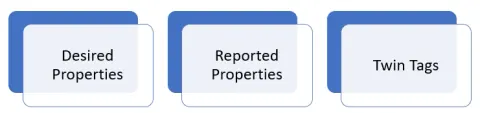
Real World Uses of Azure IoT Hub Device Twins
Discover practical applications of Azure IoT Hub Device Twins in real-world scenarios. Explore how Device Twins facilitate remote device management, enable predictive maintenance, streamline firmware updates, and ensure efficient configuration management for IoT deployments.
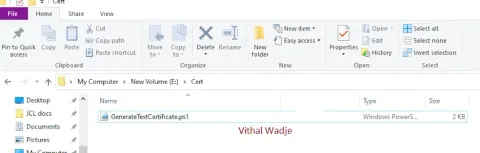
Generating X.509 Certificates with Private and Public Keys for IoT Device Security
In this article, we will explore the process of generating X.509 certificates with private and public keys for IoT device security. This is essential for testing purposes, particularly when working with Azure IoT during the development phase.
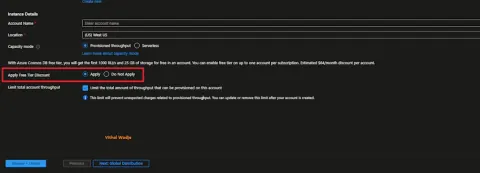
How to Save Azure Cosmos DB Cost with Free Tier Discount
In this blog, we will learn how to save on Azure Cosmos DB costs with a free tier discount. The Azure Free Account is a Microsoft initiative designed for learners, providing an opportunity to explore Azure Services with a free account for a limited time or throughout the subscription period.
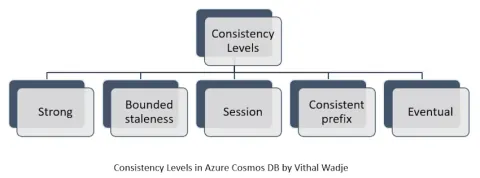
Consistency Levels in Azure Cosmos DB with an Example
In this article, we will learn about the Azure Cosmos DB multiple consistency levels, including strong, boundless, session, consistent prefix, and eventual, with an example and scenario.
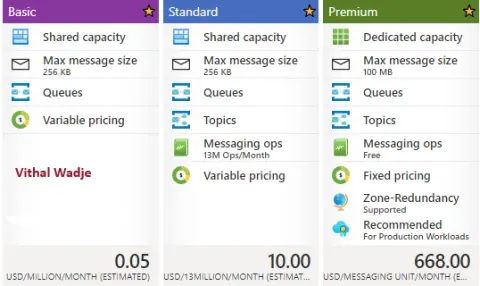
Azure Service Bus Basic Vs Standard Vs Premium Pricing Tiers
In this blog, we will learn about the differences between the Azure Service Bus Basic, Standard, and Premium Pricing Tiers.
CRUD Stored Procedures in Azure Cosmos DB
In this article, we will learn how to create the stored procedures in the Azure Cosmos DB for inserting, reading, updating, and deleting the Azure Cosmos DB collection items.
Understanding Horizontal vs Vertical Scaling
In this blog, we will learn about vertial and horizontal scalling in simple language, as many get confused while distinguishing between these two concepts of scalling the infrastructure.
Difference Between Git Pull and Fetch Commands
In this blog post we will learn abou the Difference Between Git Pull and Fetch Commands.
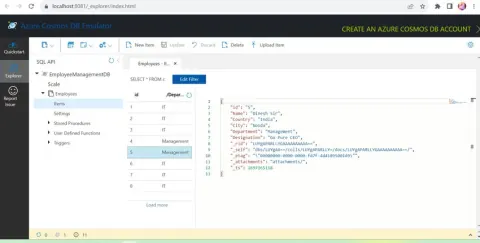
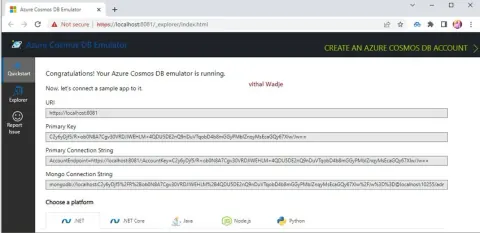
How to use Azure Cosmos DB Locally?
In this blog, we will learn how to use the Azure Cosmos DB locally for local development.

How to Create Mock API Server Using Postman
In this blog, we will learn how to create a mock API server using Postman.

CRUD Operations In ASP.NET Core Blazor Server with Azure Cosmos DB and C#
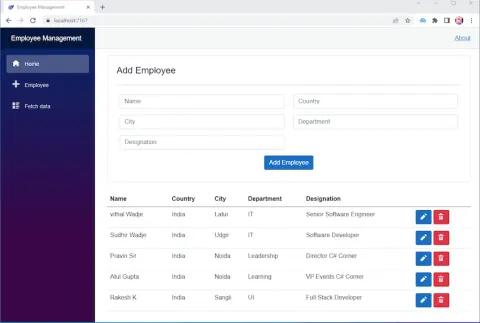
In this article, we will learn how to create the Insert, Update, Delete, and Read operations in an ASP.NET Core Blazor Server App with Azure Cosmos DB and C#.
CRUD Operations In Azure Cosmos DB SQL API Using ASP.NET Core Web API C#
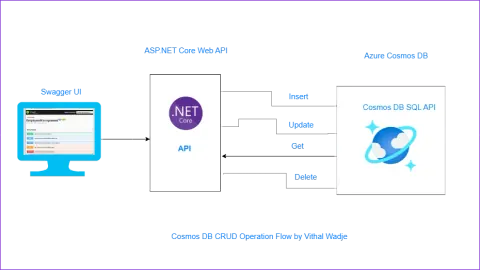
In this article , we will learn how to make Insert, update, read, delete from Azure Cosmos DB SQL API Using ASP.NET Core API C#
Cloud Deployment And Services Delivery Models
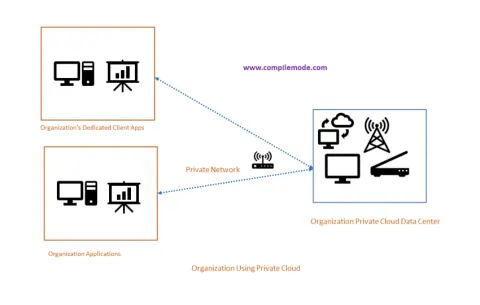
In this article, we will learn about the various types of cloud deployment and service delivery models.
Azure IoT Hub Device Allocation Policy
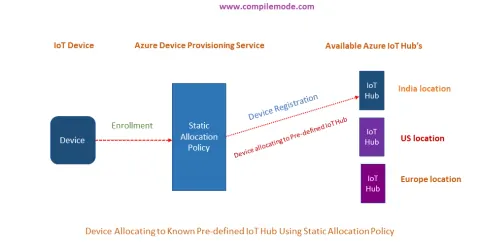
In this blog, we will learn about the device allocation policy of the Azure IoT Hub.

Creating QR Code In ASP.NET Core
In this article we will learn how to create the QR Code in ASP.NET Core
Building And Running ASP.NET Core Application In Docker Container
In this article we will learn how to build and run the ASP.NET Core Web application in docker container
How To Create ASP.NET Core MVC Application
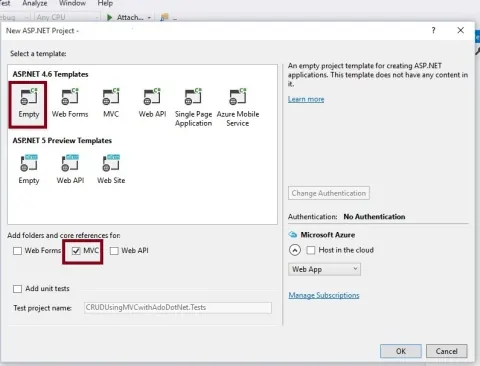
This tutorial covers setting up your development environment, creating controllers, models, and views, and building a fully functional web application using the ASP.NET Core MVC framework.
What Is Azure Resource And Resource Group
In this blog we will learn about the Azure Resource and Resource Group.

Calling Action Method From One Controller To Another Using ActionLink
This blog explains how to call another controller action method using ActionLink in ASP.NET MVC
Check Microsoft Azure Services Live Running Status
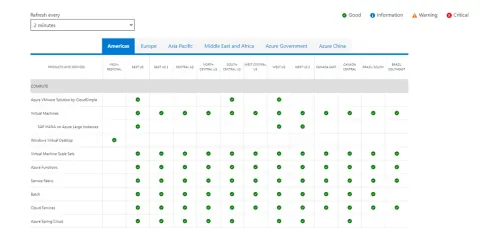
In this blog, we will learn how to check the Microsoft Azure Services Live Running Status.
Highlight HTML Table Alternate Row Colors Using CSS Selector
In this blog, we will learn how to highlight an HTML Table with alternate row colors using CSS Selector without JavaScript or jQuery.
Device Enrollments Using Azure IoT Hub Device Provisioning Service
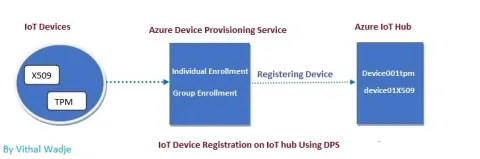
In this article we will learn how to enroll the IoT devices using Azure IoT Hub device provisioning service with the help of Azure portal
Introduction To Azure IoT Hub
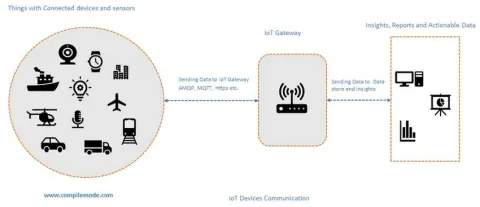
Azure IoT Hub is a cloud service facilitating secure, scalable connectivity between IoT devices and applications. It enables efficient device management, data ingestion, and communication. With features like device twins and message routing.
Understanding The Azure IoT Hub Device Provisioning Service
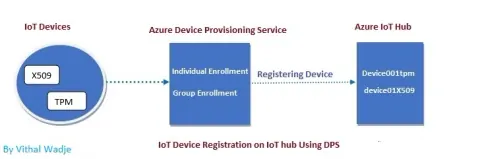
Learn how Azure IoT Hub Device Provisioning Service enrolls, provisions, and manages IoT devices, including creating a DPS resource in the Azure portal.
Consuming Web Service In ASP.NET MVC
Consuming web services in ASP.NET MVC involves adding a service reference, generating a proxy class, and utilizing HTTP clients like HttpClient or WebClient. Data exchange occurs through SOAP or REST protocols, handling JSON or XML responses. Authentication, authorization, error handling, and data binding are crucial aspects.