Loading
Bootstrap5 Session Timeout Script (JS)
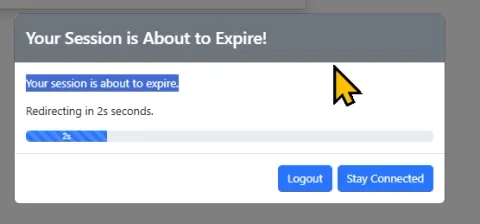
This article presents a custom Bootstrap 5 session timeout script using JavaScript and jQuery. It ensures security by logging out inactive users, handling AJAX challenges, and supporting multilingual Bootstrap themes
ASP.NET 8 – Using Bootstrap 5 Themes
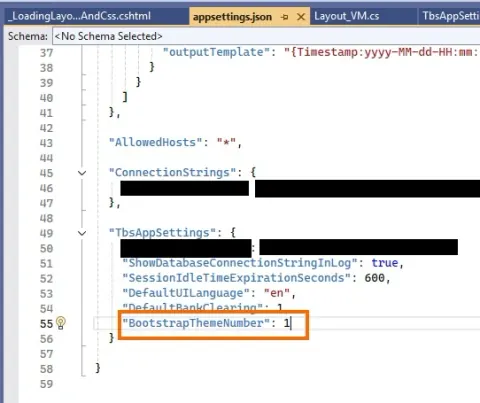
This article covers selecting and installing themes, configuring settings in appsettings.json, passing theme data to views, and managing UI consistency across different themes for a professional web app look.
Importance of Bootstrap in FrontEnd Development
Bootstrap simplifies front-end development by providing responsive design, pre-designed components, and consistent styling. This article includes a detailed project demonstrating Bootstrap's implementation through code snippets to build a responsive portfolio website.
Creating DropDown Menu in Bootstrap
Learn how to create a dropdown menu in Bootstrap, a powerful frontend framework for web development. This guide covers step-by-step instructions to implement responsive navigation menus using HTML, CSS, and JavaScript.
Bootstrap Dropdown Menu
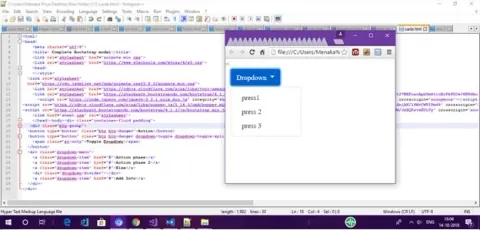
This article provides a step-by-step guide on creating a dropdown menu using Bootstrap. It covers dropdown basics, customization options like variations (dropup, dropright, dropleft), setting active or disabled states, and triggering dropdowns via buttons or anchors.
Bootstrap For Beginners - Part Two (Bootstrap Containers)
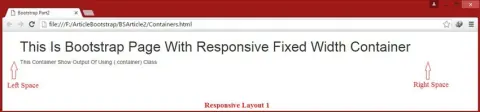
This article explores Bootstrap containers, focusing on the two main classes: .container for a responsive fixed-width layout and .container-fluid for a full-width layout. It provides practical examples to illustrate how to create interactive, responsive website designs using these classes.
How To Implement Bootstrap 4 Popover
This article covers the Bootstrap 4 Popover component, a versatile tool for displaying pop-up content when users interact with elements. It highlights key features such as initialization with jQuery, integration with Popper.js for positioning, and various triggering methods (click, focus, hover).
How to use Bootstrap With Angular
This guide covers Bootstrap installation in Angular projects, configuring styles and components, and tips for optimizing your design, helping you build modern, responsive web apps.
Creating Table Using Twitter Bootstrap
Learn how to design and implement stylish, responsive tables using Twitter Bootstrap. This guide covers Bootstrap’s table classes, grid system, and utility classes to enhance table layouts and functionality.
Switch Theme Between Light and Dark Mode on Webpage Using Bootstrap
Learn how to add a Bootstrap 5 light and dark mode switch using data-bs-theme, a Bootstrap form switch, and JavaScript in an ASP.NET Core MVC project.
How To Create DropDown And Pagination In Bootstrap 4
This article provides a step-by-step guide on using Bootstrap 4 for dropdowns and pagination. Learn to create responsive dropdown menus and pagination components with Bootstrap’s built-in classes and JavaScript functionalities.
How to Create a Border Animation and Hover Effect in Bootstrap
In this article, you'll learn to create a border animation and hover effect using Bootstrap and CSS. Follow step-by-step instructions to integrate the necessary Bootstrap and JS links, write CSS for the animation, and implement HTML code. This effect adds dynamic visuals to your web design.
Introduction to Bootstrap
Learn how to create responsive, mobile-first websites using Bootstrap's powerful grid system, pre-designed components, and customizable classes. Ideal for beginners and experienced developers.
Learn about Spinners in Bootstrap
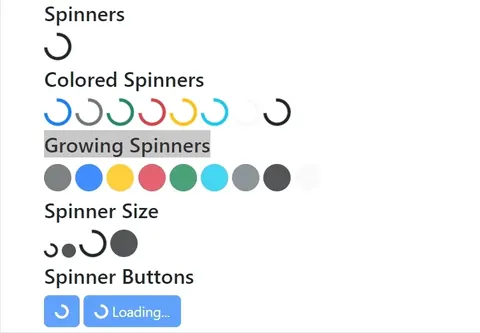
Learn how to use Bootstrap 5 border and growing spinners, apply colors and sizes, add spinners to buttons, and follow loading-indicator best practices.
Explain Floating Labels Animation in Bootstrap
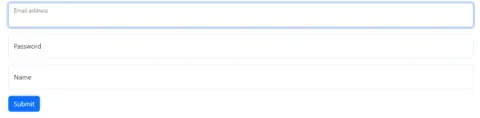
In this article, we will cover how we can implement Floating Labels Animation in Bootstrap 5. Bootstrap 5 introduces form-floating labels, enhancing form design by providing dynamic floating labels above input fields, improving usability, and saving space.
Bootstrap: Design Elevated
Bootstrap, a game-changing front-end framework, simplifies web development with responsive grids, pre-designed components, and customization features. This article explores Bootstrap's significance, key features, and diverse applications, emphasizing its role in creating efficient and visually appealing websites.
Call Web API in .NET and Filter Data using Bootstrap Filters with Less Code
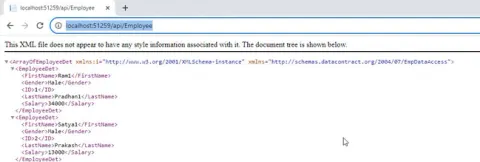
We can filter records for each columns in table with single textbox or search. With less code and few mins, We can implement that feature to work on complex data.
Getting Started With Bootstrap: Part 2
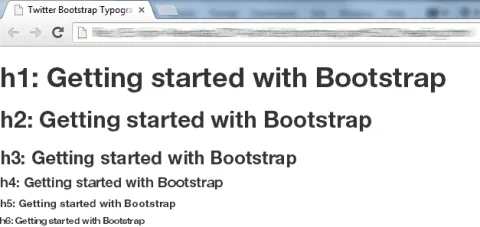
In this article you will learn styling and formatting of text content, table, form, list, image and icons in Bootstrap.
Getting Started With Bootstrap
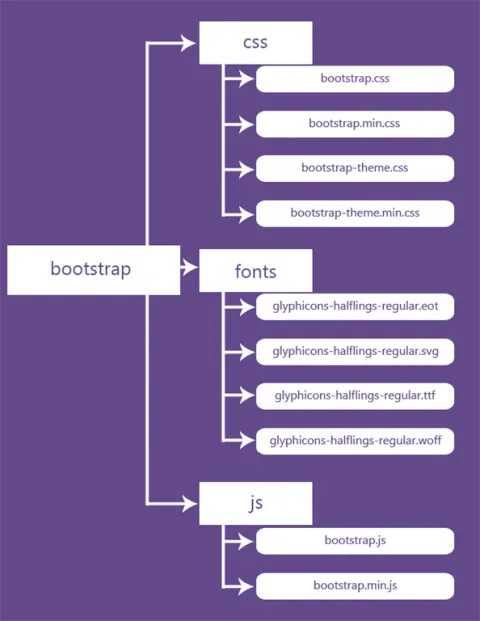
In this article you will learn how to create a basic Bootstrap template using the Twitter Bootstrap v3.2.0 .
Building a Responsive CSS Free Webpage with Bootstrap
In this article, we will uncover the power of Bootstrap as we are going to explore building responsive web pages without CSS by only using bootstrap.
What is Bootstrap Table | Learn Bootstrap
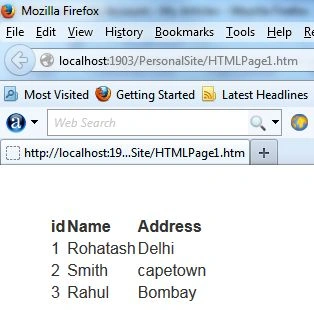
In this article, you will learn about Bootstrap table. An extended table of the integration with some of the most widely used CSS frameworks. (Supports Bootstrap, Semantic UI, Bulma, Material Design, Foundation).
Bootstrap Interview Questions
This article is a list of top Bootstrap interview questions and answers.
Scrollspy In Bootstrap
Learn how to use Bootstrap 4 Scrollspy to automatically highlight navigation links while scrolling, with horizontal and vertical examples.
How To Validate HTML 5 Form Elements In Bootstrap 4
In this article. I will demonstrate you how to validate HTML5 textbox, textarea, select, checkbox, radio button and file upload using bootstrap 4. Validation provides valuable, actionable feedback to your users with HTML 5 form validation available in all our supported browsers.
Twitter Bootstrap Modal Popup Dialog
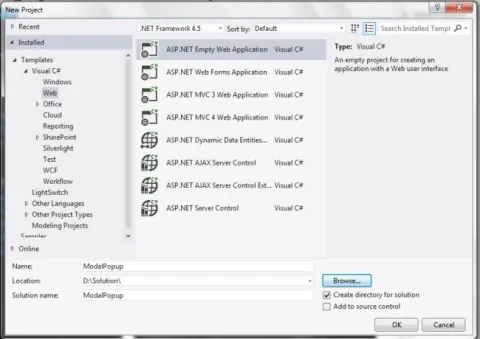
This article explains how to create a Twitter Bootstrap Modal Popup Dialog and Play a YouTube Video using a HTML5 iframe.