Build intranets, portals, and collaborative apps with SharePoint. Learn lists, libraries, permissions, modern pages, SPFx, Power Automate, and search. Get deployment tips, governance basics, and patterns for secure, scalable enterprise solutions.
9,555 posts1,164 contributors
Introduction Microsoft SharePoint is widely used to store and manage business data using lists and document libraries. As an application grows, SharePoint lists can contain thousands of records. When a list contains more than 5,000 items, users may experience performance issues or encounter the List
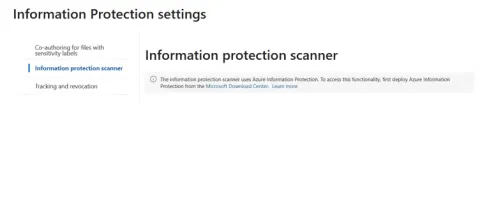
Configure the Microsoft Purview Information Protection scanner for SharePoint on-premises, including SQL Server permissions, scanner installation, Entra ID authentication, and content scan jobs.
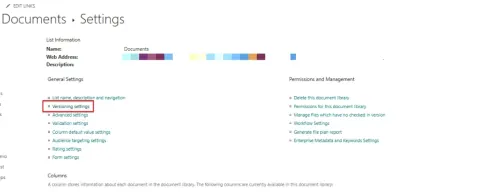
Learn how to enable, view, configure, and restore version history for SharePoint files and list items, including major and minor versions, recycle bin recovery, and best practices.
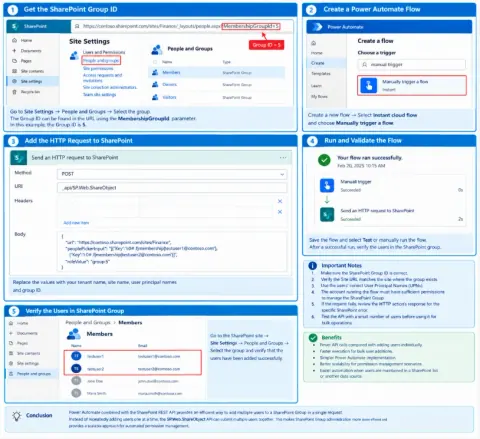
Learn how to add multiple users to a SharePoint Group in one Power Automate HTTP request using the SharePoint REST API, reducing API calls and simplifying permissions.
Learn how to use Copilot in SharePoint to create sites, pages, lists, summarize documents, compare proposals, build agents, and automate business workflows.
Learn how to set up an SPFx development environment on Windows using NVM, Node.js, NPM, Gulp, Yeoman, and SharePoint generators.
Discover how SharePoint creates a modern employee experience with intuitive interfaces, personalized content, and seamless integrations. Boost productivity and engagement!
Learn how to safely migrate SharePoint Framework solutions to SPFx 1.24 and React 18, including compatibility checks, dependency updates, testing, and common migration issues.
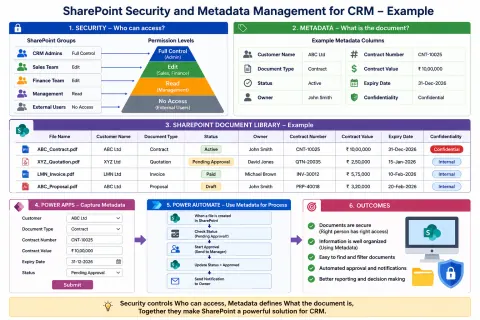
Learn how to use SharePoint security and metadata management for CRM document management. Organize customer documents, control access, automate workflows, and integrate Power Apps and Power Automate.
Learn how SharePoint Online's Mark as decorative image option improves accessibility by hiding purely decorative images from screen readers, reducing unnecessary announcements and accessibility warnings.
Learn how SharePoint permissions work across sites, groups, lists, libraries, folders, and individual items. This article explains permission inheritance and unique permissions.
Learn how to set up a complete SharePoint Framework (SPFx) development environment on Windows using Node.js, Yeoman, React, TypeScript, VS Code, and build your first SharePoint Web Part.
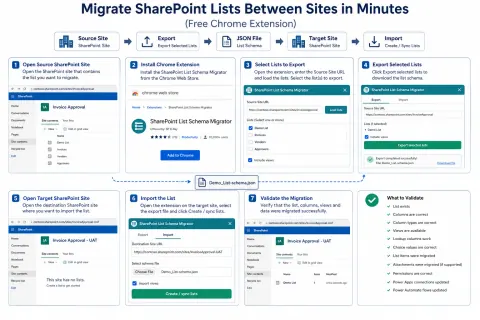
Learn how to migrate SharePoint lists between sites using a Chrome extension, including list schemas, columns, views, content, validation, same-tenant and cross-tenant migration considerations.
Learn how SharePoint Version History tracks file and list item changes, lets you view previous versions, identify modifications, restore older versions, and manage version retention.
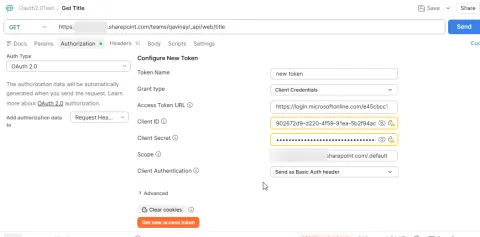
SharePoint Online REST API auth update: Client credentials deprecated. Migrate to Entra ID app permissions with certificate-based auth for unattended integrations.
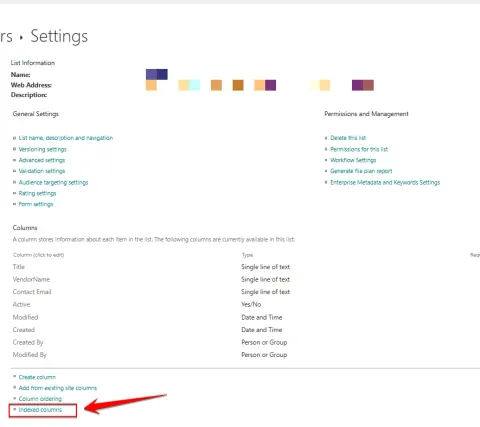
Boost SharePoint list performance with indexed columns. Learn how to speed up filtering, sorting, and avoid list view threshold issues.
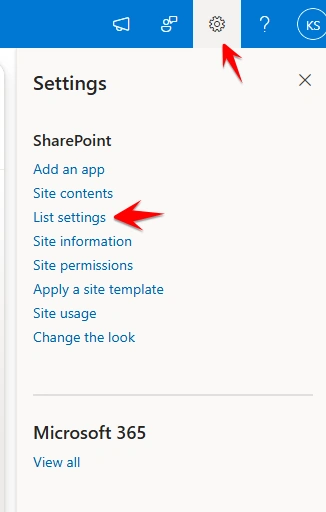
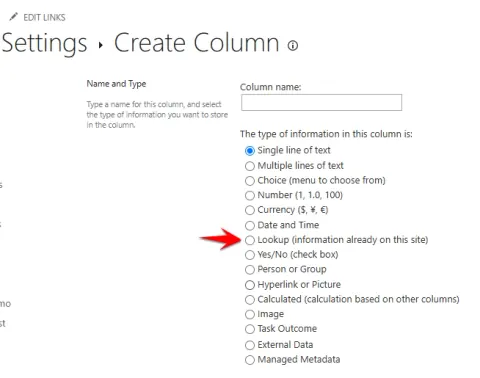
Master SharePoint Lookup column relationship behaviors: Restrict Delete vs. Cascade Delete. Ensure data integrity and prevent accidental loss.
Explore CRDTs for conflict-free distributed apps. Learn how they ensure data consistency, enable offline support, and simplify synchronization.
Learn Astro: a modern framework for building blazing-fast, content-driven websites with minimal JavaScript and excellent SEO.
Explore CRDTs for conflict-free distributed apps. Learn how they enable independent updates & eventual consistency for collaborative, offline, & distributed systems.
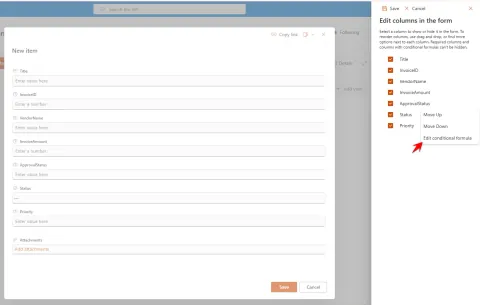
Learn to conditionally show/hide SharePoint Online list form fields using JSON formulas for a cleaner, user-friendly experience.
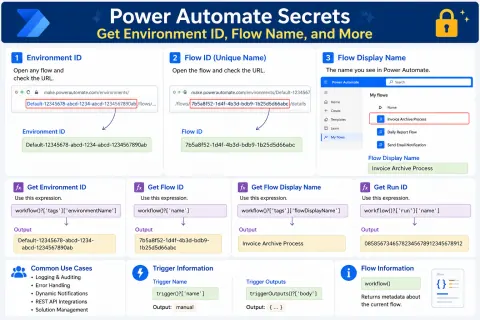
Unlock Power Automate's hidden details! Learn to find Environment ID, Flow ID, Run ID, and more using URLs, admin centers, and expressions.
Master SharePoint's Version History & Document Control for efficient collaboration, secure access, and compliance. Track changes, manage approvals, and ensure data integrity.
The "Alert Me" feature in SharePoint Lists allows users to receive automatic notifications when changes occur within a list. Users can configure alerts for new items, modifications, deletions, or all changes and choose how frequently notifications are delivered. This feature helps teams stay informed, improves collaboration, and ensures timely action on important updates without the need to manually monitor SharePoint lists