Build intranets, portals, and collaborative apps with SharePoint. Learn lists, libraries, permissions, modern pages, SPFx, Power Automate, and search. Get deployment tips, governance basics, and patterns for secure, scalable enterprise solutions.
9,555 posts1,164 contributors
The blog explores Site Scripts and Site Designs in SharePoint Online, highlighting their role in automating site provisioning. Site Designs define site configurations, while Site Scripts, written in JSON, execute specific actions like creating lists, libraries, and content types, applying themes, and integrating PowerShell. These tools help organizations enforce standardization, maintain governance, and reduce manual effort in site setup. By leveraging Site Scripts and Site Designs, businesses can achieve customization without complex coding, ensuring a consistent and efficient site provisioning process. This approach simplifies SharePoint management while enhancing productivity and user experience.
Automate SharePoint site page to PDF conversion with Power Automate! This step-by-step guide simplifies creating reports and archives. Streamline your workflow today!
Learn how to create a document library in SharePoint Online step-by-step. This guide covers everything from prerequisites to testing your new library. Perfect for beginners!
Ensure seamless SPFx web part deployment to Teams! Learn the crucial icon naming convention using your component ID to avoid errors and guarantee successful syncing.
Troubleshoot PnPjs caching in SharePoint! Learn to fix stale data, invalidation problems, and key conflicts for optimal performance. Debugging tips included.
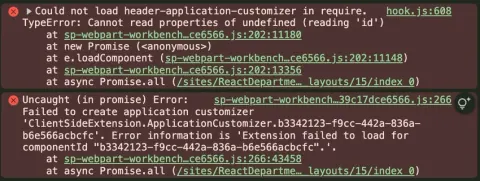
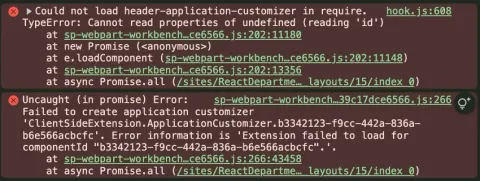
Fix the "Failed to create application customizer" error in SPFx 1.21.1! This blog details a solution related to React version compatibility. Learn how to resolve this issue.
Explore a hands-on SPFx blog series by Kalpana, a SharePoint expert, covering everything from SPFx basics to enterprise solutions, Microsoft Graph integration, and Power Platform customization in Microsoft 365.
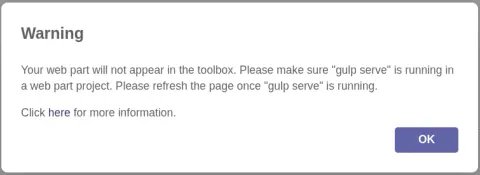
While loading the web part in the Workbench, a warning appears. Follow these steps to resolve the error
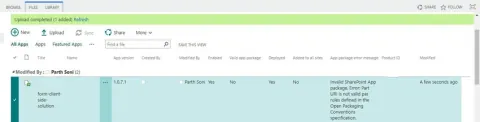
One such error that can be particularly confusing is: "Invalid SharePoint App package, Error: Part URI is not valid per rules defined in the Open Packaging Conventions Specification." In this blog, we’ll dive into the details of the issue, its root cause, and the steps to resolve it.
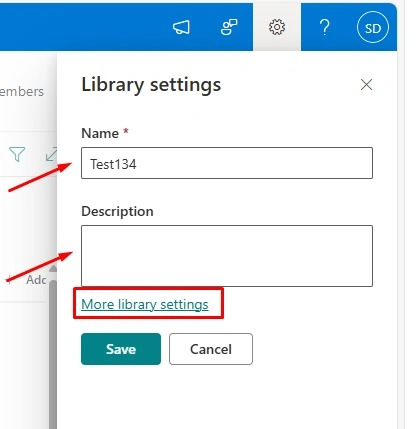
Learn how to rename and manage SharePoint document libraries with ease. This guide covers best practices, tips, and tools to keep your libraries organized, efficient, and user-friendly.
This blog explores a TypeScript error with @lit/task in a SharePoint + React project, its causes, attempted fixes, and the working solution by adjusting specific dependency versions in package-lock.json.
This blog is about solving the app customizer in spfx development. This blog discusses a common SPFx app customizer error and provides practical debugging steps to resolve manifest ID mismatches and workbench-related issues during development.
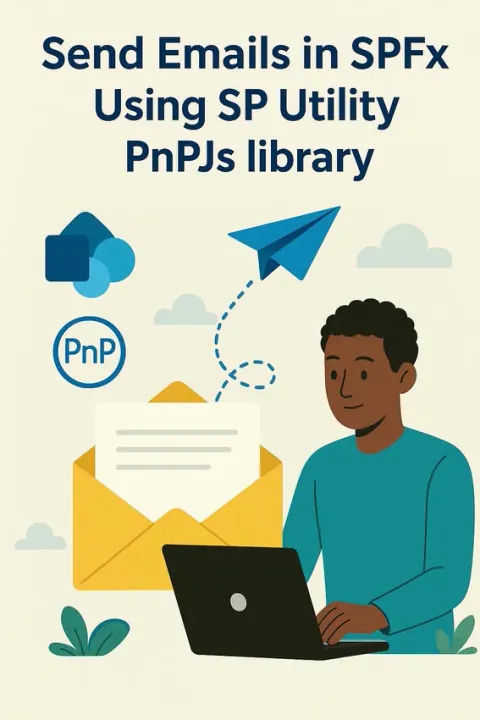
Sending emails is one of the most common functionalities in enterprise-level SharePoint solutions. From notifying users to triggering alerts and approvals, email communication is crucial.
The autoplay feature of React Responsive Carousel is not working in SPFx (SharePoint Framework) web parts. This issue might be related to React lifecycle methods, SPFx compatibility, or DOM handling conflicts. Explore troubleshooting steps to fix autoplay functionality in SPFx-based React components.
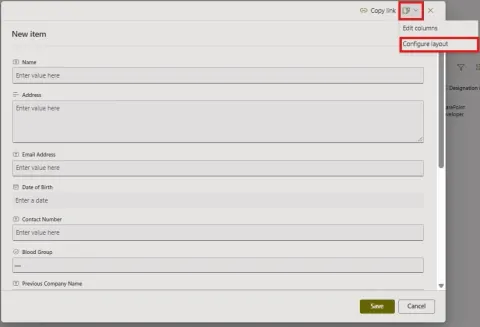
SharePoint’s default edit form is functional but often lacks visual appeal and logical grouping, especially for lists with many fields. Customizing forms with JSON in SharePoint makes it much easier to create clean and user-friendly edit forms.
Learn how to efficiently track and log newly created sites, subsites, lists, and document libraries in SharePoint using various methods, including Site Contents, Audit Log Reports, PowerShell scripts, Highlighted Content web part, and the SharePoint Admin Center.
Learn how to create custom site templates in SharePoint Online using PowerShell, including creating site scripts, applying themes, and configuring site settings. This guide ensures consistent site provisioning and enhances productivity.
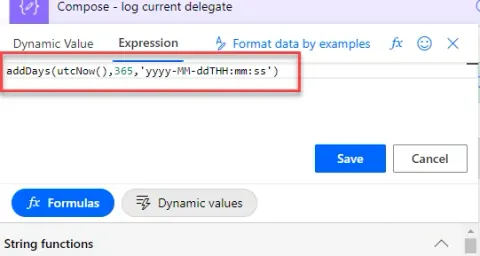
In this blog, you will learn about the issue that was being faced when updating SharePoint Date Time column and the correct format it expects when updating from Power Automate ‘Send http request’.
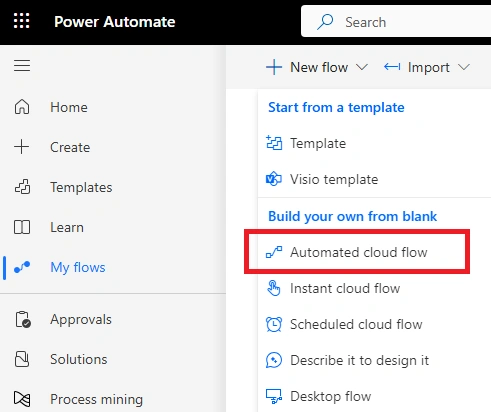
Automate SharePoint site creation with PowerShell and Power Automate. Use custom templates, workflows, and scripts to ensure consistent, scalable, and efficient site provisioning, saving time while enhancing productivity and customization.
The issue where the 'isBlocking' override in the BaseDialog component of IDialogConfiguration is not working can cause unexpected behavior in dialog interactions.
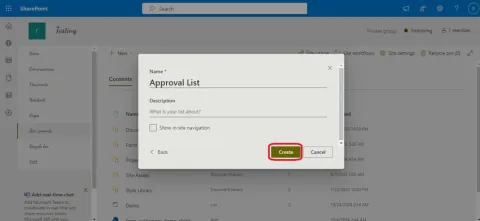
Learn how to streamline approvals with SharePoint List Approvals, an out-of-the-box workflow tool. This guide covers setup, creating approval requests, tracking statuses, enabling notifications, and integrating with Microsoft Teams.
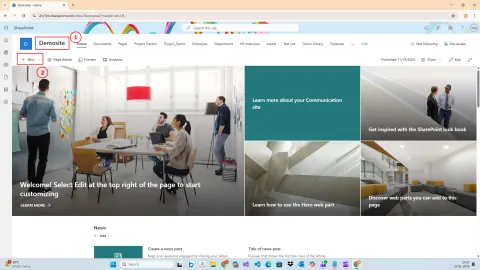
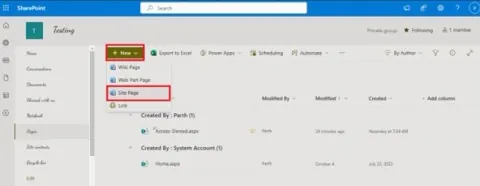
This guide covers essential tips for customizing layouts, improving visual appeal, and boosting user engagement. Perfect for those looking to elevate the look and functionality of their SharePoint pages.
This guide covers the steps needed to export, import, and configure forms in new SharePoint environments, enabling seamless integration and user-friendly setup.
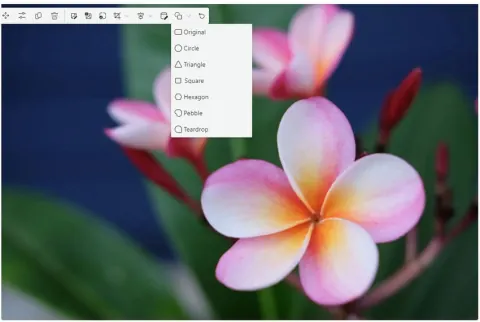
This feature allows you to format and customize images with various shape options, making your pages more dynamic and engaging. Learn how to use this feature for a polished, professional look.
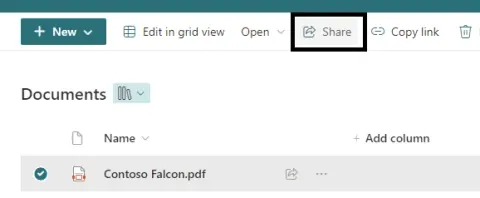
This guide outlines the steps to securely share files in SharePoint Online. It covers selecting files, choosing appropriate sharing options like limiting access to specific individuals, sending secure links, and managing file permissions.