Loading
Template Based Approach to Export Data to Excel: Part 1
This article explains the template based approach to export data to Excel.
Template Based Approach to Export Data to Excel: Part III
In this article you will learn how to work with a template based approach to export data to Excel.
Template Based Approach to Export Data to Excel: Part - II
In this article we will learn how to add columns dynamically in a Excel Sheet using a Template based approach.
Integrate XML Data Within your ASP Page Using XLINQ: Part II
In this tutorial I will expose a technique to integrate XML data within your ASP page using XLINQ API.
Integrate XML Data Within your ASP Page Using XslCompiledTransform Class: Part I
I will provide two techniques as a part of this two parts tutorial to demonstrate how to transform and integrate XML contents within ASP web page.
How to Generate an XML Document Programmatically-Using System.Xml.XmlWriter: Part III
In previous articles, I demonstrate how to generate a given xml file using both the DOM “Document Object Model” and the SAX “Serial Access parser for Xml” technologies. In fact, they are very interesting API for handling xml entities or files but the dot net provides us another way to achieve the same goal.
How to Generate an XML Document Rogrammatically Using DOM: Part I
In fact, I wrote this article as an answer of one among questions posted as a part of a C sharp corner forum. I will enumerate methods of how to do that through three articles, the first one illustrates how to do that using DOM technology
How to Generate an XML Document Programmatically-Using SAX Technology: Part II
In the previous article, we’ve proceed to generate an XML document using DOM technology which is document object model, Now, we’ll do the same thing but, this time using SAX technology.
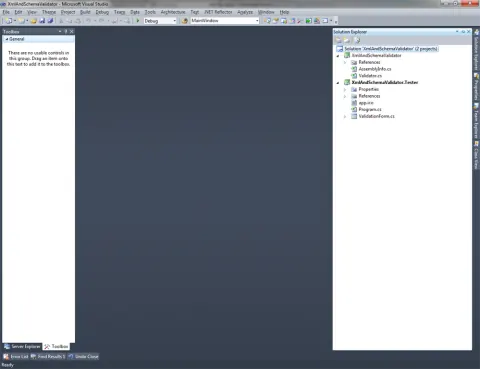
Xml and Schema Validator
This article shows how to create a simple and generic module for validating XML files with their respective schema files.
Saving DataGridView setting in xml and restore it!
This article shows how to save the user manipulation on the grid and restore those settings when the user runs the program.
Create XML Tags to Return Web Service Response in XML Format
We can create well formed xml tags with the help of xElement. Its better way to create xml response instead of static defined tags in string varible or append in to string builder.
Generate XML From Object in C#
In this article we will generate XML from the object in C#.
Invoking a POST Method Located at a Specific URL With XML Request
This article describes how to invoke a POST method located at a specific URL with the XML Request.
Insert, Update and Delete in XML File Using C#
This article explains how to do insert, update and delete operations in a XML file using C#.
Get XML Data Using Ajax and jQuery
Here you will learn how to get XML data using Ajax and jQuery. The data is provided without a full page reload.
Check XML Validatity Using jQuery
In this article you will learn how to check the validity of XML code using JQuery.
Basics of XML and Validation of XML
This article covers the basics of XML and the validation of XML.
Export Excel File to an XML Data File
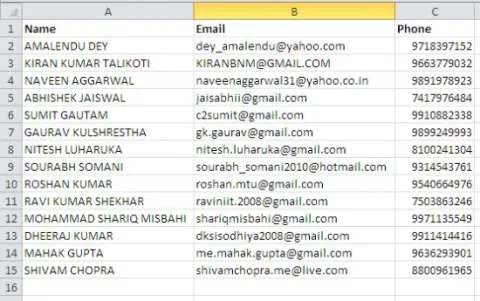
In this article you will learn how to import an Excel file from an XML file or export an Excel file to an XML file.
Creating XSD of a XML Using Visual Studio
I would like to share a simple way to create a XSD of a sample XML file.
Reading XML Files
In this article, I will show you how to use the XmlTextReader class to read an XML document and write data to the console.
Validating an XML Document Programmatically
This article provides an example of validating a XML document using the XmlReader and XMLScema class of System.Xml and System.Xml.Schema.
What is Web Service?
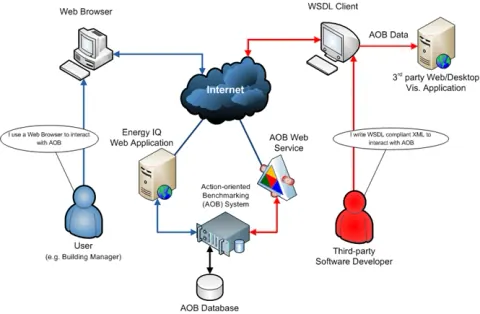
Web applications are accessed by users mainly by a web browser or a mobile device. A Web service is software that makes itself available over the Internet
Copying XML Documents Using C#
How to copy one XML file from one location to another with a different file name.
Verify XML Names Using C#
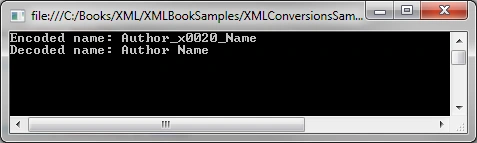
The XML specification does not allow some characters to be a part of valid XML names. We can use the XMLConvert class and its methods to verify, encode and decode names.