C# tutorials
160 posts67 contributors
Everything about C# tutorials

Proper Usage of Form.AcceptButton and Form.CancelButton Properties in Windows Forms Applications
In this article we will first pass from simple to more complex cases which programmers might encounter in practice and then provide a full scale solution to the problem of maintaining AcceptButton and CancelButton properties in form of ready-to-use set of classes. Finally, we will provide an example which demonstrates how simple it is to use these classes.
Blacklight Controls in Silverlight
This article demonstrate how we can use the Blacklight controls in Silverlight

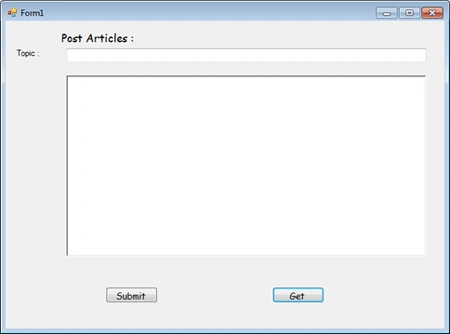
Simple Article Post And Get Article in C#
In this article I am going to create a simple tool that can be used to easily post and retrieve articles. I have just made use of File system for the storage.

Auto-Implemented Properties of C#
Let me to give an simple introduction about auto-implemented properties which is feature of C#.Net 3.0 and above.
Anyone for VALA?
Vala is a new programming language based on C# syntax which compiles to C code rather than Common Intermediate language.
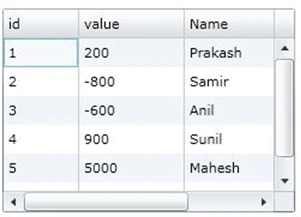
Datagrid Row and Column in Silverlight
Use Silverlight DataGrid events to access row data, apply conditional cell formatting, and hide columns at runtime.

Alphabetic Paging using GridView Control
Here I am going to show Alphabetic Paging using gridview control. Here user can find data according to respective alphabet link and also can find all the data by clicking all link.
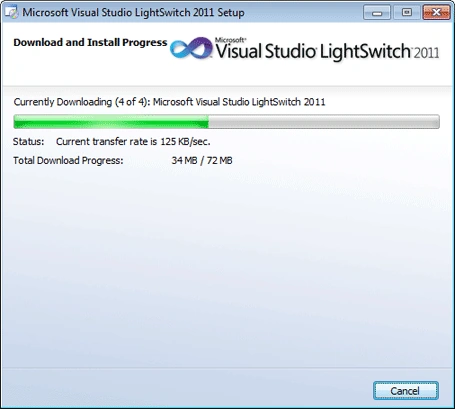
Start working with LightSwitch in VS 2010
LightSwitch has been launched and Microsoft only offering a Trial Version well one only has to check out the features it offers to understand that. Lets learn how to install and develop simple Application using LightSwitch.
Accordian Control in Silverlight
This article demonstrate how can we create Accordian Control dynamically in silverlight.


How to show related Data in Textbox using C#
Here I will show you how to Show Related Data In Textbox When We Click Related Item In Combobox In Csharp.
Populate a dropdownlist control using Javascript in ASP.NET
Here you will see how to Populate a dropdownlist control using Javascript in ASP.NET and checking whether javascript support is enabled or not.
Loading XAPS On Demand in Silverlight (MEF)
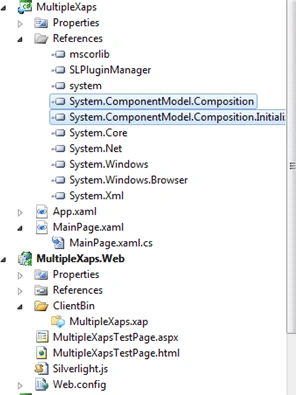
I was reading about loading Multiple XAPs in Silverlight. This is a very usefull feature since it makes creation of dynamic content very easy.

Check whether SharePoint list is an External List
In this article we will be seeing how to check whether the SharePoint list is an External list or not using SharePoint Object Model and Powershell.

MEF Features .NET 4.0
In this article I am explaining some of the useful features MEF provides.
Auto Detect CSV Separator
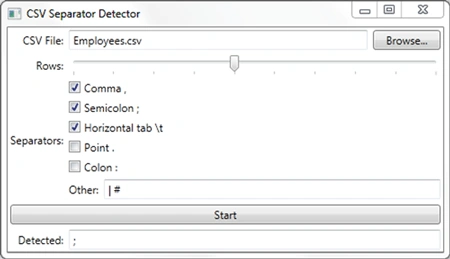
CSV files are very popular for storing tabular data because they are simple textual files with very few rules.
Alarm and Reminder in Windows Phone 7 (Mango)
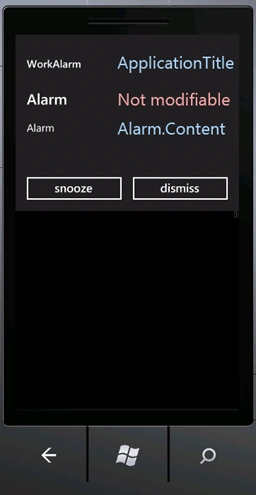
One of the coolest features in the new Mango (7.1) update is the ability of applications to do background tasks (finally!). Two of the new features brought about by this are the Alarm and Reminder classes.
Creating a User Defined Control in .NET
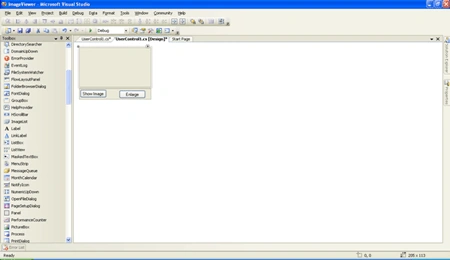
In this article we are going to learn about how to create a user defined control and to make use of it.
Customize the Style of the Button And ToolTip Controls in Silverlight
This article demonstrates how to customize the style of the Button and ToolTip controls in Silverlight.
SNMP Polling with C#.NET
Traditionally Simple Network Management Protocol (SNMP) polling has been achieved using the command line.
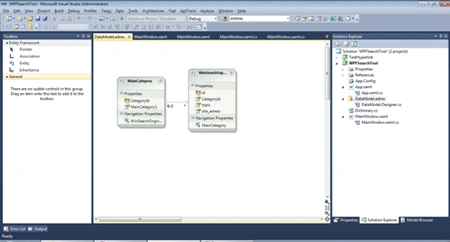
ADO.NET Entity Data Model in Silverlight
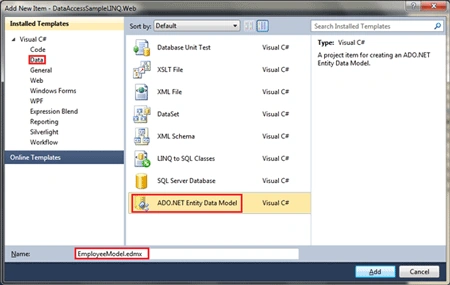
The Entity Data Model (EDM) is an Entity-Relationship data model.
Optimizing Wait in MultiThreading Environment - C#
Here you will see optimization of waiting in a MultiThreading environment using the AutoResetEvent class with C#.
Customizing ASP.NET Calendar
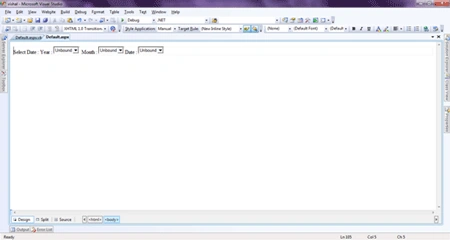
In this article you will see how to customize an ASP.NET Calendar for year navigation.
Programmatically configure Location based metadata defaults in SharePoint 2010
In this article we will be seeing how to get and set metadata default values using SharePoint object model.
Location based metadata defaults in SharePoint 2010
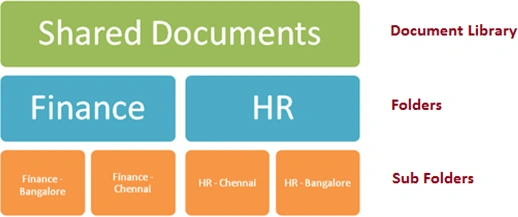
SharePoint 2010 allows setting the default metadata values to the document library, folders and sub folders, so that users do not have to enter the metadata values when they upload the documents in the document library.