7 posts about SharePoint List Forms by 6 contributors.
Know SharePoint List Forms? Share what you know with developers who are learning it.
Customize SharePoint list forms by hiding default tile columns for a streamlined interface. Utilize SharePoint Designer or Power Apps to modify forms, enhancing user experience within the modern UI.
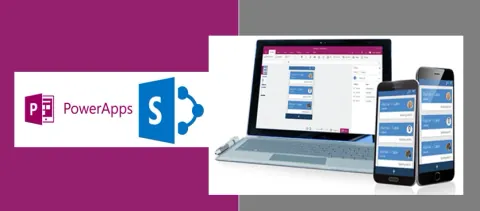
We are all aware Microsoft announced that there will be no new release for InfoPath and advised us to start using PowerApps instead of InfoPath. The long awaited feature to create custom SharePoint list forms with PowerApps has been released now. This only exists in the SharePoint Modern Experience, so you won’t get this in classic.
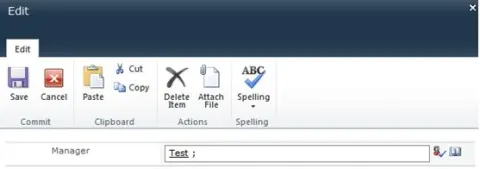
Here I'm sharing the jQuery scripts to disable People Picker / Lookup fields in SharePoint list forms.
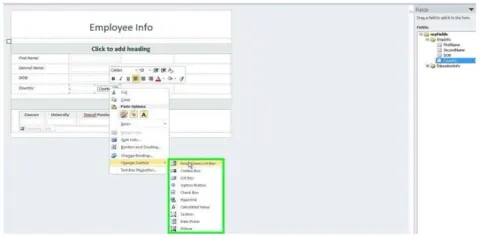
In this article we will explore the different methods to fill a dropdown list in an InfoPath form.
InfoPath is designed to make it easy to build rich forms-based applications on the Microsoft SharePoint Server platform.
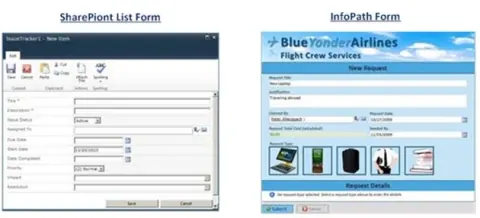
In this tip article we can see the advantages of InfoPath Forms compared with SharePoint List Forms.
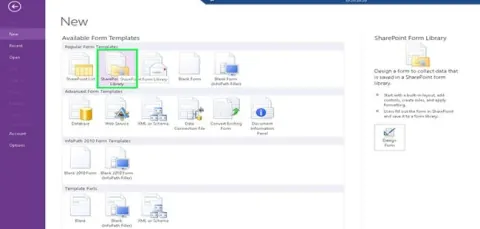
In this article we will be seeing how to customize SharePoint List Forms using InfoPath Forms.
DevSocialUpcoming · 3rd editionAI Agents ConferenceNov 23–27, 2026Live onlineMembers only16days leftRegisterPublish an article in this category and earn +1,000 SHARP when it is approved.
Write an article