Loading
Articles by Arun Potti

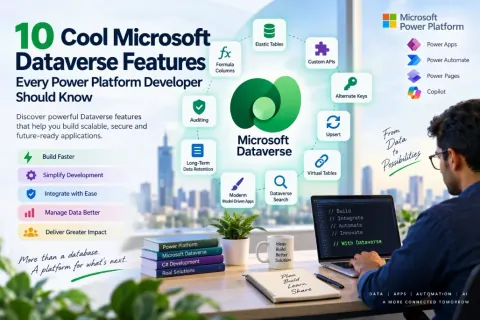
10 Cool Microsoft Dataverse Features Every Power Platform Developer Should Know
Introduction When we hear Microsoft Dataverse , the first things that usually come to mind are tables, columns, relationships, forms, views, and perhaps plug-ins. But Dataverse is much more than a database behind Power Apps and Dynamics 365. Over the years, Microsoft has added several powerful capab

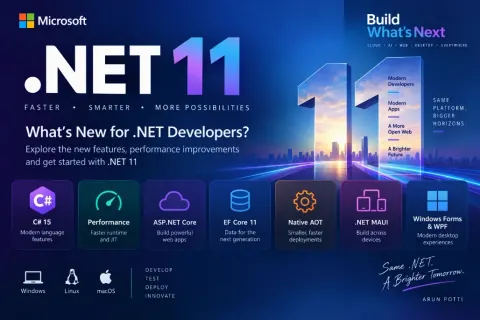
What’s New in .NET 11? A Developer’s Guide to the Latest Release
Explore the major features in .NET 11, including C# 15, runtime and JIT improvements, Native AOT, ASP.NET Core, EF Core, MAUI, and desktop development.
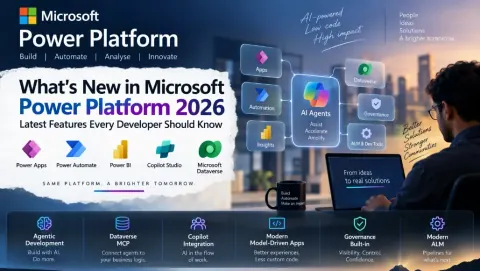
What’s New in Microsoft Power Platform 2026: Latest Features Every Developer Should Know
Explore 2026 Microsoft Power Platform updates, including Power Apps agentic authoring, Dataverse MCP integration, Copilot in model-driven apps, and the always-on roadmap.

Top 25 C# Interview Questions and Answers for Developers
Review 25 common C# interview questions and answers covering OOP, value and reference types, LINQ, async programming, dependency injection, and more.
Export and Unpack Dataverse Solutions Using Power Platform CLI
Learn how to use Power Platform CLI to export an unmanaged Dataverse solution and unpack its components into local files for source control.

How to Manage Dataverse Authentication Profiles Using Microsoft Power Platform CLI
Learn how to create, list, select, rename, delete, and clear PAC CLI authentication profiles for multiple Microsoft Dataverse environments.
How to Connect to Microsoft Dataverse Using Power Platform CLI
Most PAC CLI operations that interact with Power Platform resources require authentication. PAC CLI uses authentication profiles, and Microsoft supports keeping multiple profiles on the same machine, which is particularly useful when working with different tenants or environments. Prerequisites: Bef
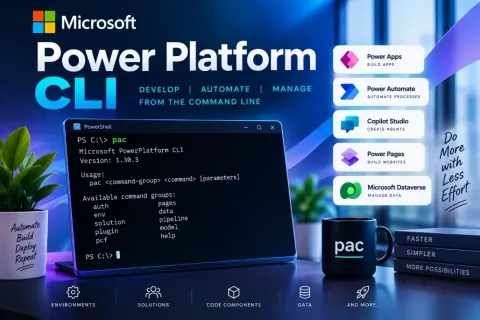
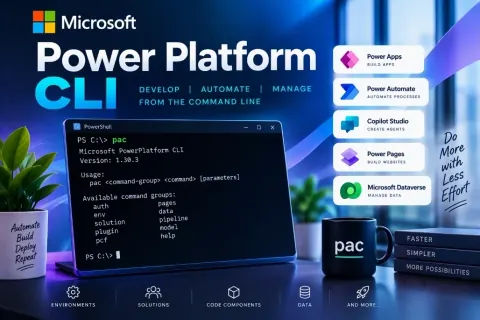
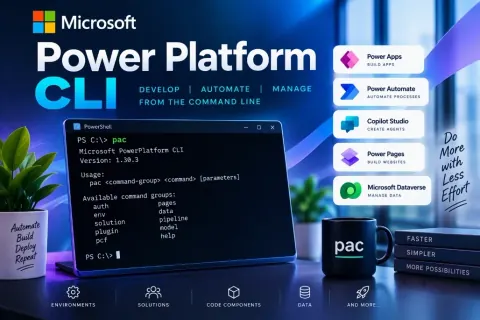
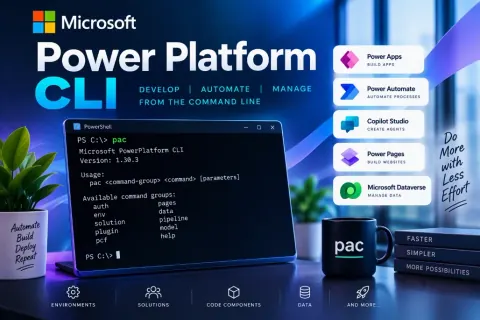
What is Microsoft Power Platform CLI?
Learn what Microsoft Power Platform CLI (PAC CLI) is, how to install it with Visual Studio Code, and how to verify the installation and access command help.
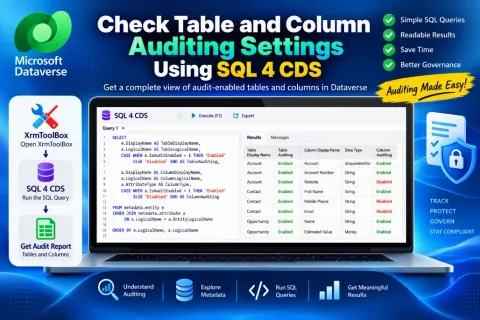
How to Check Table and Column Auditing Settings in Microsoft Dataverse Using SQL 4 CDS
Learn how to use XrmToolBox and SQL 4 CDS to query Microsoft Dataverse metadata and review auditing settings for tables and columns.
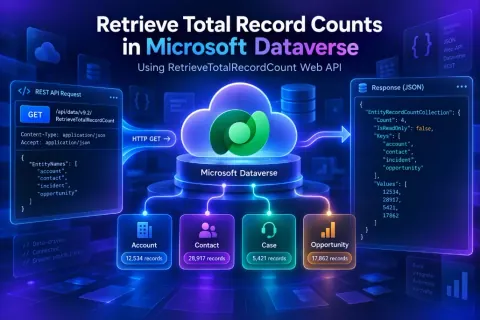
How to Retrieve Total Record Count for Multiple Tables in Microsoft Dataverse
Learn how to use Dataverse RetrieveTotalRecordCount to get approximate row totals for multiple tables through the Web API or C# SDK, beyond OData $count limits.
How to Retrieve Environment Variable Values Using SQL 4 CDS in XrmToolBox?
Retrieve Dataverse environment variable schema names, types, default values, and current values using SQL 4 CDS in XrmToolBox.
Step-by-Step Guide to Create Your First Dataverse Custom API
Learn how to create your first Dataverse Custom API step by step. This hands-on tutorial covers Custom API creation, request and response parameters, plug-in development, assembly registration, testing with Dataverse Accelerator.

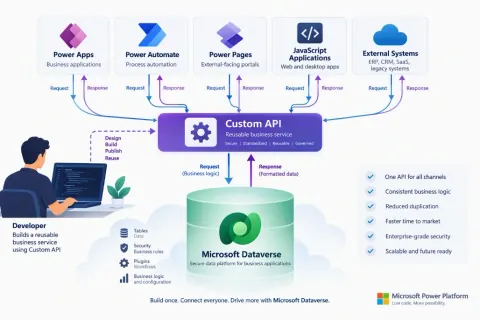
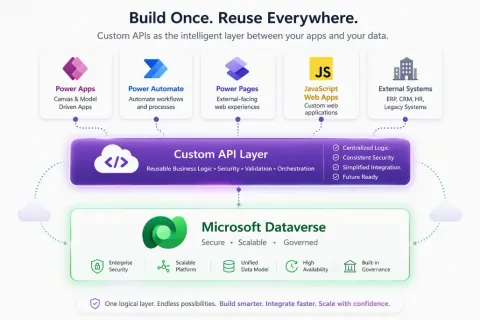
What is Dataverse Custom API and Why Should Power Platform Developers Use It?
Learn how Dataverse Custom APIs expose reusable business logic through secure, maintainable operations for Power Automate, apps, and external systems.
How to Get Monthly Record Counts from Dataverse Using SQL 4 CDS in XrmToolBox?
Discover how to use SQL 4 CDS in XrmToolBox to get monthly and yearly record counts from Dataverse tables. A simple, reusable query for reporting, migration validation, and trend analysis.
My first XRMToolBox Plugin: Dataverse Users, Security roles, Teams and Teams security roles (Overview, Installation & Usage)
Explore Dataverse security with this XrmToolBox plugin! Analyze users, roles, teams, and access. Export data for audits, compliance, and cleanup. Easy install!
How to Configure a "DoNotReply" Email Using a Shared Mailbox in Dynamics 365 CE
In this article, we will learn Step-by-step details to configure the donotreply share mailboxes and send emails in Dynamics 365 CE
Add and Use Copilot Answer Control in Microsoft Power Apps Preview
In this guide, you'll learn how to add and use the Copilot answer control (Preview) in Microsoft Power Apps. We walk you through the steps to integrate this AI-driven feature, enhancing user interactions with automated responses.
How to Download and Install the .NET Developer Framework?
Microsoft .NET Framework is a Windows-only version of .NET used to build client and server applications. To install it, visit the .NET downloads page, choose the required version, download the executable file, agree to the license terms, and install. Restart your PC to use the framework in Visual Studio.
Get First Row from Dataverse Table in Power Automate
Learn how to retrieve the first row from a Dataverse table using Power Automate. This guide walks you through creating a flow, filtering contacts with emails, and using expressions to extract the first row's contact ID, full name, and email.
How to Create the Automated Plugin in the Dataverse Environment?
Learn how to integrate Instant Plugins in Power Automate using Dataverse Accelerator, Microsoft's experimental feature. Follow step-by-step instructions for creating Automated plugins, specifying details like name, table, and Power Fx code. Ensure prerequisites are met and be cautious as it's experimental.
How to Integrate Instant Plugins in the Power Automate Flow?
Integrating instant plugins in Power Automate Flow enables seamless automation. Utilize connectors and triggers to link diverse apps and processes, enhancing efficiency with real-time actions and custom workflows tailored to your needs.
How to Integrate Instant Plugins in the Canvas App?
Learn how to call a Dataverse Accelerator Instant Plugin from a Power Apps canvas app using Power Fx and display the returned result.
How to Create an Instant Plugin in the Dataverse Environment?
Create instant plugins in Dataverse for Dynamics 365 using Power Platform. Customize business logic, automate processes, and integrate seamlessly with real-time event-driven actions. Simplify development and enhance data management effortlessly.

How to Create Microsoft 365 E3 Trial for 30 days?
Learn how to start a 30-day Microsoft 365 E3 trial, add billing details, activate the subscription, assign licenses, and access Microsoft 365 apps.
How to Install the Microsoft Dataverse Accelerator in the Dataverse Environment?
Follow our guide to install the Dataverse Accelerator App step-by-step. Ensure you have set up a Microsoft Edge or Google Chrome profile and created a Power Apps trial.