Loading
Abiola David's contributions
- Article · Microsoft Fabric
Optimize Your Storage Costs with OneLake Storage Tiers and Lifecycle Management
Cut storage costs with Microsoft Fabric's OneLake! Automate data tiering (hot, cool, cold) using lifecycle policies for optimal performance & savings. Learn how!
- Article · Databricks
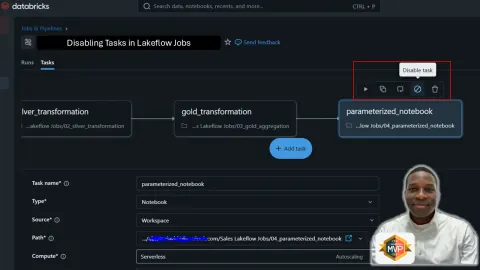
Disable Tasks in Databricks Lakeflow Jobs: A Powerful Feature for Flexible Workflow Orchestration
Simplify Databricks Lakeflow Jobs with disabled tasks! Boost flexibility, streamline debugging, and optimize deployments. A must-have for efficient data pipelines.
- Article · Power BI
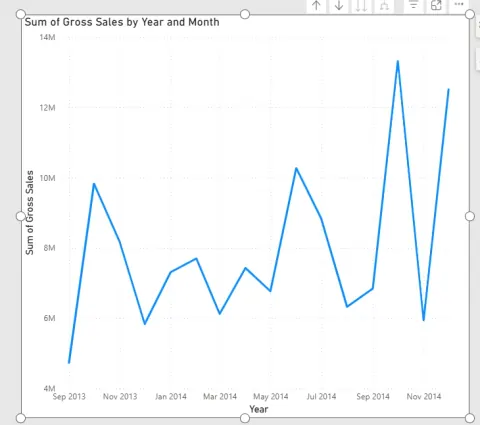
Creating Small Multiples Charts in Power BI for Better Data Storytelling
In this article, I covered how to aster Power BI small multiples! Learn to create insightful charts for comparing trends, identifying anomalies, and enhancing data storytelling. Simplify complex data!
- Article · Power BI
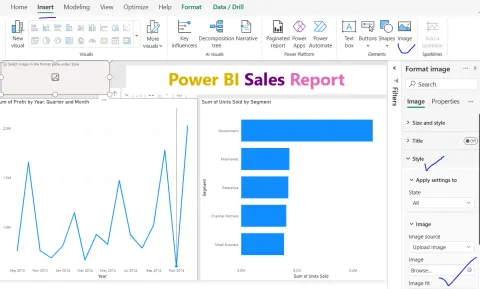
How to Insert an Image into a Power BI Report
Learn how to insert images into Power BI reports to enhance visual appeal, branding, and user experience. Discover best practices for optimal performance and design.
- Article · Microsoft Fabric
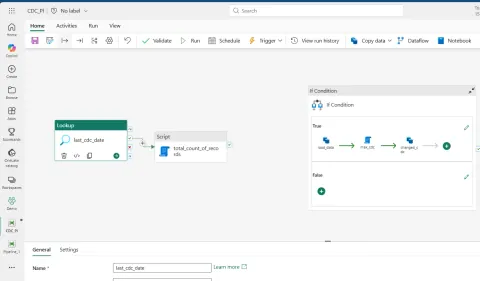
Disabling Activities in Microsoft Fabric Data Pipelines: A Practical Guide for Data Engineers
Master Microsoft Fabric Data Pipelines by disabling activities! This guide shows how to debug, test, and optimize workflows without deleting crucial steps. Improve deployments and save costs!
- Article · Microsoft Fabric
Practical Architect Guide to Mastering Microsoft Fabric Capacity
Master Microsoft Fabric capacity! Architect for performance, scalability, & cost control. Learn workspace design, workload tiering, & governance best practices.
- Article · Databricks
How Genie Code is Transforming Data Workflows in Databricks
Discover how Databricks Genie Code transforms data workflows from AI-assisted coding to autonomous agents. Explore its capabilities and impact on data teams.
- Article · Microsoft Fabric
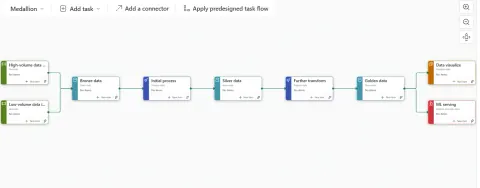
Introduction to Task Flows in Microsoft Fabric: Making Sense of the Bigger Picture
Discover Microsoft Fabric Task Flows: a visual blueprint for organizing and connecting your data projects. Improve clarity, reduce errors, and scale efficiently.
- Article · Microsoft Fabric
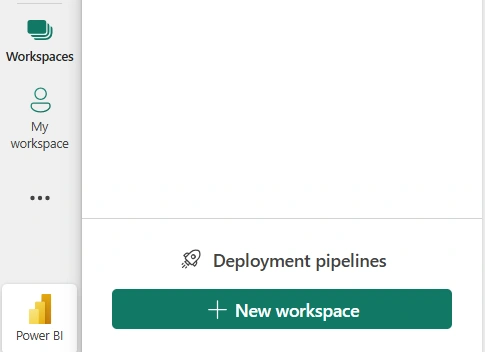
Creating and Deleting a Microsoft Fabric Workspace: A Practical Guide
Master Microsoft Fabric workspaces! This guide covers creation, deletion, best practices, and naming conventions for organized data projects and collaboration.
- Article · Databricks
Why Custom URLs in Azure Databricks Are a Game-Changer for Enterprise Teams
Simplify Azure Databricks access with custom URLs! Learn how this enterprise feature creates a unified, branded entry point, improving user experience and governance. Say goodbye to juggling multiple workspace URLs!
- Article · Microsoft Fabric
Understanding Delete Activity in Microsoft Fabric Data Pipelines (A Practical Guide)
In this article you will master data lifecycle management in Microsoft Fabric! This guide covers using Delete Activity in Data Pipelines for efficient storage and compliance. Automate data cleanup!
- Article · Power BI
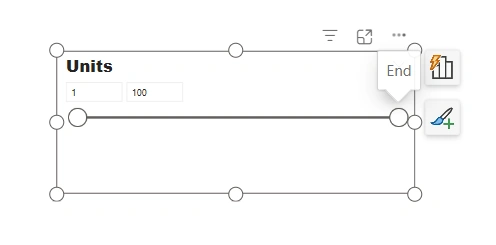
Different Types of Slicers in Power BI – A Complete Guide
In this article, you will master Power BI slicers! This guide explores list, dropdown, range, relative date, before/after slicers, and more. Create interactive, user-friendly dashboards.
- Article · Power BI
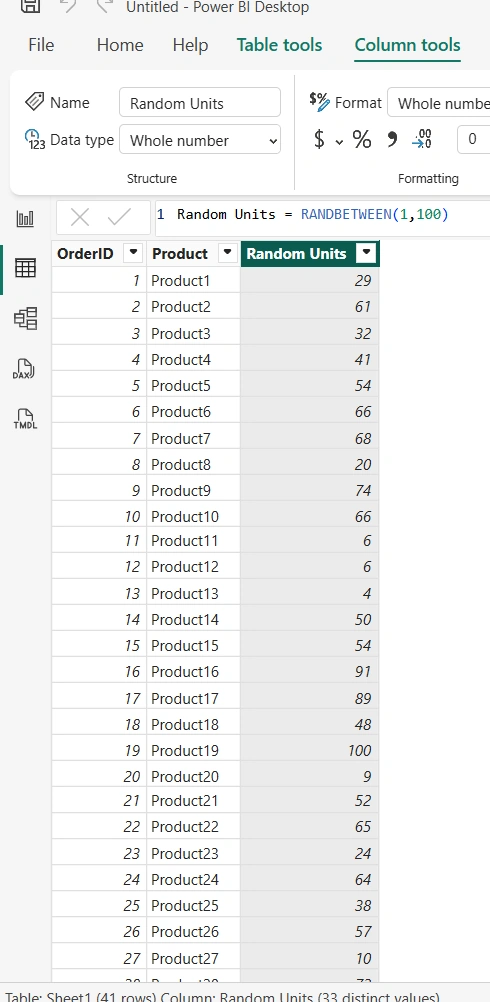
Power BI RANDBETWEEN DAX Function (With Practical Examples)
Learn how to use the RANDBETWEEN DAX function in Power BI to generate random numbers for testing, demos, and simulations. A quick guide with practical examples!
- Article · Microsoft Fabric
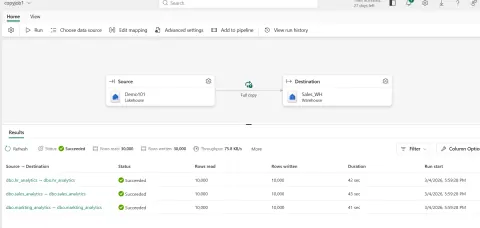
Ingesting Tables from Fabric Lakehouse to Fabric Warehouse using Copy Job
In this article, you'll learn how to efficiently transfer curated tables from a Fabric Lakehouse to a Fabric Warehouse using Copy Jobs. Optimize your data architecture for high-performance SQL queries and reporting.
- Article · Microsoft Fabric
How to Import a Power BI Report from SharePoint into a Fabric Workspace
Learn how to seamlessly import Power BI reports from SharePoint into a Fabric Workspace for centralized management, enhanced governance, and unified analytics.
- Article · Databricks
Databricks Runtime 18.1 (Beta) — A Big Leap Forward for Data & AI Teams
Databricks Runtime 18.1 (Beta) delivers significant enhancements for data and AI teams! Expect faster pipelines, smarter features, and improved reliability.
- Article · Power BI
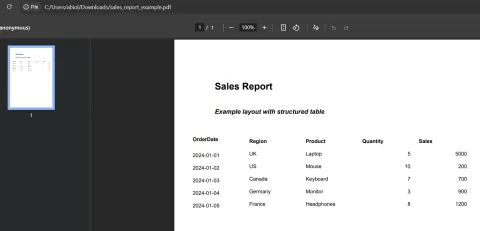
Extracting Data From PDFs in Power Query of Power BI
In this article, I’ll walk you through this feature in a very practical, real-world way. Not just the steps, but also the thinking behind it, the common pitfalls, and how you can use it effectively in real enterprise scenarios.
- Article · Microsoft Fabric
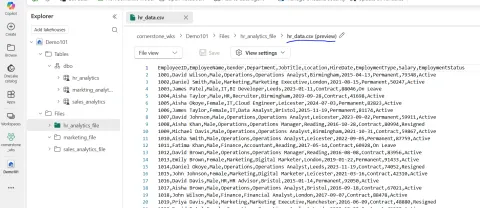
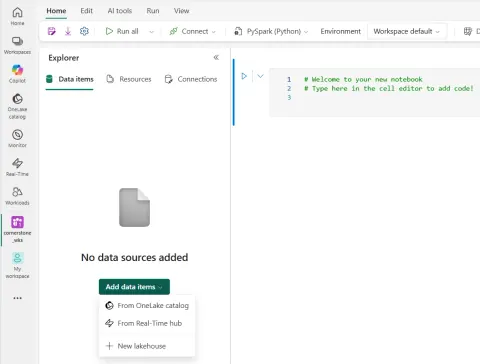
Connecting Lakehouses to Fabric Notebooks and Reading Delta Tables
In this article, you will discover how to seamlessly connect Lakehouses to Fabric Notebooks for effortless data access and transformation. Simplify data workflows and boost productivity!
- Article · Microsoft Fabric
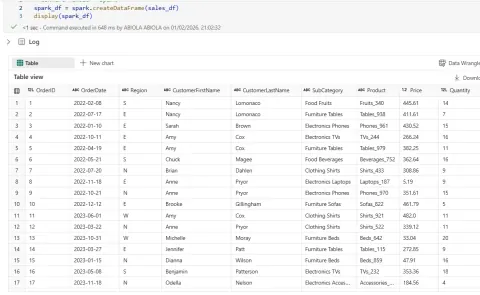
Converting String Dates to Real Date Types in PySpark
In this article, I covered how to transform string dates to proper date types in PySpark using to_date() and to_timestamp()
- Article · Power BI
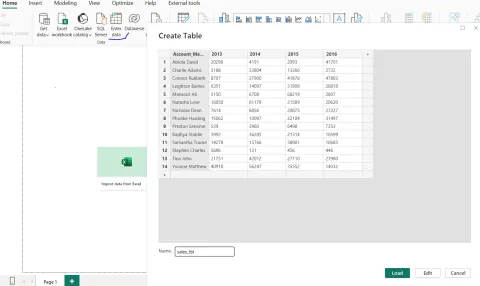
Using Enter Data in Power BI: The Most Underrated Feature You’re Probably Ignoring
Learn how to use Power BI's Enter Data feature to create small lookup tables, mock data, KPI targets, and prototype datasets without Excel or external data sources.
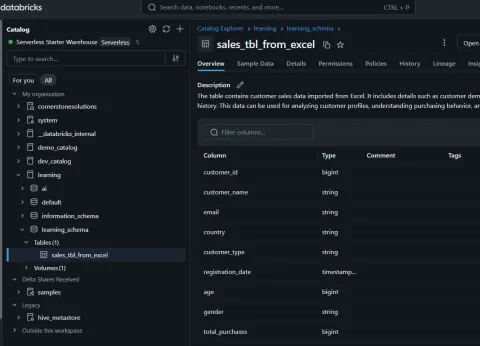
- Article · Databricks
UNDROP in Azure Databricks: Recover Dropped Tables Like a Pro
In this article, I covered how to use the UNDROP command in Azure Databricks with Unity Catalog to recover accidentally dropped tables and materialized views. A data engineer's lifesaver! Discover syntax, permissions, and limitations for effective data recovery.
- Article · Power BI
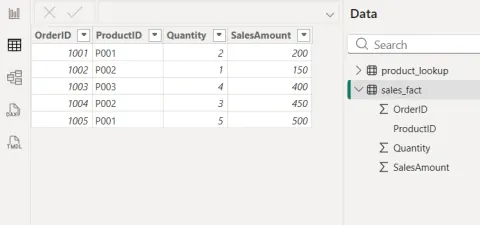
Understanding the LOOKUPVALUE DAX Function in Power BI
In this article, I demonstrated how to master the LOOKUPVALUE DAX function in Power BI W lean how to fetch values between tables without relationships, similar to VLOOKUP, and when to use it effectively.
- Article · Microsoft Fabric
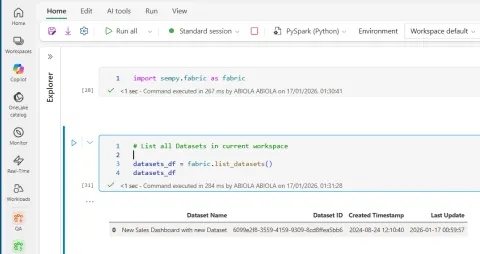
Listing All Datasets Across Workspaces Using Semantic Link in Microsoft Fabric Notebooks
In this article, we’ll walk through: What Semantic Link is and why it matters Why Fabric Notebooks are ideal for metadata exploration How to list all datasets across workspaces using Semantic Link Practical use cases for governance and automation
- Article · Power BI
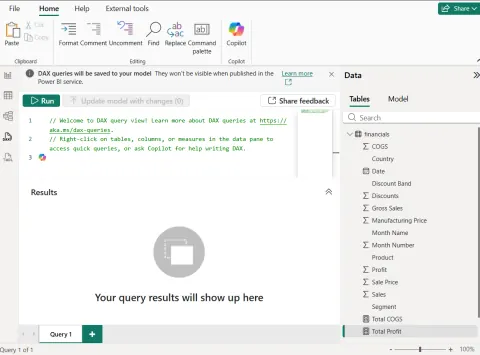
DAX Query View in Power BI Desktop: Why It Matters and How It Elevates Your Data Modeling
In this article, I talked about unlocking Power BI's potential with DAX Query View! Explore, debug, and optimize DAX queries directly in Desktop. Elevate data modeling and build reliable reports. I also covered how to evaluate and create a new DAX measures from the DAX query view
- Article · Power BI
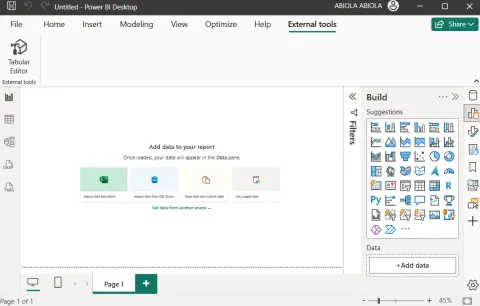
The Usefulness of Tabular Editor and How to Launch It from Power BI Desktop
In this article, I talked about how to unlock Power BI's full potential with Tabular Editor! Learn how to launch it from Power BI Desktop for faster DAX editing, bulk changes, and model optimization. Elevate your Power BI skills!